Nintendo 3DS Bottom Screen Replacement Complete Guide
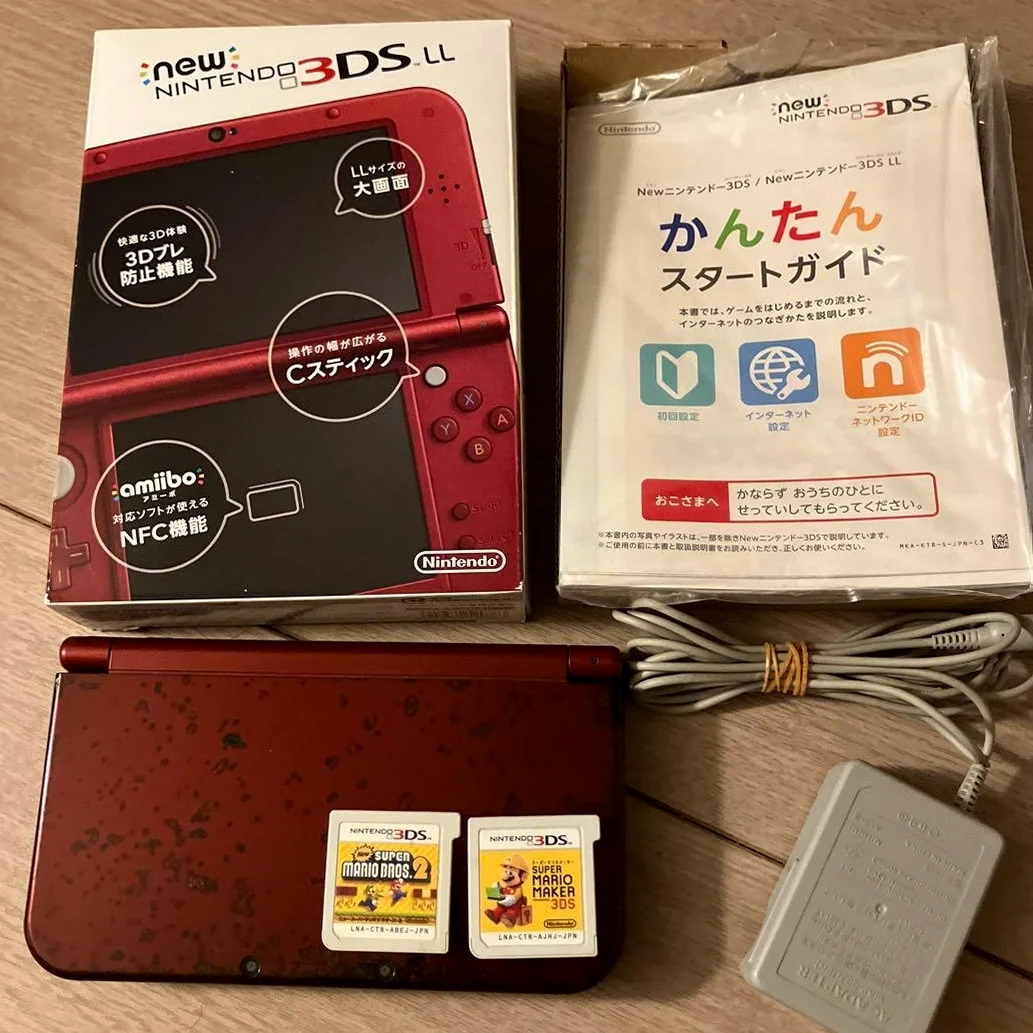
From a 20-year veteran repair technician in Akihabara
Your Nintendo 3DS bottom screen (touchscreen) is unresponsive, not registering touches, or has scratches, dead pixels. Can't tap friends in "Tomodachi Life", can't solve puzzles in "Brain Age". Worst case: the screen is completely shattered, ruining half of the 3D experience.
Required Tools
Standard setup from Akihabara repair shops:
- Precision screwdriver set: Japanese-made YATO YT-6991, requires Phillips screwdrivers (PH00, PH000 sizes)
- Plastic spudger set: Various sizes of spudgers
- Tweezers: Curved and straight-tip pairs
- Isopropyl alcohol: 99% purity for cleaning screen and frame
- Cotton swabs: For cleaning small areas
- New bottom screen assembly: Includes LCD and touchscreen
- Double-sided tape: 0.2mm thickness for screen mounting
- Heat gun or hair dryer: For softening old adhesive
- Multimeter: For testing ribbon cable connections
- Magnifying lamp: To see ribbon cable connections clearly
- Anti-static gloves: To protect the LCD screen
- Suction cup: For removing the old screen
- Screen separation tools: For separating touchscreen from LCD (optional)
Detailed Repair Steps
I've been repairing Nintendo handhelds in Akihabara for 20 years. Follow this method, take your time.
Step 1: Safe Disassembly
Nintendo 3DS has complex internal structure, be extra careful:
- Complete power down:
- Remove battery, game card, SD card
-
Ensure complete power disconnection
-
Remove back cover:
- Remove all screws from back cover (6 screws)
- Note screws have different lengths
-
Gently pry open with plastic spudger
-
Disconnect internal connections:
- Disconnect battery connector
- Disconnect wireless antenna
- Disconnect speaker ribbon cable
Step 2: Motherboard Removal
Bottom screen connects to motherboard, need to remove motherboard:
- Remove motherboard mounting:
- Remove all motherboard mounting screws (8 screws)
-
Note screw positions, take photos for reference
-
Disconnect all ribbon cables:
- Disconnect top screen ribbon cable (be most careful)
- Disconnect bottom screen ribbon cable
- Disconnect camera ribbon cable
-
Disconnect button ribbon cables
-
Remove motherboard:
- Gently lift motherboard
- Avoid pulling on ribbon cables
- Place on anti-static mat
Step 3: Bottom Screen Removal
Remove old bottom screen:
- Separate bottom shell assembly:
- Bottom screen is integrated with bottom shell
- Need to separate entire assembly
-
Remove mounting screws (4 screws)
-
Remove screen assembly:
- Screen is mounted with double-sided tape
- Heat edges with heat gun at 80°C (176°F)
- Gently lift with suction cup
-
Use plastic spudger for assistance
-
Disconnect screen ribbon cable:
- Screen ribbon cable is inside frame
- Need to open frame to disconnect
- Use plastic tools for operation
Step 4: New Screen Preparation
Carefully prepare new screen before installation:
- Inspect new screen:
- Check screen for any damage
- Test screen display (if possible)
-
Test touch functionality
-
Confirm screen specifications:
- Nintendo 3DS bottom screen specs
- Size: 3.53 inches
- Resolution: 320x240
-
Touch type: Resistive touchscreen
-
Compatibility testing:
- If unsure about compatibility
- Connect and test display and touch first
- Confirm normal operation before installation
Step 5: New Screen Installation
Install new screen with precise alignment:
- Clean frame:
- Thoroughly clean frame with isopropyl alcohol
- Remove all old adhesive residue
-
Ensure frame is perfectly flat
-
Prepare double-sided tape:
- Cut double-sided tape to appropriate size
- Apply around frame perimeter
-
Note ribbon cable exit position
-
Screen alignment:
- Place new screen into frame
- Align all edges precisely
-
Ensure completely flat positioning
-
Connect ribbon cable:
- Connect screen ribbon cable to motherboard
- Align connector, insert gently
- Secure ribbon cable lock
Step 6: Touchscreen Calibration
Nintendo 3DS requires touchscreen calibration:
- System calibration:
- Enter System Settings
- Other Settings → Touch Screen Calibration
-
Follow prompts to tap target points
-
Accuracy testing:
- Test all areas of screen
- Test edge touch accuracy
-
Test multi-touch (if supported)
-
Software testing:
- Run "Nintendo 3DS Sound" to test touch
- Run "Tomodachi Life" to test game touch
- Test handwriting recognition
Step 7: 3D Function Testing
Nintendo 3DS has special features to test:
- Gyroscope testing:
- Test motion-controlled games
- Test AR games
-
Test 3D photo viewing
-
Camera testing:
- Test inner and outer cameras
- Test 3D photo capture
-
Test AR marker recognition
-
Wireless function testing:
- Test local multiplayer
- Test network connectivity
- Test StreetPass functionality
Step 8: Final Assembly & Testing
- Assemble motherboard:
- Connect all ribbon cables
- Secure motherboard screws
-
Test all functions
-
Assemble shell:
- Align all clips properly
- Install back cover screws
-
Clean exterior appearance
-
Final testing:
- Power on display test
- Touch function test
- 3D function test
- Game operation test (1 hour)
Key Specifications Comparison Table
| Parameter | Original Specification | Alternative Options | Japan Market Price (Feb 2026) |
|---|---|---|---|
| Original bottom screen | Sharp manufactured | Used/refurbished parts | ¥4,000-6,000 |
| Compatible bottom screen | Chinese manufactured | Various brands | ¥2,500-4,000 |
| Touchscreen type | Resistive | Same type alternatives | - |
| Screen size | 3.53 inches | Same size alternatives | - |
| Resolution | 320x240 | Same resolution | - |
| Complete replacement | Includes screen and labor | Akihabara shops | ¥6,000-8,000 |
Veteran Technician's Advice
After 20 years in Akihabara, customers often ask these questions. I'll answer them one by one.
Why is the Nintendo 3DS bottom screen prone to damage?
Three main reasons. First is usage frequency - bottom screen is the primary interface. Second is design issue - resistive touchscreens are less durable than capacitive. Third is usage habits - many people use fingernails to tap.
Can I replace just the touchscreen without replacing the LCD?
Technically possible, but extremely difficult. Nintendo 3DS touchscreen and LCD are bonded together, separation can damage LCD. Usually recommend replacing entire screen assembly.
What's the difference between resistive and capacitive touchscreens?
Resistive screens: - Require pressure to register - Can be operated with any object - High precision, good for handwriting - But easily scratched, shorter lifespan
Capacitive screens: - Detect through body's electrical current - Only works with conductive objects like fingers - Better multi-touch support - More durable, but may have lower precision
How to protect the bottom screen?
I recommend using screen protectors. Don't tap with fingernails, use fingertip or stylus. Clean screen regularly. Avoid contact with sharp objects. Close lid when storing.
Repair Difficulty
Technical difficulty: ★★★★☆ (requires careful operation) Tool requirements: ★★★★☆ (requires professional tools) Time cost: Approximately 2-3 hours Success rate: 80%-90% depending on experience
My Ultimate Advice
After 20 years in Akihabara, I've summarized these key points:
- Test before installing - confirm screen works properly before mounting
- Be careful with ribbon cables - 3DS ribbon cables are fragile
- Calibration is crucial - without calibration, touch won't be accurate
- Alignment must be precise - misalignment affects viewing experience
- Test comprehensively - all functions must be tested
Final thoughts. The Nintendo 3DS bottom screen is the operational center of this device. Without a responsive touchscreen, even the best 3D effects can't be operated. Many customers bring their 3DS for screen replacement to continue playing games that require touch input. That 3DS that created countless Mii friends gets a new screen and continues social interactions.
Remember, you're not just replacing a screen - you're restoring game interaction. Take your time, you can do it.
References iFixit Nintendo 3DS Lower LCD Replacement: https://zh.ifixit.com/Guide/Nintendo+3DS+Lower+LCD+Replacement/6016 iFixit Nintendo 3DS Lower Display Assembly Replacement: https://zh.ifixit.com/Guide/Nintendo+3DS+Lower+Display+Assembly+Replacement/6010 Japanese Nintendo repair community Akihabara used console repair shop technical sharing Sharp LCD datasheets