GameCube Audio Output Repair - Complete Guide
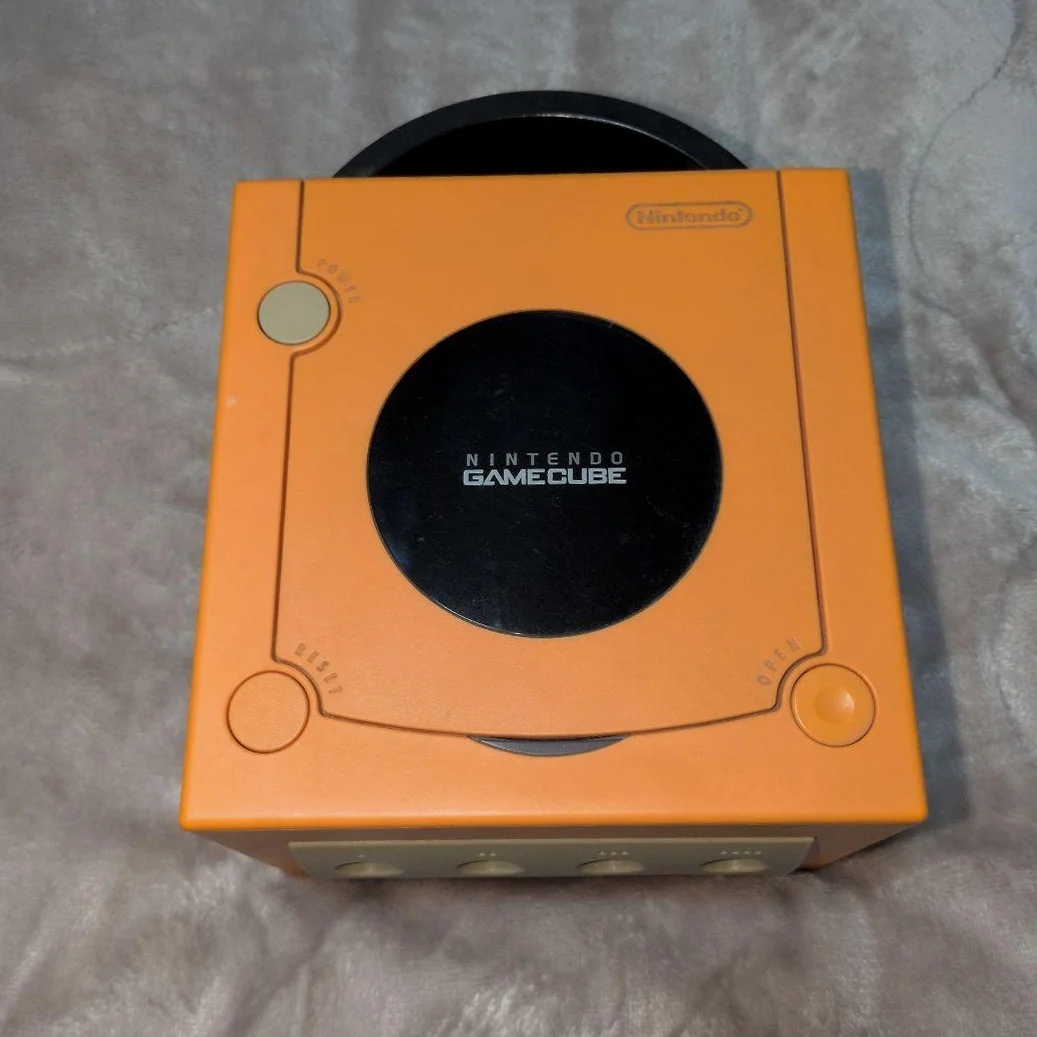
Your GameCube suddenly has no sound, or only one channel works. Most annoying: The Legend of Zelda background music cutting out! GameCube's audio system is relatively simple, but AV port oxidation, capacitor aging, or chip damage cause audio issues. Don't give up—most audio problems are fixable!
Required Tools
- Tri-wing screwdriver (Y-head), GameCube specific
- Phillips screwdriver, PH0 size
- Multimeter with continuity test
- Oscilloscope (optional but useful)
- Soldering iron and solder
- Capacitor kit (audio grade)
- Electronic contact cleaner
- Cotton swabs and isopropyl alcohol
- Audio test cable (3.5mm to RCA)
- Anti-static gloves
Repair Procedure
1. Disassembly Prep, Locate Audio Circuits
- Unplug all cables, note AV cable position
- Remove 6 tri-wing screws from bottom
- Open top cover—careful with disc drive ribbon
- Locate audio-related sections on motherboard:
- AV port (rear of board)
- Audio processing chip (labeled APU or Audio)
- Audio output capacitors (near port)
- Digital audio port (DOL-001 only)
2. Audio System Architecture
GameCube audio system includes: 1. Audio processor: Custom DSP integrated in GPU 2. DAC: Digital-to-analog converter 3. Amplifier circuit: Drives AV port output 4. Filter circuit: Removes high-frequency noise 5. Output interface: AV multi-out port
3. Diagnostic Flow
Step 1: Interface Check
- AV port inspection: Check pins for bending, oxidation
- Port cleaning: Spray contact cleaner, wipe with swabs
- Cable test: Test with known-good AV cable
- TV test: Try different TV or input
Step 2: Signal Tracing
Trace audio signal path with multimeter: 1. AV port pinout: - Pin 1: Video signal - Pin 2: Right audio channel - Pin 3: Left audio channel - Pin 4: Ground 2. Trace backward from port: Find first component (usually capacitor)
Step 3: Component Testing
Focus on these components: 1. Output capacitors: Coupling caps in audio path 2. Resistors: Current-limiting resistors in signal path 3. Inductors: Filter beads 4. Chips: Audio processing related ICs
4. Common Fault Repairs
Fault 1: Complete Silence
- Check AV port contact quality
- Test audio output capacitors for open circuit
- Check audio chip power supply
- Measure audio chip output signals
Fault 2: Mono Only
- Check corresponding channel's output capacitor
- Check corresponding channel's resistor
- Check AV cable for single-side damage
- Check audio chip corresponding output pin
Fault 3: Distorted Sound/Noise
- Check filter capacitors for failure
- Check power supply filtering
- Check grounding quality
- Check for interference sources
Fault 4: Intermittent Sound
- Check capacitors for leakage
- Check solder joints for cracks
- Check chip thermal stability
- Check connection contact quality
5. Capacitor Replacement Guide
Audio path capacitors significantly affect sound quality:
Critical Capacitor Locations:
- Output coupling caps: Directly affect sound
- Power filter caps: Affect signal-to-noise ratio
- Chip bypass caps: Affect chip stability
Recommended Capacitor Specifications:
- Output coupling: 10μF 16V audio-grade capacitors
- Power filtering: 100μF 16V low-ESR capacitors
- Bypass caps: 0.1μF ceramic capacitors
Replacement Steps:
- Note original capacitor polarity
- Remove with desoldering pump or hot air
- Clean pads
- Install new capacitor, observe polarity
- Solder and clean
6. Chip-Level Repair
If audio chip is confirmed faulty:
- Chip identification: Locate audio chip on motherboard
- Power test: Measure chip power pin voltages
- Signal test: Test input/output with oscilloscope
- Chip replacement: Requires hot air station and reballing skills
Parts & Pricing Reference
| Component | Price Range | Source | Gamer Advice |
|---|---|---|---|
| Audio-grade capacitor kit | ¥20-40 | Electronics markets | Nichicon or Rubycon brands |
| GameCube AV cable | ¥25-50 | Xianyu/Taobao | OEM cables better quality |
| Audio test cable | ¥15-30 | Audio shops | With L/R channel separation |
| Contact cleaner | ¥20-35 | Repair tool shops | Contact revitalizer |
| Hot air station kit | ¥150-300 | Taobao | Needed for chip repair |
GameCube Audio Technical Details
🎮 Audio Specifications
- Processor: Custom DSP, 48kHz 16-bit
- Channels: Stereo (some games support surround)
- Output level: Standard line level
- Signal-to-noise: >90dB (OEM condition)
🔊 Output Interface Types
- AV multi-out: Standard output
- Digital audio: DOL-001 only, requires special cable
- RGB output: Requires modification, separates audio/video
🎵 Audio Features
- Hardware mixing: Supports multi-channel real-time mixing
- Audio streaming: CD-quality audio streaming
- Environmental audio: Some games support 3D audio
- Microphone support: Games like Mario Party
Repair Techniques & Precautions
⚠️ Safety Precautions
- ESD protection: Audio chips sensitive to static
- Capacitor discharge: Discharge large caps before repair
- Soldering temperature: Control temperature to avoid board damage
- Testing safety: Low-voltage test before full assembly
🔧 Professional Techniques
- Signal tracing: Trace backward from output
- Capacitor testing: Test capacitor quality with ESR meter
- Grounding check: Audio sensitive to grounding
- Shielding: Add shielding if necessary
Repair Difficulty: ★★★★☆
Estimated Time: 2-3 hours
Success Rate: 85% (capacitor issues), 60% (chip issues)
🎯 Audio Enhancement Options
After repair, consider enhancements: 1. Premium capacitors: Audio-grade capacitor replacement 2. Enhanced filtering: Improved power supply filtering 3. Output modification: Convert to separate RCA outputs 4. Digital output: Utilize digital audio port
📊 Audio System Lifespan
- Capacitor lifespan: Audio caps 10-15 years
- Chip lifespan: Semiconductor chips 20+ years
- Port lifespan: Depends on usage frequency
- Best maintenance: Regular port cleaning
Player's Reflection: GameCube game music is a highlight—The Legend of Zelda: The Wind Waker ocean sounds, Super Mario Sunshine cheerful melodies, Metroid Prime sci-fi audio. Repairing the audio system, hearing these classic scores again—that emotion is indescribable. Good audio elevates gaming experience.
Final Advice: If capacitor replacement doesn't fix it, likely chip issue. GameCube audio chips rarely fail alone—usually peripheral components. Patient troubleshooting—your GameCube can sing another 20 years!
🔍 Advanced Diagnostics: Oscilloscope Analysis
With oscilloscope: 1. Signal waveform: Check audio signal integrity 2. Noise analysis: Check background noise levels 3. Frequency response: Test different frequency signals 4. Distortion analysis: Check harmonic distortion
🛠️ Digital Audio Solutions
For DOL-001 models: 1. OEM digital cable: Expensive but best quality 2. HDMI converter: Modern TV solution 3. Optical output: Requires additional modification 4. Advantages: Digital signal lossless, pure audio quality