GameCube Controller Analog Stick Drift Repair Complete Guide
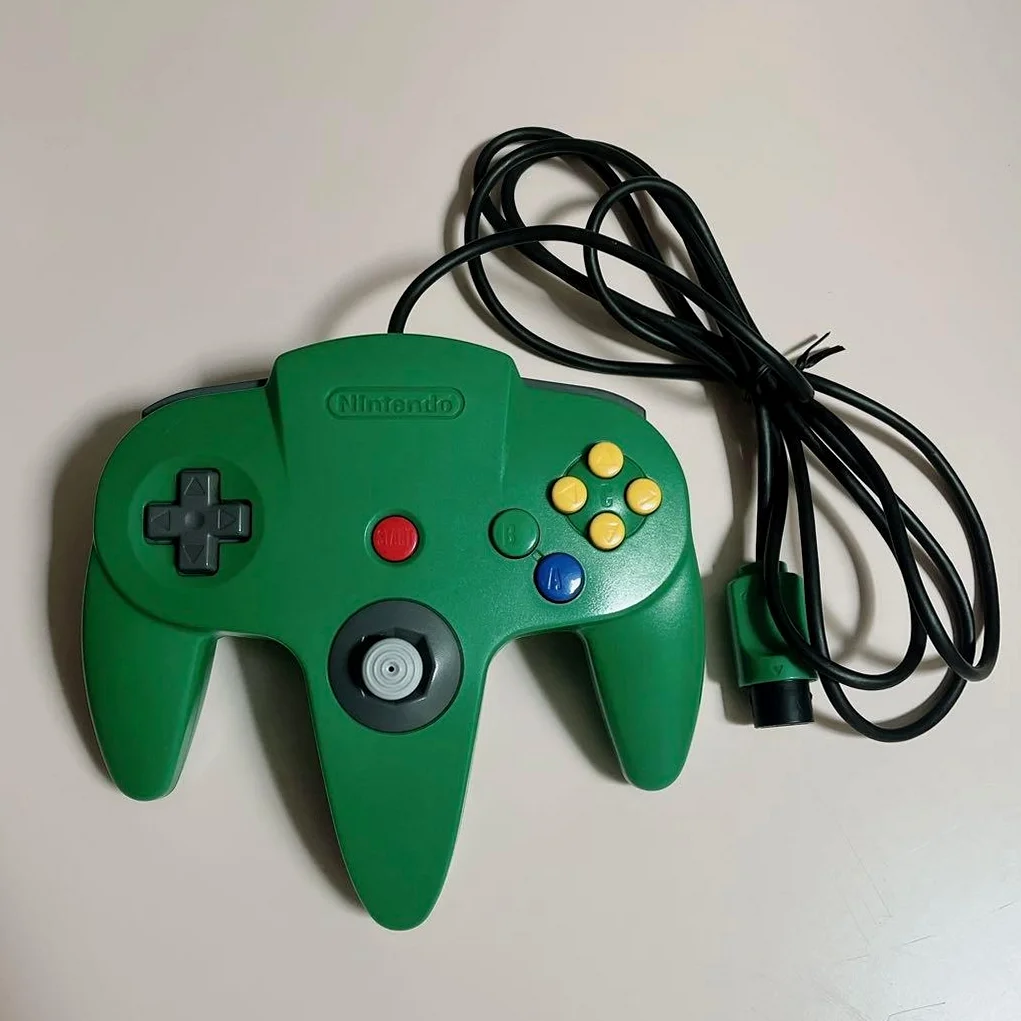
Overview
The GameCube controller is a classic known for its unique design and excellent feel, but after prolonged use, the analog stick often develops drift issues. This guide provides detailed instructions for diagnosing and repairing GameCube controller analog stick drift.
Symptom Diagnosis
Common Symptoms
- Character or cursor moves automatically without input
- Stick doesn't return accurately to center position
- Uncontrolled camera or direction in games
- Stick response sluggish or insensitive
Testing Methods
- Enter controller calibration screen in game settings
- Observe stick values at rest position
- Check response curve with slight stick movements
- Test all directions for uniform response
Required Tools
Basic Tools
- Cross-head screwdriver (#00 or #000)
- Plastic spudger or guitar pick
- Tweezers
- Anti-static wrist strap (recommended)
Repair Parts
- GameCube controller analog stick module (OEM or compatible)
- Conductive grease (optional)
- Isopropyl alcohol (99% purity)
- Cotton swabs
Safety Precautions
⚠️ Important Warnings - Disconnect controller from console - Operate in anti-static environment - Handle flexible circuit boards carefully - Record screw positions and order - Photograph disassembly process
Disassembly Steps
Step 1: Remove Case Screws
- Place controller face down
- Use cross-head screwdriver to remove 4 case screws
- Note: Screw lengths may differ, mark positions
Step 2: Separate Case
- Gently pry open case clips
- Separate top and bottom shells starting from bottom
- Note connecting cables, don't pull forcefully
Step 3: Disconnect Internal Connections
- Locate stick module connector
- Use tweezers to gently lift connector latch
- Carefully remove stick module cable
Stick Module Repair
Option A: Cleaning Repair (Mild Drift)
- Use cotton swab with small amount of isopropyl alcohol
- Clean potentiometer contacts on stick module
- Gently rotate stick to allow cleaner penetration
- Wait 5-10 minutes for complete drying
- Retest stick function
Option B: Module Replacement (Severe Drift)
- Remove screws securing stick module
- Remove old stick module
- Install new stick module
- Ensure module aligns correctly with mounting holes
- Tighten securing screws evenly
Option C: Potentiometer Adjustment (Professional Repair)
- Open stick module housing
- Locate potentiometer adjustment screws
- Use precision screwdriver for fine adjustment
- Test center position after each adjustment
- Repeat until drift eliminated
Assembly and Testing
Assembly Steps
- Reconnect stick module cable
- Ensure connector fully inserted and latched
- Align top and bottom shells
- Close shells starting from one end
- Press evenly to engage all clips
Screw Installation
- Install screws according to marked positions
- Tighten in diagonal pattern evenly
- Don't overtighten to avoid thread damage
Function Testing
- Connect controller to GameCube or adapter
- Enter system settings for calibration
- Test all direction responses
- Check button functions
- Test feel in actual gameplay
Preventive Measures
Daily Maintenance
- Regularly clean controller surface
- Avoid use in dusty environments
- Store in dry place after use
- Avoid excessive force on stick
Usage Habits
- Don't hold stick at extreme positions for long periods
- Avoid drops or strong impacts
- Use OEM or high-quality compatible parts
- Regularly check cable for wear
Frequently Asked Questions
Q: What if drift persists after cleaning?
A: May need complete stick module replacement, potentiometer may be physically worn.
Q: Can stick drift be prevented?
A: Regular cleaning and gentle use can extend stick life, but all analog sticks eventually wear out.
Q: Is it normal for stick to feel stiff after repair?
A: New modules may need break-in period, becomes smoother after several hours of use.
Q: Soldering skills required?
A: Standard stick module replacement doesn't require soldering, uses plug-in design.
Repair Difficulty Assessment
- Difficulty Level: Moderate
- Time Required: 30-60 minutes
- Success Rate: 85%
- Cost: Low to moderate (depends on parts)
Alternatives
If you prefer not to repair yourself: 1. Purchase used OEM controller 2. Use third-party compatible controller 3. Find professional repair service 4. Use modern controller adapter
Summary
GameCube controller analog stick drift is a common issue, but with proper diagnosis and repair, most controllers can be restored to perfect condition. This guide provides multiple solutions from simple cleaning to complete replacement, suitable for repairers of different skill levels.
Remember: Patience and attention to detail are key to successful repair. If encountering difficulties, don't force operations, seek professional help or consult additional resources.
Last Updated: March 1, 2026
Applicable Models: All OEM GameCube controllers (DOL-003)
Repair Experience: Some electronics disassembly experience recommended