GameCube Cooling System Repair Complete Guide
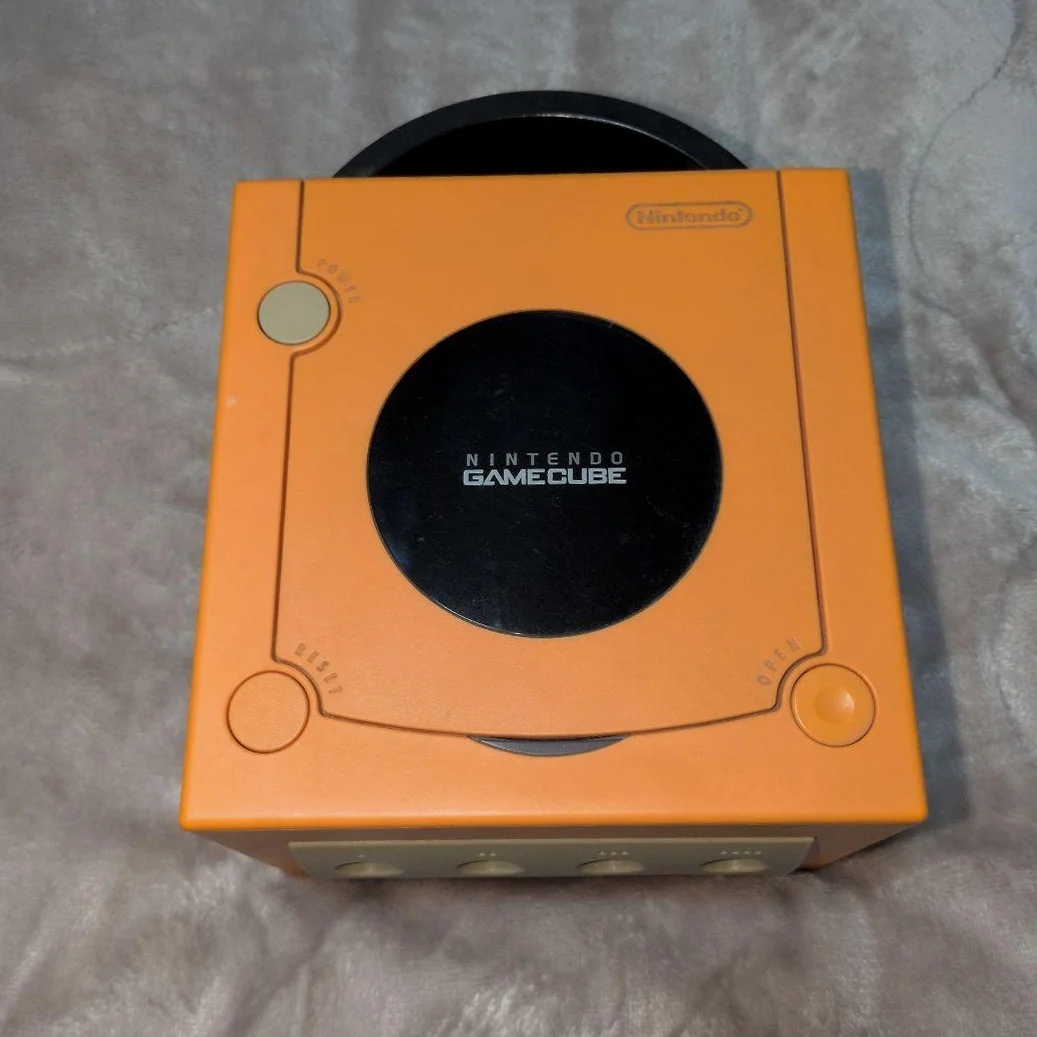
Your GameCube gets abnormally hot after running, fan noise increases, even auto-shutdown protection? Or no fan sound at all, console hot enough to fry eggs! GameCube's cooling design is actually good, but after 20 years, thermal paste drying, fan aging, dust clogging are common issues.
Required Tools
- Tri-wing screwdriver (Y-type), GameCube-specific
- Cross-head screwdriver, PH0 specification
- Precision tweezers
- High-quality thermal paste (Shin-Etsu 7921 or similar)
- Compressed air can or air blower
- Soft brush
- Isopropyl alcohol and lint-free cloth
- Multimeter (for testing fan)
- Lubricating oil (for fan bearings)
- Anti-static gloves
Repair Steps
1. Disassembly Preparation, Locate Cooling System
- Unplug all cables, note positions
- Remove 6 tri-wing screws from bottom (Y-type screwdriver)
- Open top cover, careful with disc drive ribbon cable
- Locate cooling system - metal heatsink and small fan at motherboard center
- Note: Need to remove disc drive to fully see cooling system
2. Cooling System Component Inspection
Heatsink inspection:
- Dust accumulation: Check heatsink fins clogged with dust
- Oxidation: Aluminum heatsink severely oxidized?
- Mounting condition: Heatsink loose?
- Heat pipe check: Check heat pipes deformed, leaking?
Fan inspection:
- Rotation test: Manually spin fan blades, smooth?
- Noise check: Any abnormal sounds during rotation
- Bearing check: Check bearing wear
- Cable check: Fan power cable intact?
Thermal paste condition check:
- Drying/cracking: Original thermal paste dried into powder?
- Coverage: Still effective for heat transfer?
- Contamination: Mixed with dust/impurities?
3. Deep Cleaning Process
Heatsink cleaning:
- Use soft brush to gently remove surface dust
- Use compressed air to blow through heatsink fins from inside out
- Stubborn stains use isopropyl alcohol cotton swabs
- Check each fin clear
Fan cleaning:
- Use brush to clean fan blades
- Use cotton swabs to clean inside fan frame
- Check and clean fan power connector
- Add one drop lubricating oil to fan bearings (optional)
Motherboard cleaning:
- Use compressed air to blow dust from motherboard
- Focus cleaning around chips
- Check other cooling-related components
4. Thermal Paste Replacement Guide
Most important step, directly affects cooling performance:
- Remove heatsink:
- Remove 4 screws securing heatsink
- Gently twist heatsink left-right, don't pull hard
-
Carefully lift heatsink, avoid damaging chip
-
Clean old thermal paste:
- Use lint-free cloth with isopropyl alcohol to wipe chip surface
- Similarly clean heatsink bottom
-
Ensure completely clean, no residue
-
Apply new thermal paste:
- Squeeze pea-sized thermal paste onto chip center
- Use spreader or finger cot to spread evenly
- Thickness ~0.5mm, cover entire chip
-
Don't apply too thick, affects heat transfer
-
Install heatsink:
- Align position, gently lower
- Tighten screws in diagonal pattern
- Moderate force, don't overtighten
5. Fan Repair and Replacement
Fan testing:
- Use multimeter to measure fan resistance, normal ~50-100Ω
- Directly connect fan to 5V power to test rotation
- Measure current, normal ~0.1-0.2A
Fan repair:
- Bearing lubrication: Add one drop precision instrument oil
- Blade cleaning: Thoroughly clean each blade
- Cable repair: If broken, solder repair
Fan replacement:
If fan severely damaged: 1. Purchase same specification fan (5V 0.2A 40mm) 2. Note connector orientation, don't reverse 3. Secure fan, ensure alignment with heatsink
6. Cooling System Testing
- No-load test: Power on, observe fan rotation
- Temperature test: Run 30 minutes, feel heatsink temperature
- Load test: Run 3D game for 1 hour
- Noise test: Listen to fan sound at different loads
- Auto-shutdown test: Continuous operation 2-3 hours
Parts and Price Reference
| Required Part | Reference Price | Purchase Channel | Player Advice |
|---|---|---|---|
| High-quality Thermal Paste | ¥20-50 | Computer shops/Taobao | Shin-Etsu 7921 or Thermalright TF8 |
| GameCube OEM Fan | ¥30-60 | Xianyu/Taobao | Buy pulled parts, note model |
| 40mm Compatible Fan | ¥15-30 | Electronics market | Note thickness and connector |
| Precision Lubricating Oil | ¥10-20 | Watch repair shops | Don't use regular motor oil |
| Heatsink Cleaning Kit | ¥25-40 | Repair tool shops | Includes brush, cleaner, etc. |
GameCube Cooling Technical Details
🎮 Cooling Design Characteristics
- Active cooling: Small fan + aluminum heatsink
- Heat pipe technology: Some models have heat pipes
- Airflow design: Bottom intake, rear exhaust
- Temperature-controlled fan: Adjusts speed based on temperature
🌡️ Normal Temperature Range
- Standby temperature: Chip surface 40-50°C
- Gaming temperature: Chip surface 60-70°C
- Heatsink temperature: 10-15°C lower than chip
- Safety limit: Chip 85°C (auto-protection)
🔧 Different Model Differences
- DOL-001: Better cooling, higher quality fan
- DOL-101: Simplified cooling, but sufficient
- GameCube Q: Smaller cooling space, needs more attention
Repair Techniques and Precautions
⚠️ Safety Precautions
- Static protection: Chips sensitive to static electricity
- Thermal paste insulation: Ensure thermal paste non-conductive
- Screw force: Don't overtighten, avoid crushing chip
- Testing sequence: Test before complete assembly
🔧 Professional Techniques
- Thermal paste application: Nine-dot or cross method both work
- Cleaning technique: Use toothpick to clean heatsink fin gaps
- Fan lubrication: One drop enough, not more
- Temperature monitoring: Can use infrared thermometer
Repair Difficulty: ★★★☆☆
Estimated Time: 1.5-2.5 hours
Success Probability: 95% (cleaning/paste), 80% (fan replacement)
🎯 Cooling Enhancement Options
If OEM cooling insufficient: 1. Replace thermal paste: Use higher thermal conductivity paste 2. Improve airflow: Clean all ventilation holes 3. External assistance: Use USB small fan for assistance 4. Environment optimization: Ensure good ventilation around console
📊 Maintenance Schedule Recommendations
- Thermal paste replacement: Every 3-5 years
- Deep cleaning: Annually
- Daily cleaning: Clean ventilation holes quarterly
- Fan inspection: Every 2 years
Player Reflection: GameCube's cooling design was quite advanced for its time, packing powerful hardware into small body. Maintaining cooling system not only extends console lifespan but ensures stable game operation. Imagine on hot summer day, your GameCube still coolly running Resident Evil 4, that reliability is reassuring.
Final Advice: If temperature still high after thermal paste replacement, may be other issues (like power problems causing voltage instability). Cooling maintenance is basic upkeep, doing regularly can make your GameCube last another ten years!
🔍 Advanced Option: Temperature Monitoring Mod
For hardcore players: 1. Add temperature sensors: Real-time chip temperature monitoring 2. Fan speed control circuit: Manual fan speed control 3. Temperature display: External small screen showing temperature 4. Automatic control: Microcontroller automatically adjusts based on temperature
🛠️ Long-term Maintenance Recommendations
- Usage environment: Avoid high temperature/humidity environments
- Placement: Ensure bottom ventilation holes not blocked
- Gaming time: Continuous gaming under 4 hours
- Seasonal maintenance: Extra attention to cooling in summer