GameCube Video Output Repair Complete Guide
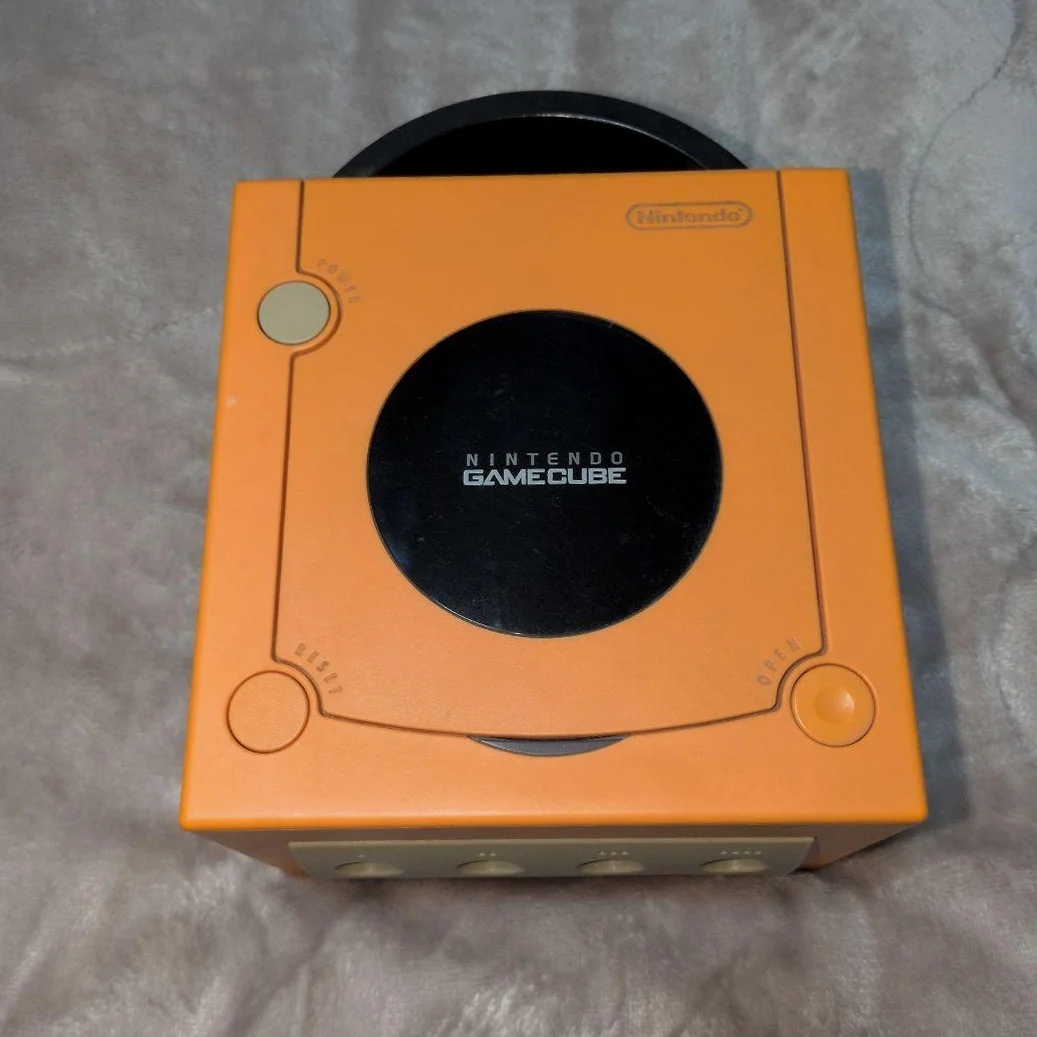
Your GameCube powers on with sound but no image, or picture flickers, colors abnormal, interference stripes? Most frustrating is sudden black screen at critical moments! GameCube video output system relatively complex, involves analog and digital output methods. Don't worry, most video issues can find cause and repair.
Required Tools
- Triangle screwdriver (Y-type), GameCube specific
- Phillips screwdriver, PH0 size
- Multimeter with frequency testing function
- Oscilloscope (strongly recommended)
- Soldering iron and solder
- Heat gun (chip repair needed)
- Electronic cleaner
- Cotton swabs and isopropyl alcohol
- Various video cable testing (AV, S-Video, component)
- Anti-static gloves and work mat
Repair Steps
1. Disassembly Preparation, Understand Video System Architecture
- Unplug all cables, remember positions
- Remove 6 triangle screws on bottom (Y-type screwdriver)
- Open top cover, careful with disc drive ribbon cable
- Find video-related sections:
- AV port (back of motherboard)
- Digital AV port (DOL-001 specific)
- Video encoder chip (usually marked ENC or Video)
- Video output related components
2. GameCube Video System Details
Video output types:
- Composite video: Standard AV port, worst quality
- S-Video: Separates luminance and chrominance, better quality
- Component video: RGB or YPbPr, needs special cable
- Digital video: DOL-001 specific, 480p output
Key chips:
- GPU: Flipper chip, generates digital video signal
- Video encoder: Converts digital to analog signal
- Output driver: Enhances signal drive capability
3. System Diagnostic Process
Step 1: Basic Checks
- Cable testing: Test with known good video cable
- TV testing: Try different TV or input port
- Resolution testing: Try 480i and 480p (if supported)
- Port cleaning: Clean all video ports
Step 2: Signal Tracing
Trace signals with multimeter and oscilloscope:
AV port pin definition: - Pin 1: Composite video signal - Pin 2: Right channel audio (don't confuse) - Pin 3: Left channel audio - Pin 4: Ground
Signal path: Port → Output capacitors → Resistors → Encoder chip → GPU
Step 3: Key Point Testing
- Port voltage: Measure port-related voltages
- Signal waveform: View video signal with oscilloscope
- Clock signal: Check video clock normalcy
- Sync signals: Check horizontal/vertical sync signals
4. Common Fault Repairs
Fault 1: Completely no image (has sound)
- Check video cable integrity
- Test composite video output capacitors
- Check video encoder chip power supply
- Measure GPU video output signal
Fault 2: Image flickering/unstable
- Check video signal coupling capacitors
- Check sync signal related circuits
- Check power filtering good
- Check for interference sources
Fault 3: Color abnormalities
- Check chrominance signal related circuits
- Check video encoder chip
- Check S-Video/component related circuits
- Check TV system settings
Fault 4: Interference stripes
- Check power filtering capacitors
- Check video signal shielding
- Check grounding good
- Check nearby interference sources
Fault 5: Only some output modes normal
- Check corresponding output circuits
- Check mode switching circuits
- Check related chip pins
- Check firmware settings
5. Video Encoder Chip Repair
If confirmed encoder chip issue:
Chip identification:
GameCube common video encoder chips: - CXA2075: Sony-made, common - Other models: May vary by batch
Repair steps:
- Power testing: Measure all power pins
- Clock testing: Check clock input normalcy
- Signal testing: Test input/output signals
- Chip replacement: Needs BGA soldering skills
6. Digital Video Port Repair (DOL-001)
Digital AV port specific issues:
- Port inspection: Check digital port pins
- Cable testing: Original digital cables fragile
- Chip check: Digital output related chips
- Firmware issues: Some games need specific settings
Parts and Price Reference
| Required Parts | Reference Price | Purchase Channel | Player Advice |
|---|---|---|---|
| Video encoder chip | ¥50-100 | Xianyu/Taobao | Needs soldering skills |
| Video output capacitor set | ¥15-30 | Electronics market | Buy high-quality capacitors |
| GameCube original video cable | ¥40-80 | Collector shops | Different ports different prices |
| Oscilloscope | ¥300-1000 | Instrument shops | Essential for video repair |
| Hot air rework station | ¥200-500 | Taobao | Needed for BGA chip repair |
GameCube Video Technical Details
🎮 Video Specifications
- Resolution: 480i/480p (NTSC), 576i (PAL)
- Color space: RGB or YPbPr
- Output types: Composite, S-Video, component, digital
- Anti-aliasing: Hardware supports edge anti-aliasing
📺 Different Output Method Quality Comparison
- Composite video: Worst, color crosstalk
- S-Video: Better, luminance/chrominance separation
- Component video: Very good, accurate colors
- Digital video: Best, no conversion loss
🔧 Model Differences
- DOL-001: Supports all output methods, including digital
- DOL-101: Only composite and S-Video
- Panasonic Q GameCube: Same as DOL-101 specifications
Repair Techniques and Precautions
⚠️ Safety Precautions
- Static protection: Video chips sensitive to static
- Soldering skills: BGA chips need professional equipment
- Testing sequence: Low voltage test first, gradually increase
- Oscilloscope use: Note grounding, avoid shorts
🔧 Professional Techniques
- Signal injection method: Inject signal from back to front for testing
- Comparison method: Compare measurements with normal motherboard
- Heating method: Local heating of suspicious chips for testing
- Substitution method: Substitute with known good components for testing
Repair Difficulty: ★★★★★
Estimated Time: 3-5 hours
Success Probability: 70% (peripheral circuits), 40% (chip-level)
🎯 Video Output Enhancement Solutions
Consider upgrades after repair: 1. HDMI modification: Direct HDMI output 2. RGB output: Modify for standard RGB output 3. Deinterlacing: Add deinterlacing chip 4. Upscaler: External video upscaler
📊 Video System Lifespan
- Encoder chips: 15-20 year lifespan
- Output capacitors: 10-15 year lifespan
- Port lifespan: Depends on usage frequency
- Digital ports: Relatively more durable
Player insights: GameCube game graphics top-tier for its era - The Legend of Zelda: The Wind Waker cel-shading, Metroid Prime sci-fi scenes, Resident Evil 4 cinematic feel. Repair video output, see these classic visuals on modern TVs again, that visual impact still exists. Good video output can rejuvenate classic games.
Final advice: Video repair one of most complex parts of GameCube repair. If lacking experience and equipment, recommend handling simple issues first (cables, ports). Chip-level repair needs professional skills, don't attempt lightly to avoid greater damage.
🔍 Advanced Diagnosis: Professional Equipment Analysis
If have professional equipment: 1. Video analyzer: Comprehensive video signal quality analysis 2. Logic analyzer: Analyze digital video signals 3. Spectrum analyzer: Check high-frequency interference 4. Thermal imager: Find overheating chips
🛠️ Modern Solutions
For modern TVs: 1. HDMI converter boxes: Various brands available 2. OSSC: Open Source Scan Converter 3. RetroTINK: Professional video converter 4. GCHD: GameCube specific HDMI solution 5. Advantages: Plug and play, excellent picture quality 6. Disadvantages: Higher price, needs additional equipment