Game Boy Pocket Motherboard Repair Complete Guide
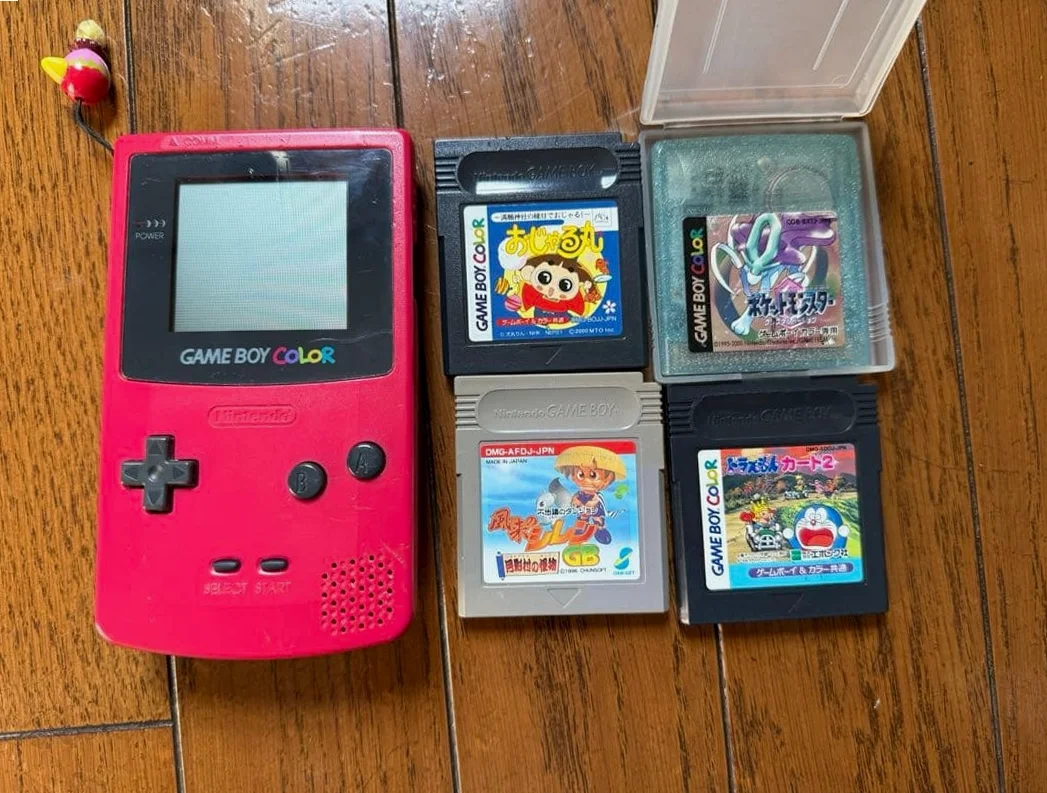
From a 20-year veteran technician in Akihabara
Your Game Boy Pocket won't turn on, screen stays black, or games run abnormally. Could be leaking capacitors on the motherboard, or chip contact issues. Worst case is motherboard corrosion, with broken copper traces on the circuit board.
Required Tools
This is the standard setup in Akihabara repair shops:
- Precision screwdriver set: Japanese-made YATO YT-6991, needs Y-type screwdriver (Y00 size)
- Soldering iron: Hakko FX-888D, temperature set to 320-350°C
- Solder: Senju lead-free solder, 0.6mm diameter
- Desoldering pump/desoldering wick: Essential for cleaning pads
- Multimeter: For measuring voltage, resistance, continuity
- Magnifying lamp: 5x magnification for seeing tiny components
- Isopropyl alcohol: 99% purity for cleaning motherboard
- PCB cleaner: For removing flux residue
- Heat gun: For removing multi-pin chips
- Anti-static wrist strap: For protecting CMOS chips on motherboard
- Capacitor set: Various SMD capacitors
- Enameled wire: 0.1mm diameter for wire jump repairs
Detailed Repair Steps
I've been repairing GameBoys in Akihabara for 20 years. Follow this method, take your time.
Step 1: Safe Disassembly and Motherboard Removal
Disassembly is most dangerous for causing secondary damage. Go slow:
- First remove battery cover, take out 2 AAA batteries
- Remove 6 screws - 4 Y-type screws on back, 2 Phillips screws hidden under battery compartment sticker
- Gently pry open shell from charging port with plastic spudger, no metal tools
- Disconnect motherboard-to-LCD ribbon cable, gently lift latch with fingernail or plastic tool
- Remove 2 screws securing motherboard, carefully remove motherboard
Step 2: Motherboard Visual Inspection and Diagnosis
Inspect motherboard carefully after removal:
- Capacitor check: Game Boy Pocket motherboard has multiple electrolytic capacitors, especially in power section. Check for bulging, leaking, discoloration
- Chip check: Main chips include CPU (Sharp LR35902), PPU, audio chip. Check pins for corrosion
- PCB check: Check circuit board under bright light for broken traces, corrosion marks
- Connector check: Cartridge slot, power connector, screen ribbon connector for oxidation
- Switch check: Power switch, volume/contrast wheel for proper function
Step 3: Power Section Repair
If no power on, check power first:
- Battery contacts: Measure voltage at battery contacts with multimeter, should be 3V
- Power switch: Measure switch continuity, clean or replace
- DC-DC converter circuit: Game Boy Pocket uses boost circuit to convert 3V to 5V for chips
- Check inductor L1 for open circuit
- Check diode D1 for short circuit
- Check capacitors C1-C4 for failure
- Voltage regulator: Check 7805 regulator chip (if present)
Step 4: Capacitor Replacement
Capacitors on Game Boy Pocket motherboard fail most often:
- Identify capacitors:
- C1, C2: Power filter capacitors, 100μF/6.3V
- C3, C4: Audio coupling capacitors, 10μF/4V
- C5, C6: Crystal oscillator bypass capacitors, 22pF
-
C7, C8: Other filter capacitors
-
Replacement steps:
- Remove old capacitors with heat gun or soldering iron
- Clean pads, ensure no residue
- Note polarity for new capacitors, marked side is negative for SMD caps
- Solder quickly to avoid overheating capacitors
Step 5: Chip-Level Repair
If capacitors are fine, chip issues possible:
- CPU check: Sharp LR35902, check all pin connections
- PPU check: Graphics processing chip, handles screen display
- Audio chip: Check audio output
- RAM chip: Check game operation normalcy
Chip replacement method: 1. Heat chip evenly at 350°C with heat gun 2. Gently remove chip with tweezers 3. Clean pads, apply solder paste 4. Align new chip, reflow with heat gun 5. Check all pin connections after cooling
Step 6: Wire Jump Repair for Broken Traces
If broken traces found:
- Find broken trace ends with multimeter continuity test
- Gently scrape solder mask at broken trace with scalpel
- Apply small solder amount to both ends
- Connect ends with 0.1mm enameled wire
- Insulate with UV-cure adhesive or solder mask
Step 7: Assembly and Testing
- After repair, test with battery before reassembly
- Test items:
- Power on normalcy
- Screen display normalcy
- Audio output normalcy
- All button functions normalcy
- Game operation normalcy
- Reassemble in reverse order after testing passes
- Final burn-in test, run continuously for 2 hours
Key Parameter Comparison Table
| Parameter | Original Spec | Alternative | Japanese Market Price (Feb 2026) |
|---|---|---|---|
| CPU chip | Sharp LR35902 | Used stock | ¥2,000-3,500 |
| Power capacitors | 100μF/6.3V | Murata or TDK | ¥100-200/each |
| Audio capacitors | 10μF/4V | Nichicon | ¥80-150/each |
| Crystal oscillator | 4.194304MHz | Same frequency alternative | ¥300-500 |
| Complete motherboard | Original used | Repaired | ¥5,000-8,000 |
| Y-type screwdriver | Japanese VESSEL | Taiwan alternative | ¥800-1,200 (set) |
Veteran Technician's Advice
After 20 years in Akihabara, customers often ask these questions. I'll answer them one by one.
Why do Game Boy Pocket motherboards fail easily?
Three main reasons. First is capacitor aging - 20+ year old electrolytic capacitors should have been replaced long ago. Second is battery leakage - many users don't notice, battery acid corrodes motherboard. Third is usage environment - humidity causes motherboard oxidation and corrosion.
How long will motherboard last after repair?
Depends on repair extent. Just capacitor replacement: 5+ years. Chip-level repair: depends on chip quality. Wire jump repair if done well can last long. Key is proper moisture protection.
Worth repairing motherboard or just replace?
Economic calculation. Repair cost: ¥1,000-3,000 depending on damage extent. Replacement: ¥5,000-8,000. But original motherboard has serial number matching shell, has collector value. Aftermarket motherboards cheaper but quality varies.
How to prevent motherboard damage?
I recommend regular battery compartment checks to prevent battery leakage. Store in dry box, humidity 40-50%. Remove batteries for long-term storage. Power on and test every 6 months.
Repair Difficulty
Technical difficulty: ★★★★★ (needs professional electronics repair skills)
Tool requirements: ★★★★★ (professional tools essential)
Time cost: About 3-6 hours, longer for complex cases
Success rate: Depends on damage extent, 60%-90% possible
My Ultimate Advice
After 20 years in Akihabara, I've learned these lessons:
- Diagnose first, act later - thoroughly check all key points with multimeter
- Simple to complex - replace capacitors first, then consider chips
- Photograph everything - take photos before disassembly for reference
- Patience most important - motherboard components tiny, can't rush
- Testing is key - test immediately after each step
Final thoughts. The Game Boy Pocket motherboard is the soul of this machine. We're not just repairing circuits - we're restoring countless players' childhood memories. Every repaired Pocket can continue accompanying its owner.
Remember, skills can be learned, patience can't. Take your time, you can do it.
References iFixit Game Boy Pocket Motherboard Replacement Guide: https://zh.ifixit.com/Guide/Game+Boy%E4%B8%BB%E6%9D%BF%E6%9B%B4%E6%8D%A2/33517 Japanese GameBoy repair community: https://gbdev.gg8.se/ Sharp LR35902 chip datasheet Akihabara retro console repair shop technical sharing