Game Boy Pocket Screen Replacement Complete Guide
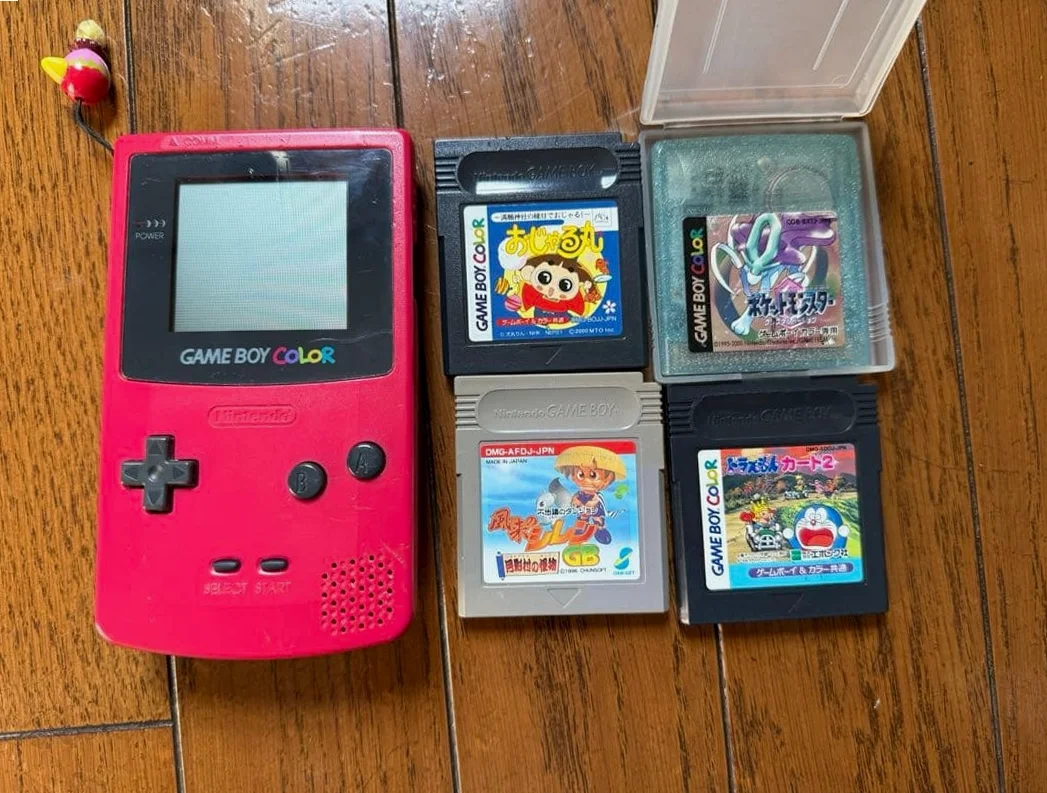
From a 20-year veteran technician in Akihabara
Your Game Boy Pocket screen is damaged - maybe LCD leakage causing dark spots, maybe scratches affecting visibility, maybe backlight (if modded) failed. Worst case: screen completely shattered, game graphics fragmented.
Required Tools
Standard Akihabara repair shop setup:
- Precision screwdriver set: Japanese-made YATO YT-6991, includes Y-type screwdriver (Y00 specification)
- Plastic spudger set: Various sizes for prying
- Tweezers: Curved and straight tips
- Isopropyl alcohol: 99% purity for cleaning screen and frame
- Cotton swabs: For cleaning small areas
- New LCD screen: OEM pull or compatible replacement
- Double-sided tape: 0.5mm thickness for screen mounting
- Heat gun or hair dryer: For softening old adhesive (optional)
- Multimeter: For checking ribbon cable connections
- Magnifying lamp: For seeing ribbon cable connections clearly
- Anti-static gloves: To protect LCD screen
- Screen protector: To protect new screen after installation
Detailed Repair Steps
After 20 years of fixing Game Boys in Akihabara, I've refined this method. Follow carefully, don't rush.
Step 1: Safe Disassembly
Biggest risk during disassembly is damaging screen ribbon cable. Take it slow:
- Remove battery cover, take out 2 AAA batteries
- Remove 6 screws: 4 Y-type screws on back, plus 2 cross-head screws hidden under battery compartment sticker
- Use plastic spudger to gently pry open case from charging port area
- Extra careful: Disconnect ribbon cable connecting motherboard to LCD screen
- Use fingernail or plastic piece to gently lift ribbon cable latch
- Don't use metal tools, may scratch ribbon cable
- Don't pull forcefully, ribbon cables are fragile
- Remove 2 screws securing motherboard, remove motherboard
Step 2: Old Screen Removal
After removing motherboard, begin removing old screen:
- Check screen mounting method:
- OEM screen usually secured with double-sided tape
- May have plastic clips
-
Observe before acting
-
Softening adhesive (if needed):
- Use heat gun on low setting (80-100°C) to blow around screen edges
- Or use hair dryer on hot setting
-
Soften adhesive
-
Remove old screen:
- Use plastic spudger to gently pry from edges
- If resistance high, continue heating
-
Don't use brute force, may damage screen frame
-
Clean frame:
- Use isopropyl alcohol to clean old adhesive from frame
- Ensure frame clean and flat
- Check frame for damage
Step 3: New Screen Preparation
Prepare new screen before installation:
- Inspect new screen:
- Check screen for damage
- Check ribbon cable condition
-
Test screen if possible
-
Screen model confirmation:
- Game Boy Pocket OEM screen model
- Sharp LM24014T driver
- Dimensions: 2.6 inches
-
Resolution: 160x144
-
Compatibility testing:
- If unsure about compatibility
- Connect first to test display
- Confirm normal before installation
Step 4: New Screen Installation
Most critical step:
- Prepare double-sided tape:
- Cut double-sided tape to appropriate size
- Apply to screen frame
-
Leave space for ribbon cable
-
Screen alignment:
- Place screen into frame
- Align all edges
-
Ensure completely flat
-
Secure screen:
- Gently press around screen edges
- Ensure double-sided tape fully adheres
-
Check for air bubbles
-
Ribbon cable connection:
- Connect screen ribbon cable to motherboard
- Align connector, insert gently
- Secure ribbon cable latch
Step 5: Initial Testing
Test immediately after installation:
- Connect battery for testing:
- Don't reassemble yet, connect battery directly
- Power on to test screen display
-
Check for dead pixels, lines
-
Display testing:
- Test all-white screen
- Test all-black screen
-
Test game graphics
-
Function testing:
- Test contrast adjustment
- Test screen visibility at different angles
Step 6: Backlight Installation (Optional)
If installing backlight:
- Backlight type selection:
- Frontlight: Light from front
- Backlight: Light from back
-
Sidelight: Light from sides
-
Installation steps:
- Remove original reflector
- Install light guide plate
- Install LED strip
-
Connect power
-
Considerations:
- Backlight increases power consumption
- May affect screen contrast
- Higher installation difficulty
Step 7: Final Assembly and Testing
- After screen passes testing, begin final assembly
- Install motherboard, secure screws
- Close case, test without screws first
- Final testing items:
- Power on display test
- Game operation test
- Contrast adjustment test
- Viewing angle test
- Extended operation test (1 hour)
- After passing tests, tighten all screws
- Replace battery compartment sticker
- Apply screen protector
Key Specifications Comparison
| Parameter | OEM Specification | Alternative | Japan Market Price (Feb 2026) |
|---|---|---|---|
| OEM Screen | Sharp LM24014T | Pulled from stock | ¥2,500-4,000 |
| Compatible Screen | Chinese-made | Various brands | ¥1,500-2,500 |
| Backlight Kit | Frontlight/Backlight | DIY kits | ¥1,000-3,000 |
| Screen Protector | High-transparency film | Anti-glare film | ¥300-800 |
| Double-sided Tape | 3M VHB tape | Other brands | ¥500-1,000/roll |
| Complete Replacement | Includes screen and labor | Akihabara shops | ¥4,000-6,000 |
Veteran Technician's Advice
After 20 years in Akihabara, here are answers to common questions:
Why do Game Boy Pocket screens fail easily?
Three main reasons. First is physical damage - drops or pressure causing screen shatter. Second is LCD aging - 20+ year old LCD may leak or fail. Third is environmental factors - heat or humidity affecting screen.
Difference between OEM and compatible screens?
Significant differences. OEM screens: - Best display quality, high contrast - Good viewing angles - Stable quality - But expensive and hard to find
Compatible screens: - Cheaper price - Easier to purchase - But display quality may be inferior - May have dead pixels or lines
Worth replacing screen or just replace device?
Economic calculation. Screen replacement ¥2,500-4,000. Buying good condition used Pocket ¥5,000-8,000. But if your device has special meaning or excellent condition, screen replacement more worthwhile.
How to protect new screen?
I recommend applying screen protector immediately. Avoid sharp objects contacting screen. Store screen facing up, don't place heavy objects on top. Clean regularly with proper cleaning cloth.
Repair Difficulty
Technical difficulty: ★★★★☆ (requires careful operation)
Tool requirements: ★★★☆☆ (basic tools sufficient)
Time cost: 2-3 hours (longer for first attempt)
Success rate: High, over 90%
My Ultimate Advice
From 20 years in Akihabara, here are my key lessons:
- Test before installation - confirm screen works before assembly
- Be careful with ribbon cables - they're the most fragile part
- Clean thoroughly - dust affects display quality
- Align accurately - misalignment hard to correct later
- Test comprehensively - all functions must be tested
Final thoughts. The screen is the eyes of Game Boy Pocket. Without clear screen, even best games can't be seen. Many customers bring their Pocket for screen replacement to continue playing classic games. That Pocket that accompanied them through countless nights gets new screen and continues adventure.
Remember, you're not just fixing a screen - you're restoring the window to gaming. Take your time, you can do it.
References iFixit Game Boy Pocket LCD Screen Replacement Guide: https://zh.ifixit.com/Guide/Game+Boy+Pocket+%E6%B6%B2%E6%99%B6%E5%B1%8F%E6%9B%B4%E6%8D%A2/33533 Japanese GameBoy Repair Community: https://gbdev.gg8.se/ Akihabara Retro Game Shop Technical Sharing Sharp LM24014T LCD Datasheet