Nintendo 64 Cartridge Battery Replacement Complete Guide (Without Losing Saves)
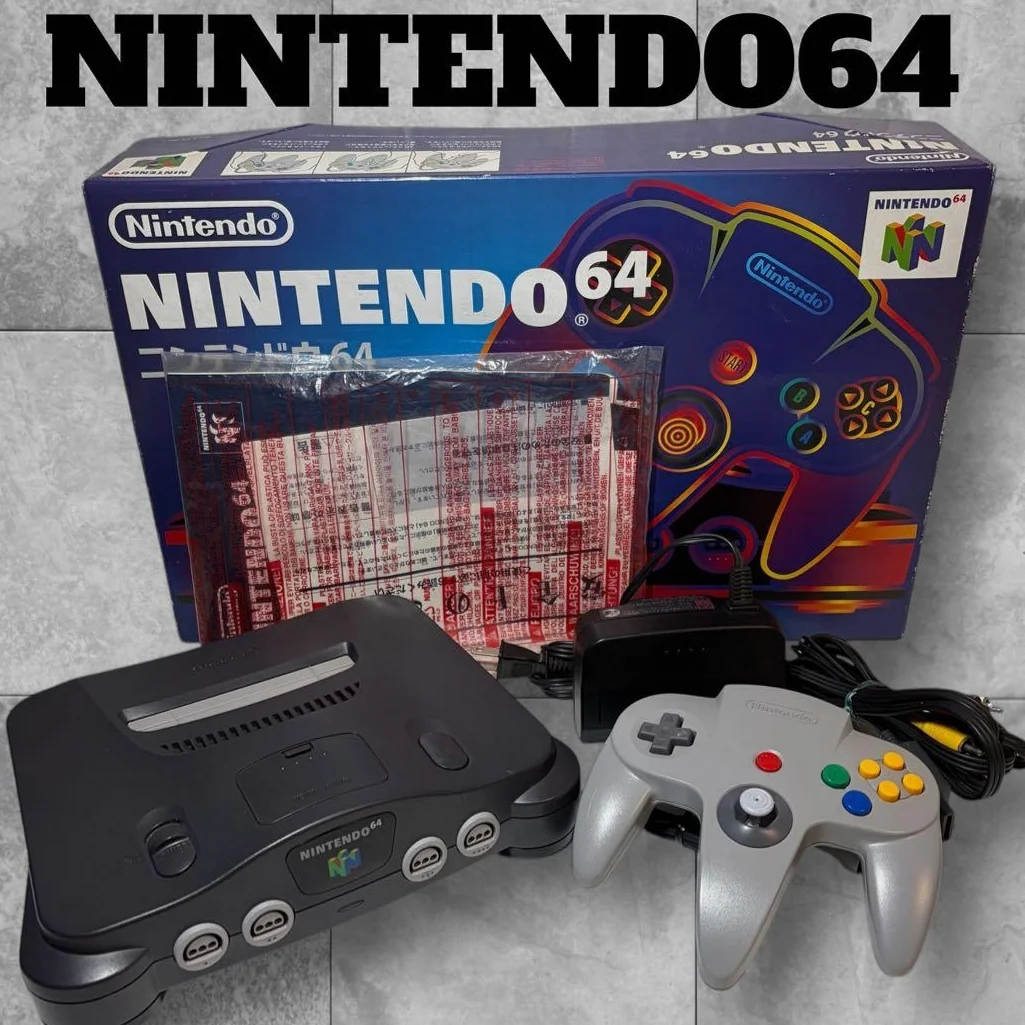
Your Zelda: Ocarina of Time save file disappeared again? All GoldenEye 007 unlocks gone? N64 cartridge CR2032 batteries last about 5-10 years, and when they die, all your saves "evaporate." But don't despair! There's a way to replace the battery without losing precious save data. Master this technique, and your gaming memories will live forever!
Required Tools
- 3.8mm game bit screwdriver (essential!)
- Soldering iron, 25-40W, fine tip
- Solder wire and flux
- Desoldering pump or solder wick
- Tweezers, fine point
- External power source: 3V battery holder or adjustable power supply
- Wires and clips (alligator clips)
- Multimeter for voltage testing
- Anti-static mat and workbench
- New CR2032 battery (Panasonic or Sony brand recommended)
Repair Steps
1. Preparation (Most Critical!)
- Confirm dead battery: Test battery voltage with multimeter (below 2.5V needs replacement)
- Prepare external power: 3V DC power source, correct polarity
- Test external power: Ensure stable 3V output
- Gather all tools: Get everything ready to avoid leaving midway
- Clean workspace: Avoid dust contamination
- Mental preparation: Requires patience and steady hands
2. Safe Cartridge Disassembly
- Use 3.8mm game bit screwdriver to remove bottom screws
- Gently separate housing with plastic spudger (watch for 4 clips)
- Remove circuit board, place on anti-static mat
- Don't disconnect anything: Keep circuit board intact
- Locate battery: Usually in center or edge of board
3. Connect External Power (Key to Saving Saves!)
- Use multimeter to confirm battery positive/negative terminals
- Connect external power positive to battery positive solder point
- Connect external power negative to battery negative solder point
- Important: Attach negative first, then positive
- Ensure secure connections that won't accidentally disconnect
- Verify with multimeter: Board should have 3V voltage
4. Solder Battery Replacement
- Heat battery positive solder point with soldering iron
- Gently remove old battery with tweezers (external power stays connected)
- Clean positive pad, remove old solder
- Repeat for negative terminal, clean pad
- Keep external power connected: External power supplies SRAM during this process
5. Install New Battery
- Prepare new CR2032 battery, confirm polarity
- Place new battery in correct position
- Solder negative terminal first: Quick and precise, avoid overheating
- Solder positive terminal: Complete quickly
- Keep external power connected while soldering
- Check solder joints: Should be smooth and shiny, no cold joints
6. Disconnect External Power & Testing
- Disconnect external power positive first
- Disconnect external power negative
- Test new battery voltage with multimeter: Should be around 3V
- Test saves: Temporarily assemble cartridge, insert into console
- Confirm all save files intact
- Fully reassemble cartridge, tighten screws
Parts & Price Reference
| Required Part | Reference Price | Purchase Source | Player Comments |
|---|---|---|---|
| CR2032 battery | $0.75-1.50 each | Supermarket, electronics store | Buy Panasonic or Sony, better quality |
| External battery holder | $1.50-3.00 | Electronics store | 2xAA battery holder + wires |
| Adjustable power supply | $15-30 | Tool store | More professional, adjustable voltage |
| Soldering iron kit | $8-15 | Hardware store | Fine tip iron works best |
| Game bit screwdriver | $2-4 | Online set | Must have specialized tool |
| Anti-static tool kit | $5-8 | Electronics store | Protects sensitive components |
Veteran Player Experience Library
🎮 Which Game Saves Are Most Precious
- Zelda: Ocarina of Time: 100% completion takes 50+ hours
- GoldenEye 007: All difficulty unlocks, all cheat codes
- Mario Kart 64: All characters, tracks, mirror mode
- Banjo-Kazooie: All jiggies, musical notes, honeycombs
- Paper Mario: Full game progress, partner collection
- Animal Forest: Years of village development (has special RTC chip)
🔧 Different Cartridge Battery Configurations
- Standard: One CR2032 battery
- Dual battery: Some high-capacity games may have two batteries
- Battery + capacitor: Some games have capacitor for brief power retention
- Special chips: Like Animal Forest's RTC chip requiring continuous power
💡 Permanent Solutions
- Battery holder mod: Install battery holder for easy future replacement
- FRAM chip mod: Replace SRAM with FRAM, no battery needed
- Super capacitor: High-capacity capacitor, can retain saves for weeks
- Solar charging: Small solar panel + charging circuit (advanced mod)
Repair Difficulty: ★★★☆☆
Estimated Time: 1-2 hours each (longer first time)
Success Probability: 90% (requires care and steady hands)
📚 Trivia: N64 Save "Survival Time"
- New battery: Can maintain saves 5-10 years
- Old battery: Saves at risk when voltage below 2.5V
- Temperature: Heat accelerates battery depletion
- Game type: Games with frequent saves drain battery faster
- SRAM type: Different manufacturer SRAM has different power consumption
🎯 Philosophy of Saving Saves
- Time equals memory: Each save represents hours of gameplay
- Prevention over repair: Regularly check battery voltage
- Respect player effort: Dozens of gameplay hours deserve protection
- Preserve gaming culture: Let classic game experiences continue
🔍 How to Determine Battery Needs Replacement
- Lost saves: Most obvious sign
- Battery voltage: Consider replacement below 2.8V
- Cartridge age: Check cartridges over 8 years old
- Important games: Prioritize games with precious saves
- Preventive replacement: When unsure, use this method for safe replacement
🌟 Save Backup Solutions
- RetroBlaster etc.: Professional save backup tools
- DIY backup device: Arduino + SD card solution
- Emulator backup: Read saves through emulator
- Photo documentation: At least photograph important progress
- Cloud notes: Record key items and progress
⚠️ Critical Precautions
- Static protection: SRAM chips are static-sensitive
- Power stability: External power must be stable, fluctuations can corrupt saves
- Soldering speed: Quick soldering to avoid overheating chips
- Correct polarity: Reversed battery will immediately lose saves
- Test verification: Must test save integrity after replacement
- Don't skimp on tools: Proper tools are key to success
🆘 If You Accidentally Lose Saves
- Don't panic: Accept reality, starting over can be fun too
- Learn lesson: Analyze mistake, avoid repeating
- Seek help: Professional save recovery services available online
- Use cheat codes: Quickly restore some progress (if game supports)
- Enjoy process: Re-experience game, may discover new things
Player's Voice: N64 cartridge saves aren't just data—they're countless weekends of gameplay, happy times with friends, the satisfaction of solving puzzles, the cheers after defeating bosses. Replacing batteries to preserve saves is like insuring these memories. When Zelda: Ocarina of Time's save screen appears again, Link still standing in Hyrule Field waiting for adventure, you'll know some moments never fade—they're just properly preserved, waiting to be reopened.