Nintendo 64 Motherboard Replacement Complete Guide
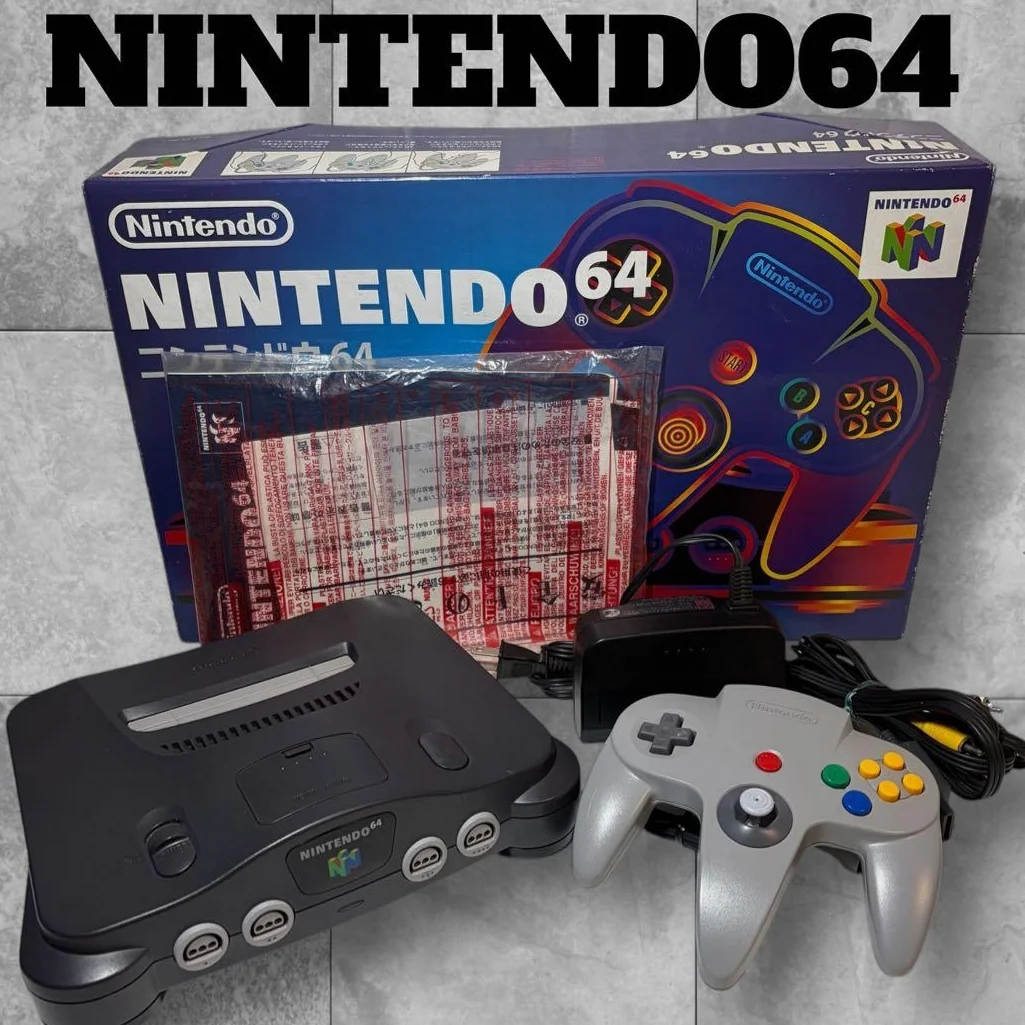
Your N64 completely "brain dead"? No power response, power light off, or completely black screen. Could be key chips burned on motherboard, capacitors exploded, or circuit board corrosion. Don't throw away yet! N64 motherboard replacement is actually simpler than imagined, just find suitable replacement board, your console can be reborn.
Required Tools
- Cross-head screwdriver, 4.5mm console-specific
- Plastic spudger, avoid scratching case
- Anti-static wrist strap, protect motherboard components
- Multimeter, detect voltage and continuity
- Hot air station or soldering iron (optional, for desoldering)
- Magnifying glass, inspect solder joints and components
- Tweezers, handle small parts
Repair Steps
1. Pre-operation Diagnosis: Confirm Motherboard Issue
- Check power supply: Use multimeter to measure power board output (should have 3.3V and 12V)
- Check indicator light: Power light off may be motherboard issue
- Check video output: No signal may be video chip issue
- Important: Confirm motherboard issue not other component failure
2. Complete N64 Console Disassembly
- Remove 6 screws from bottom (note: 2 under rubber feet)
- Carefully separate top/bottom shells, connected by clips
- Disconnect power board from motherboard cable
- Remove motherboard mounting screws (4 screws)
- Remove old motherboard, note ribbon cable connections
3. Prepare Replacement Motherboard
- Model matching: Confirm replacement motherboard model (NUS-001/USA, NUS-001/JPN, etc.)
- Inspect replacement board: Visual check for obvious damage
- Clean edge connectors: Use isopropyl alcohol to clean all connectors
- Test replacement board (if possible): Test at seller or quick power test
4. Install New Motherboard
- Align screw holes, gently place into case
- Connect power board ribbon cable (note orientation)
- Connect video/audio output board ribbon cable
- Connect controller interface board ribbon cable
- Secure motherboard screws (don't overtighten)
5. Assembly and Testing
- Close case, tighten all screws
- Connect power and video cables
- First power test: Observe if power light illuminates
- Insert game cartridge, test game operation
- Test all 4 controller ports
- Continuous operation 1 hour, test stability
Parts and Price Reference
| Required Part | Reference Price | Purchase Channel | Player Comments |
|---|---|---|---|
| N64 Replacement Motherboard | ¥150-300 | Xianyu, eBay | Note US/Japan version differences |
| Specialized Screwdriver Set | ¥25-40 | Taobao | Must buy console-specific set |
| Anti-static Wrist Strap | ¥15-25 | Electronics market | Protect motherboard, worth investment |
| Multimeter | ¥50-100 | Hardware store | Basic model sufficient |
| Plastic Spudger Set | ¥10-20 | Phone repair shops | Avoid scratching case |
| N64 Complete Case | ¥80-150 | Xianyu | If case also damaged |
Veteran Player Experience Library
🎮 Different Version Motherboard Differences
- US version (NUS-001/USA): NTSC, 60Hz, most common
- Japan version (NUS-001/JPN): NTSC-J, needs transformer
- European version (NUS-001/EUR): PAL, 50Hz, games run slower
- Development version: Rare, has debug interfaces
🔧 Common Motherboard Failure Points
- Power management chip: Most easily burned, causes no power
- Video processing chip: Causes graphical glitches, no signal
- RAM chips: Cause game stuttering, texture errors
- Capacitors: Age and explode, need replacement
- Crystal oscillator: Frequency inaccurate, causes audio/video sync issues
💡 Motherboard Modification Possibilities
- RGB output mod: Improve video quality to professional level
- Overclocking mod: Increase game speed (risky)
- HDMI output mod: Modern TV compatibility
- Region unlock: Play all region games
Repair Difficulty: ★★★☆☆
Estimated Time: 2-3 hours
Success Probability: 85% (motherboard matching is key)
📚 Trivia: "Secrets" on N64 Motherboard
- Reserved interfaces: Unused interfaces on motherboard, possibly for peripherals
- 64DD interface: Japan-exclusive disk drive expansion interface
- Development debug port: Debug interface for game developers
- Date codes on chips: Can determine production year
🎯 Ultimate Advice
If motherboard completely irreparable: 1. Consider decorative conversion: Make into picture frame or lamp 2. Parts recycling: Good chips can be sold to repair shops 3. Collector value: Early version motherboards have collector value 4. Educational use: Learn console hardware principles
Player Sentiment: N64 motherboard is like console's brain, though replacement somewhat complex, success brings unparalleled satisfaction. Each motherboard carries countless gaming memories, if repairable don't give up. After repair, insert The Legend of Zelda: Ocarina of Time, you'll find that world full of exploration and adventure has been waiting for your return.