Nintendo DS Motherboard Repair - Complete Guide
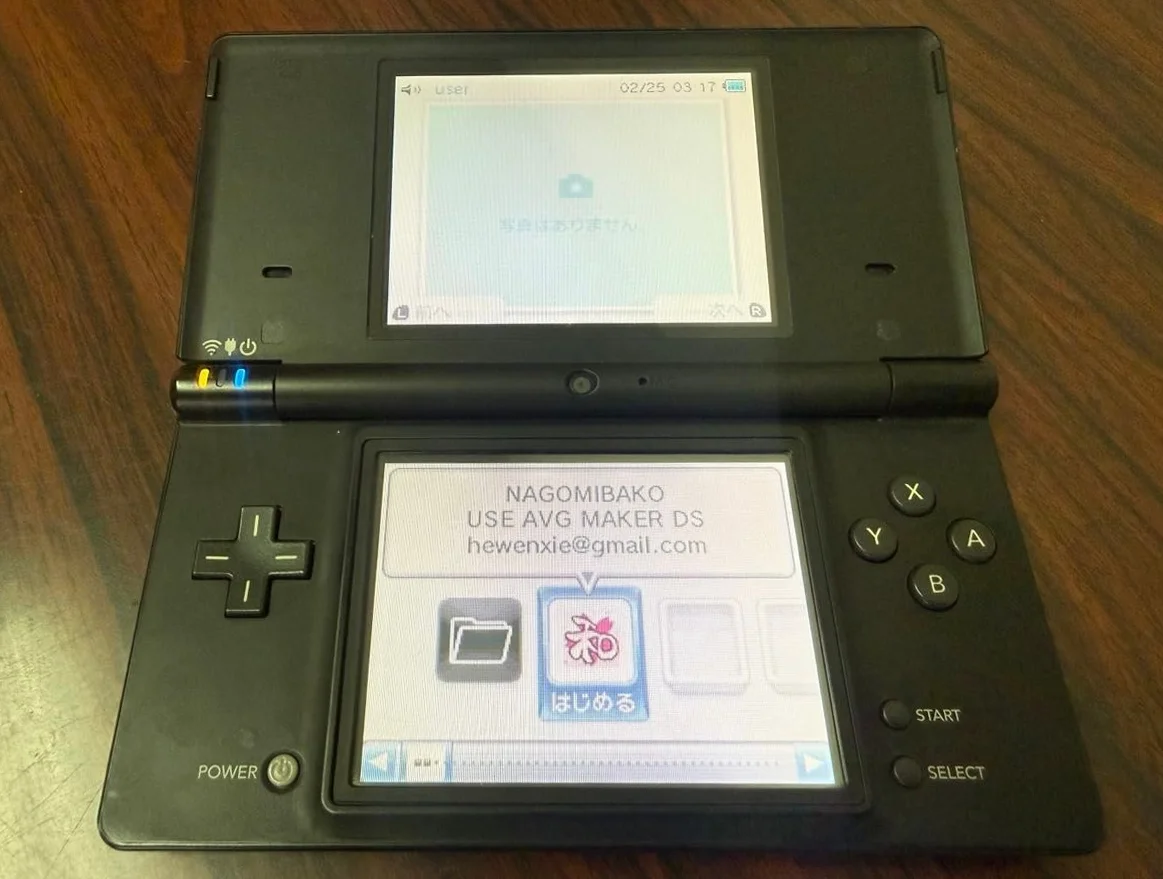
From a 20-year veteran technician in Akihabara
Your Nintendo DS won't power on, won't charge, or behaves erratically. Could be power IC failure, cartridge slot damage, worst case—board corrosion with broken traces. Animal Crossing freezes, village data lost—that heartbreak, I understand.
Tools You'll Need
Standard kit from an Akihabara repair shop:
- Precision screwdriver set: Japanese YATO YT-6991, PH00 crosshead required
- Soldering iron: Hakko FX-888D, 320-350°C setting
- Solder: Senju lead-free, 0.6mm diameter
- Desoldering pump/braid: Clean pads
- Multimeter: Measure voltage, resistance, continuity
- Hot air station: Remove multi-pin ICs
- Magnifying lamp: 5× magnification for tiny components
- Isopropyl alcohol: 99% purity, clean boards
- PCB cleaner: Remove flux residue
- Anti-static wrist strap: Protect BGA chips
- Capacitor kit: Various SMD capacitor sizes
- Enameled wire: 0.1mm diameter, for trace repairs
- Motherboard test jig: Functional testing (optional)
Step-by-Step Repair Guide
20 years fixing Nintendo handhelds in Akihabara taught me this method. Follow carefully.
Step 1: Safe Disassembly & Board Extraction
Disassembly risks secondary damage—go slow:
- Complete power down:
- Remove battery
-
Disconnect all power connections
-
Full disassembly:
- Remove all case screws
- Separate front/back shells
-
Disconnect all ribbon cables
-
Extract motherboard:
- Remove motherboard mounting screws
- Carefully extract motherboard
- Place on anti-static mat
Step 2: Motherboard Visual Inspection
Thorough inspection after extraction:
- Visual check:
- Look for obvious burn marks
- Check for corrosion
-
Check for missing components
-
Critical area inspection:
- Power section: DC-DC converter circuits
- Cartridge slot: Edge connector oxidation
- CPU & RAM: BGA chip solder integrity
- Audio chip: Output circuitry
-
Wireless module: Wi-Fi circuits
-
Usage evidence:
- Check for liquid damage
- Check for previous repair marks
- Check for replaced components
Step 3: Power Circuit Repair
If no power response, start with power:
- Battery interface check:
- Measure battery connector voltage
- Check fuse F1 for continuity
-
Check protection diode D1
-
DC-DC circuit check:
- Nintendo DS uses multiple DC-DC converters
-
Measure output voltages:
- 1.8V for CPU core
- 3.3V for I/O and memory
- 5V for screen backlight
- 15V for screen drive
-
Power IC check:
- Check MAX1703 charging IC
- Check RT9262 boost converter
- Check other power management ICs
Step 4: Capacitor Replacement
Motherboard capacitors fail most frequently:
- Identify critical capacitors:
- Power filter caps: Multiple 100μF/6.3V
- CPU decoupling caps: Multiple 0.1μF
- Audio coupling caps: 10μF/4V
-
Crystal bypass caps: 22pF
-
Capacitor testing:
- Measure capacitance with multimeter
- Test ESR (Equivalent Series Resistance)
-
Check for leakage
-
Replacement procedure:
- Remove bad caps with hot air or iron
- Clean pads, ensure flatness
- Solder new caps, note polarity
Step 5: BGA Chip Repair
Nintendo DS uses BGA-packaged CPU and RAM:
- BGA chip diagnosis:
- Check for solder joint cracks
- Check solder ball oxidation
-
Check chip damage
-
BGA reballing:
- Evenly heat chip with hot air
- Precise temperature profile control
-
Use quality solder paste
-
BGA replacement:
- Replace if chip damaged
- Requires professional BGA rework station
- Critical alignment precision
Step 6: Cartridge Slot Repair
Cartridge reading issues common:
- Slot cleaning:
- Clean edge connector with alcohol
- Clean slot interior with swabs
-
Check spring contact deformation
-
Slot replacement:
- Replace if slot damaged
- Remove old slot with hot air
-
Align new slot precisely for soldering
-
Circuit check:
- Check cartridge detection switch
- Check data line continuity
- Check pull-up resistors
Step 7: Trace Repair (Jumpers)
If PCB traces are broken:
- Break location:
- Use multimeter continuity mode to find breaks
- Mark locations on schematic
-
Plan jumper routing
-
Jumper installation:
- Scrape solder mask with scalpel
- Tin both break points
-
Connect with 0.1mm enameled wire
-
Insulation treatment:
- Insulate with UV resin or solder mask
- Ensure no short circuits
- Test continuity
Step 8: Assembly Testing
- Initial testing:
- Test before full reassembly
- Connect power, test boot
-
Test basic functions
-
Functional testing:
- Test screen display
- Test audio output
- Test button functions
- Test cartridge reading
-
Test wireless function
-
Stability testing:
- Continuous operation 2 hours
- Monitor temperature
- Monitor power consumption
Technical Specifications Comparison
| Parameter | OEM Specification | Alternative | Japan Market Price (Feb 2026) |
|---|---|---|---|
| CPU chip | ARM946E-S + ARM7TDMI | Salvaged parts | ¥5,000-8,000 |
| RAM chip | 4MB PSRAM | Same spec replacement | ¥2,000-3,500 |
| Power IC | MAX1703 etc. | Compatible models | ¥1,000-2,000 each |
| Cartridge slot | OEM slot | Compatible slot | ¥1,500-2,500 |
| Complete motherboard | OEM salvaged | Repaired board | ¥8,000-12,000 |
| BGA rework | Professional equipment | Manual operation | ¥3,000-5,000 per chip |
Veteran Technician Q&A
20 years in Akihabara—these questions I get asked most:
Why do Nintendo DS motherboards fail often?
Three main reasons. First, complex design—dual CPU, dual screen circuitry. Second, environment—moisture causes corrosion. Third, repair difficulty—many technicians lack skills.
How long after motherboard repair?
Depends on repair extent. Capacitor replacement: 3-5 years. BGA rework: 1-3 years (depends on soldering quality). Trace repairs can last if done well. Key: proper moisture protection.
Repair motherboard or replace entirely?
Economic calculation. Repair cost: ¥3,000-8,000 (damage dependent). Replacement: ¥8,000-12,000. But OEM boards have matching serial numbers. Third-party boards have inconsistent quality.
How to prevent motherboard damage?
My advice: Use OEM charger. Avoid humid environments. Regular cartridge slot cleaning. Don't use damaged cartridges. Avoid drops.
Repair Difficulty
Technical skill: ★★★★★ (professional electronics repair required)
Tool requirements: ★★★★★ (specialized equipment needed)
Time investment: 4-8 hours
Success rate: 50-80% (damage dependent)
Final Recommendations
20 years in Akihabara taught me these lessons:
- Diagnose before acting—thorough multimeter checks
- Start with power—if power works, check other areas
- Photograph and label—removed components documented
- Patience essential—components are tiny
- Testing critical—test immediately after each step
Final thoughts: The Nintendo DS motherboard is this machine's brain. We're not just fixing circuits—we're preserving countless gaming memories. Every repaired DS continues creating new experiences.
Remember: Skills can be learned, attention to detail can't. Take your time—you've got this.
References
iFixit Nintendo DS Main Circuit Board Replacement: https://zh.ifixit.com/Guide/Nintendo+DS+Main+Circuit+Board+Replacement/1301
Japanese Nintendo Repair Community
Akihabara Retro Console Repair Shop Technical Notes
ARM946E-S Chip Datasheet
Nintendo DS Circuit Schematics