Nintendo Entertainment System Cartridge Cleaning & Maintenance Complete Guide
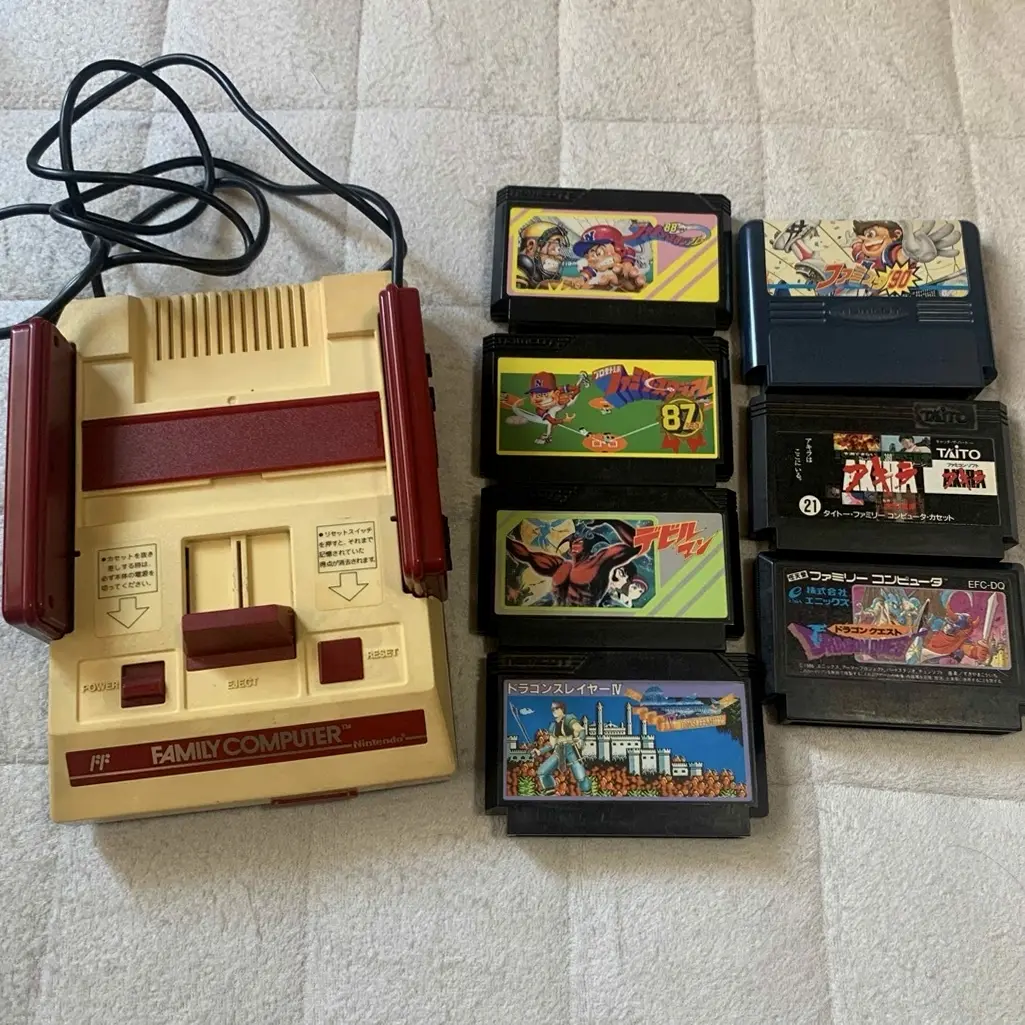
From a 20-year veteran repair technician in Akihabara
Your NES cartridge has poor contact, game works intermittently, saves lost, or won't read at all. Playing "Dragon Quest" when suddenly freezes, hours of progress gone. Worst case: precious rare cartridge also has issues. I understand that heartache.
Required Tools
Standard setup from Akihabara repair shops:
- Precision screwdriver set: Japanese-made YATO YT-6991, requires Phillips screwdriver (4.5mm gamebit)
- Plastic spudger: For opening cartridge shell
- Tweezers: For removing cartridge PCB
- Isopropyl alcohol: 99% purity for cleaning gold fingers
- Electronic cleaner: Precision electronic cleaner
- Cotton swabs: For cleaning gold fingers
- Pencil eraser: White soft eraser for cleaning oxidation layer
- Multimeter: For testing cartridge circuit continuity
- Magnifying lamp: To see gold finger details clearly
- Anti-static gloves: To protect cartridge chips
- Cartridge tester: For testing cartridge function (optional)
- Save battery: CR2032 for replacing save battery (if needed)
- UV eraser: For erasing EPROM (if needed, professional equipment)
Detailed Repair Steps
I've been repairing Nintendo cartridges in Akihabara for 20 years. Follow this method, take your time.
Step 1: Cartridge Diagnosis
First determine cartridge problem type:
- Visual inspection:
- Check cartridge shell for damage
- Check label integrity
-
Check screws for rust
-
Problem type determination:
- Completely unreadable: Gold fingers severely oxidized or circuit failure
- Requires repeated insertion/removal: Gold fingers mildly oxidized
- Screen glitches/garbage: Chip poor contact or damage
- Save data lost: Save battery depleted
-
Specific game issues: Cartridge-specific faults
-
Value assessment:
- Common cartridge: Repair boldly
- Rare cartridge: Operate cautiously
- Collectible: Recommend professional handling
Step 2: Cartridge Disassembly
Carefully open cartridge shell:
- Remove cartridge screws:
- NES cartridges use 4.5mm gamebit screws
- Requires specialized screwdriver
-
Remove 5 screws (1 front, 4 back)
-
Open cartridge shell:
- Gently pry open with plastic spudger
- Note clip positions
-
Don't use brute force, will damage shell
-
Remove PCB board:
- Gently remove circuit board
- Avoid touching chip pins
- Place on anti-static mat
Step 3: Gold Finger Cleaning
Most critical step:
- Initial cleaning:
- Clean gold fingers with cotton swab dipped in isopropyl alcohol
- Wipe along gold finger direction
-
Don't wipe back and forth
-
Deep cleaning:
- If severely oxidized, use pencil eraser
- Gently wipe with white soft eraser
-
Avoid excessive force
-
Final cleaning:
- Clean eraser debris with isopropyl alcohol
- Ensure gold fingers completely clean
- Check for scratches
Step 4: Circuit Inspection
Check circuits after cleaning:
- Gold finger inspection:
- Check gold fingers for wear
- Check for broken traces
-
Check solder joints intact
-
Chip inspection:
- Check ROM chip intact
- Check SRAM chip (if present)
-
Check other components
-
Continuity testing:
- Test critical circuits with multimeter
- Test connections from gold fingers to chips
- Test save battery circuit
Step 5: Save Battery Replacement
If cartridge has save function:
- Battery type identification:
- Early cartridges: Soldered battery
- Later cartridges: Battery holder + CR2032
-
Note battery polarity
-
Battery replacement:
- Remove old battery with soldering iron
- Clean solder pads
-
Solder new battery (note polarity)
-
Save protection:
- Operate quickly during battery replacement
- Can use save protector device
- Or backup save first (if possible)
Step 6: EPROM Handling (Professional)
If rewritable cartridge:
- EPROM identification:
- Check if chip window covered
- Identify EPROM model
-
Check if erasure needed
-
UV erasure:
- Use UV eraser
- Erasure time: 15-20 minutes
-
Avoid overexposure
-
Reprogramming:
- Use programmer to reprogram
- Verify data integrity
- Test function
Step 7: Assembly Testing
Reassemble after cleaning:
- PCB installation:
- Return PCB to shell
- Align all clips
-
Ensure correct position
-
Shell assembly:
- Close shell
- Align all clips
-
Gently press into place
-
Screw installation:
- Install 5 screws
- Don't overtighten
- Check shell flat
Step 8: Function Testing
Comprehensive cartridge function testing:
- Basic testing:
- Insert into NES for testing
- Test startup screen
-
Test game operation
-
Save testing:
- Test save function
- Test save reading
-
Test save deletion
-
Stability testing:
- Continuous operation 1 hour
- Test repeated insertion/removal
- Test long-term save retention
Key Specifications Comparison Table
| Parameter | Original Specification | Alternative Options | Japan Market Price (Feb 2026) |
|---|---|---|---|
| Isopropyl alcohol | 99% purity | Medical grade | ¥500-1,000/500ml |
| Gamebit screwdriver | 4.5mm specialized | Included in sets | ¥800-1,500 |
| Save battery | CR2032 | Panasonic or Sony | ¥200-400/each |
| Cartridge shell | Original used | 3D printed | ¥500-1,000/each |
| EPROM programmer | Professional equipment | Amateur equipment | ¥10,000-30,000 |
| Complete cleaning | Includes all steps | Akihabara shops | ¥1,000-2,000/cartridge |
Veteran Technician's Advice
After 20 years in Akihabara, customers often ask these questions. I'll answer them one by one.
Why are NES cartridges prone to problems?
Three main reasons. First is oxidation - 40-year-old metal contacts long oxidized. Second is dust - cartridges lack sealed design. Third is usage habits - improper insertion/removal causes wear.
Does blowing on cartridges help? Why shouldn't you blow?
Doesn't help, and harmful. Blowing introduces moisture and acidic substances from saliva onto gold fingers, accelerating oxidation. Correct method is cleaning with isopropyl alcohol. Blowing is 1980s incorrect practice, should be abandoned.
What's the difference between handling common and rare cartridges?
Common cartridges can be operated boldly, even if damaged loss not significant. Rare cartridges require special care, recommend testing before operation. Collectibles best handled by professionals, don't DIY.
How to store cartridges?
I recommend using cartridge protective cases. Storage environment should be dry, humidity 40-50%. Avoid direct sunlight. Regular inspection, clean every six months. Store vertically, don't stack.
Repair Difficulty
Technical difficulty: ★★★☆☆ (requires careful operation) Tool requirements: ★★★☆☆ (requires specialized tools) Time cost: Approximately 30-60 minutes/cartridge Success rate: Very high, above 95%
My Ultimate Advice
After 20 years in Akihabara, I've summarized these key points:
- Diagnose before acting, determine problem type
- Clean thoroughly, gold fingers must be clean
- Tools must be specialized, gamebit screwdriver essential
- Test comprehensively, all functions must be tested
- Store scientifically, proper storage extends lifespan
Final thoughts. NES cartridges are carriers of gaming history. We're not just cleaning gold fingers, but countless players' childhood memories. Every repaired cartridge can continue telling its story.
Remember, you're maintaining not just cartridges, but gaming memories. Take your time, you can do it.
References iFixit How to Clean Nintendo Entertainment System Cartridges: https://zh.ifixit.com/Guide/How+to+Clean+Nintendo+Entertainment+System+Cartridges/151028 Japanese Nintendo collector community Akihabara used game shop technical sharing Gold finger cleaning technical manual