Nintendo Entertainment System Motherboard Repair Complete Guide
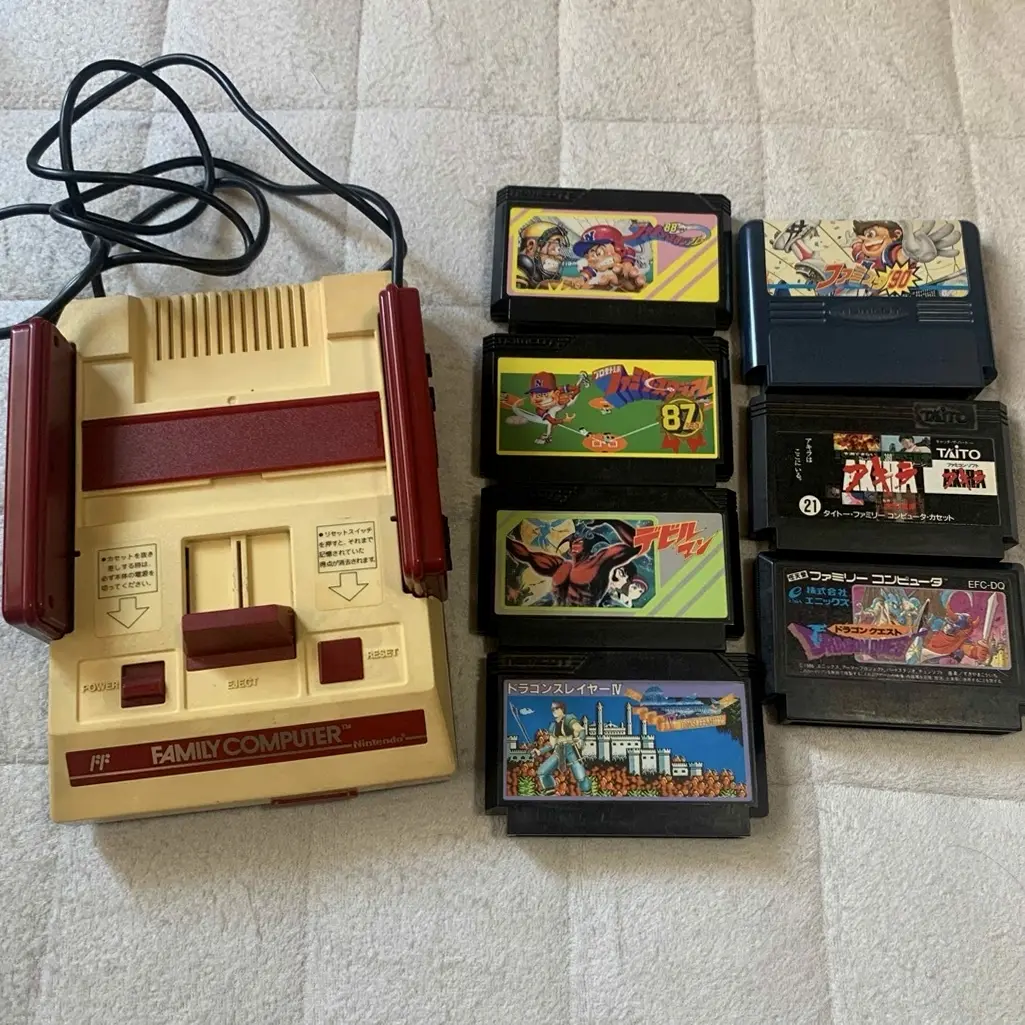
From a 20-year veteran repair technician in Akihabara
Your NES motherboard has failed, no display on power-up, sound but no image, or game operation abnormal. Playing "Contra" when suddenly freezes, playing "Castlevania" when screen tears. Worst case: PPU or CPU chip damaged, repair cost high.
Required Tools
Standard setup from Akihabara repair shops:
- Precision screwdriver set: Japanese-made YATO YT-6991, requires Phillips screwdriver (PH1 size)
- Soldering iron: Hakko FX-888D, temperature set to 350°C
- Solder: Senju lead-free solder, 0.6mm thickness
- Desoldering pump/desoldering braid: For cleaning solder pads
- Multimeter: For measuring voltage, resistance, continuity
- Heat gun: For removing multi-pin chips (optional)
- Magnifying lamp: 10x magnification to see small components
- Isopropyl alcohol: 99% purity for cleaning motherboard
- PCB cleaner: For removing flux residue
- Anti-static wrist strap and work mat: Absolutely necessary
- Capacitor set: Various specifications of electrolytic and SMD capacitors
- Enameled wire: 0.1mm diameter for wire jump repairs
- Logic analyzer: For signal analysis (professional equipment)
- NES test cartridge: For diagnosing motherboard issues
Detailed Repair Steps
I've been repairing Nintendo consoles in Akihabara for 20 years. Follow this method, take your time.
Step 1: Safe Disassembly & Motherboard Removal
Disassemble carefully to avoid secondary damage:
- Complete power down and discharge:
- Unplug all cables
- Press power switch to release residual charge
-
Wear anti-static wrist strap
-
Complete disassembly:
- Remove 6 bottom screws
- Separate top and bottom shells
-
Disconnect all internal connections
-
Remove motherboard:
- Remove motherboard mounting screws (4 screws)
- Carefully remove motherboard
- Place on anti-static mat
Step 2: Motherboard Visual Inspection
Carefully inspect motherboard after removal:
- Visual inspection:
- Check for obvious burn marks
- Check for corrosion traces (especially battery leakage)
-
Check for missing components
-
Key chip inspection:
- CPU: Ricoh RP2A03 (6502 core)
- PPU: Ricoh RP2C02 (graphics processing)
- RAM: 2KB SRAM
- VRAM: 2KB SRAM
-
Latches and counters: Multiple 74-series chips
-
Connector inspection:
- Cartridge connector (72-pin)
- Power connector
- Video output connector
- Controller interface
Step 3: Power Circuit Check
If no response on power-up, check power first:
- Power input check:
- Test power board output: 5V DC
- Test motherboard power input points
-
Test fuse resistors
-
Power distribution check:
- Test CPU power supply: 5V
- Test PPU power supply: 5V
-
Test RAM power supply: 5V
-
Decoupling capacitor check:
- Check 0.1μF capacitors near each chip
- Check power filtering capacitors
- Check capacitors for leakage
Step 4: Clock Circuit Repair
Clock is the motherboard's heart:
- Crystal oscillator check:
- NES uses 21.47727MHz crystal
- Test if crystal oscillating
-
Test frequency accuracy
-
Clock distribution check:
- CPU clock: 21.47727MHz ÷ 12 = 1.789773MHz
- PPU clock: 21.47727MHz ÷ 4 = 5.369318MHz
-
Test each clock signal
-
Clock chip check:
- Check 74LS139 and other clock distribution chips
- Check signal integrity
- Check timing relationships
Step 5: CPU & PPU Repair
Core chip fault handling:
- CPU check:
- Ricoh RP2A03, 6502 core + APU
- Test reset signal
- Test clock input
-
Test data/address buses
-
PPU check:
- Ricoh RP2C02, Picture Processing Unit
- Test video output
- Test VRAM access
-
Test palette RAM
-
Chip replacement:
- CPU and PPU are custom chips
- Can only use used parts
- Requires heat gun or specialized tools for removal
Step 6: RAM Chip Repair
Memory faults cause various problems:
- Work RAM check:
- 2KB SRAM, model 6116 or equivalent
- Test read/write functions
-
Test data retention
-
Video RAM check:
- 2KB SRAM, stores image data
- Test access speed
-
Test connection to PPU
-
RAM replacement:
- Use SRAM of same specifications
- Note pin correspondence
- Test stability after replacement
Step 7: 74-series Logic Chips
NES uses multiple 74-series chips:
- Main logic chips:
- 74LS139: Address decoding
- 74LS373: Address latching
- 74LS368: Controller interface
-
Other 74-series chips
-
Chip testing:
- Test logic functions
- Test inputs/outputs
-
Test timing relationships
-
Chip replacement:
- 74-series chips easy to purchase
- Note differences between LS, HC, etc. series
- Solder quickly to avoid overheating
Step 8: Video Output Repair
Video issues very common:
- RF output check:
- Early NES only has RF output
- Check RF modulator
-
Check channel selection
-
AV output check:
- Later NES has AV output
- Check video amplification circuit
-
Check output capacitors
-
Video signal check:
- Check composite video signal
- Check sync signals
- Check color signals
Step 9: Wire Jump Repair
If circuit board traces broken found:
- Broken trace location:
- Carefully search with multimeter continuity mode
- Mark positions on circuit diagram
-
Especially address/data buses
-
Wire jump construction:
- Scrape solder mask with scalpel
- Tin both ends of break point
-
Connect with 0.1mm enameled wire
-
Insulation treatment:
- Insulate with UV glue or solder mask
- Ensure no short to adjacent traces
- Test continuity and signal integrity
Step 10: Assembly Testing
- Preliminary testing:
- Test after repair without full assembly
- Connect power to test basic functions
-
Test video output
-
Function testing:
- Test cartridge reading
- Test game operation
- Test sound output
-
Test controller functions
-
Stability testing:
- Continuous operation 4 hours
- Test temperature normal
- Test long-term gaming stability
Key Specifications Comparison Table
| Parameter | Original Specification | Alternative Options | Japan Market Price (Feb 2026) |
|---|---|---|---|
| CPU chip | Ricoh RP2A03 | Used stock parts | ¥5,000-8,000 |
| PPU chip | Ricoh RP2C02 | Used stock parts | ¥6,000-10,000 |
| Work RAM | 2KB SRAM 6116 | Same spec alternatives | ¥1,000-2,000 |
| Video RAM | 2KB SRAM 6116 | Same spec alternatives | ¥1,000-2,000 |
| Crystal oscillator | 21.47727MHz | Same frequency alternatives | ¥500-1,000 |
| Complete motherboard | Original used | Repaired | ¥10,000-15,000 |
Veteran Technician's Advice
After 20 years in Akihabara, customers often ask these questions. I'll answer them one by one.
Why are NES motherboards prone to problems?
Three main reasons. First is time - 40-year-old electronic components long aged. Second is design - early technology not mature. Third is usage environment - moisture and dust accelerate damage.
Which is more likely to fail, CPU or PPU?
PPU more likely to fail. Because PPU operates at higher frequency, generates more heat. And PPU handles graphics processing, heavier load. CPU relatively durable but also can fail.
Can NES motherboard be upgraded?
Possible, but not recommended. Some attempt adding memory, improving video output, etc. But loses original authenticity, and may not be compatible with all games. For collections recommend keeping original.
How to prevent motherboard damage?
I recommend using original power supply. Avoid humid environments. Regular cleaning. Don't use damaged cartridges. Avoid drops. Store in anti-static bags.
Repair Difficulty
Technical difficulty: ★★★★★ (requires top-level electronics repair skills) Tool requirements: ★★★★★ (requires professional equipment) Time cost: Approximately 4-8 hours Success rate: Depends on damage extent, 50%-80%
My Ultimate Advice
After 20 years in Akihabara, I've summarized these key points:
- Electrostatic protection first, NES motherboards very sensitive
- Diagnose before acting, thoroughly check with professional equipment
- Simple to complex, replace capacitors first then consider chips
- Test comprehensively, all functions must be tested
- Record detailed, convenient for subsequent repairs
Final thoughts. NES motherboard is this machine's soul. We're repairing not just circuits, but countless players' 8-bit gaming memories. Every repaired NES can continue creating new memories.
Remember, technology is foundation, patience is key. Take your time, you can do it.
References iFixit Nintendo Entertainment System Motherboard Replacement: https://zh.ifixit.com/Guide/Nintendo+Entertainment+System+Motherboard+Replacement/3828 Japanese Nintendo repair community Akihabara used console repair shop technical sharing Ricoh RP2A03/RP2C02 chip datasheets NES circuit schematics (internal documentation)