Wii Disc Drive Repair - Complete Guide
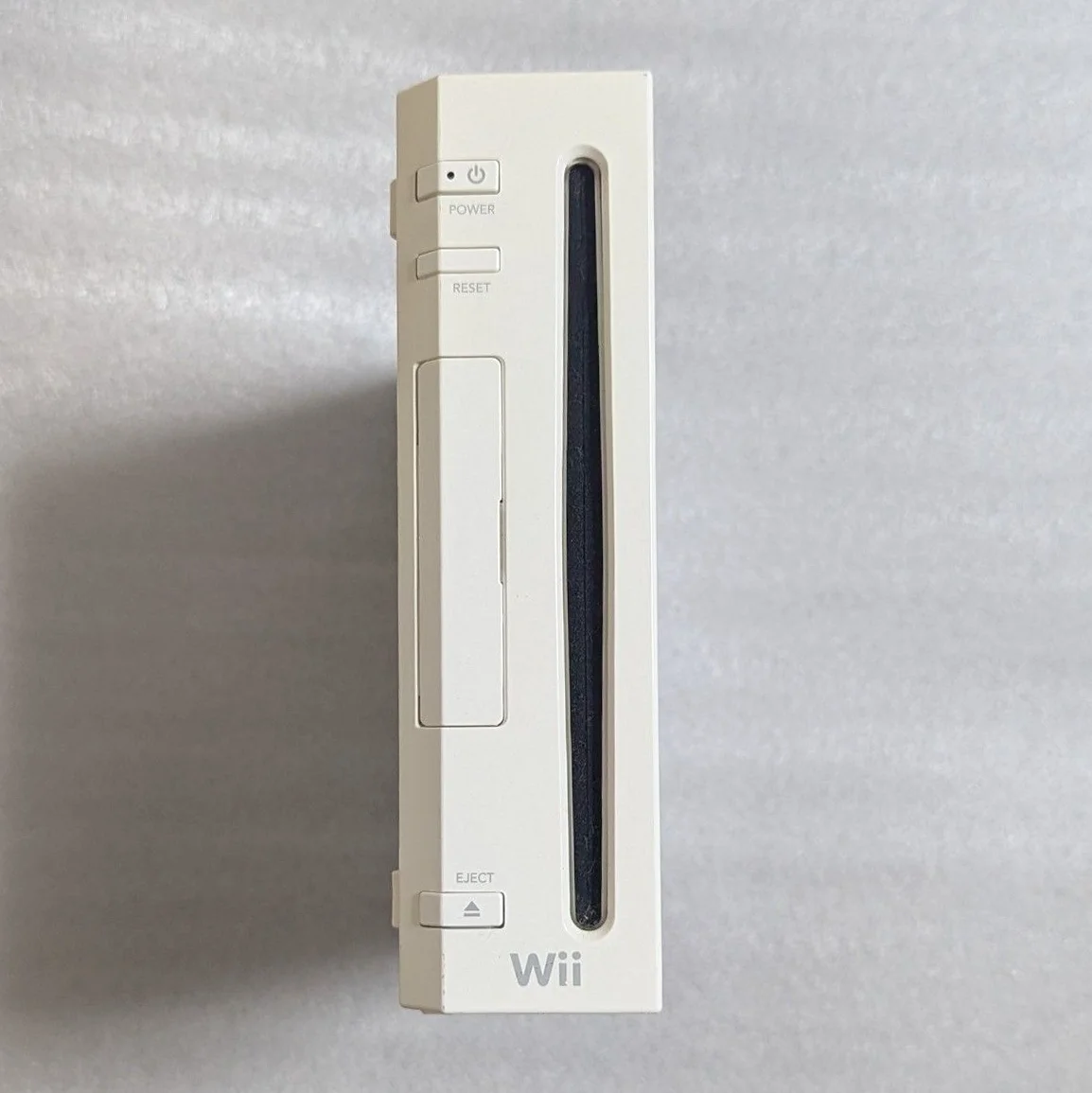
Your Wii suddenly won't read discs, or makes terrible grinding noises. Most annoying: Wii Sports mid-game "Disc could not be read"! Wii disc drives are relatively durable, but laser aging, rail wear, and belt slack are common issues. Don't buy a new console yet—most drive problems are fixable!
Required Tools
- Phillips screwdrivers, PH0 and PH00 sizes
- Tri-wing screwdriver (Y-head), Wii specific
- Precision tweezers
- 99% isopropyl alcohol and ultra-fine cotton swabs
- Laser power adjustment screwdriver (micro size)
- Bright flashlight
- Lubricant (white silicone grease)
- Multimeter (for motor testing)
- Anti-static gloves
Repair Procedure
1. Safe Disassembly, Remove Drive
- Unplug all cables, note sensor bar and power cable positions
- Remove all bottom screws (hidden screws under rubber feet)
- Open shell—careful with WiFi and Bluetooth antennas
- Locate disc drive assembly—large module on right side
- Disconnect drive ribbon cable from motherboard
- Remove drive mounting screws, extract drive assembly
2. Drive Visual Inspection
- Laser inspection: Check lens cleanliness, scratches
- Rail inspection: Verify laser sled movement smoothness
- Belt inspection: Check tray belts for aging, slack
- Gear inspection: Examine all drive gears for wear
- Motor inspection: Check spindle and sled motors
3. Cleaning & Basic Maintenance
Laser Cleaning:
- Use air blower to remove surface dust
- Dip ultra-fine swab in minimal alcohol
- Gently dab lens—Wii laser is tougher than NGC but still delicate
- Check laser sled rails, apply minimal lubricant
Mechanical Maintenance:
- Clean all gears and racks
- Check belt tension, replace if necessary
- Lubricate all moving parts
- Inspect disc tray rails
4. Laser Power Adjustment (Caution!)
If cleaning doesn't resolve reading issues:
- Locate adjustment potentiometer on laser side
- Using micro screwdriver, clockwise adjust 15-20 degrees
- Reassemble and test; if still problematic, adjust another 10 degrees
- Warning: Wii laser has wider adjustment range than NGC but don't exceed 45 degrees
- Record adjustment angle for future reference
5. Motor Testing & Replacement
Spindle Motor Test:
- Measure motor resistance (~10-20Ω normal)
- Directly power motor with 3V to test rotation
- Check motor shaft smoothness
Sled Motor Test:
- Measure motor resistance (~50-100Ω normal)
- Test motor-driven laser movement
- Check limit switch functionality
Motor Replacement:
If motor is faulty: 1. Purchase same-specification motor 2. Note motor rotation direction and voltage 3. Control soldering temperature and duration
6. Belt Replacement Guide
Common Wii drive belt specifications: - Tray belt: ~24mm diameter, 1.5mm cross-section - Recommendation: Buy OEM or high-quality alternatives
Replacement steps: 1. Remove old belt 2. Clean pulley wheels 3. Install new belt, ensure proper tension 4. Test tray open/close smoothness
7. Reassembly & Testing
- Clean drive interior, remove dust
- Reinstall in console, connect all cables
- Test without cover: Observe drive operation
- Disc reading test: Use original Wii game
- Burned disc test: If using burned media
- Continuous 1-hour run, test stability
Parts & Pricing Reference
| Component | Price Range | Source | Gamer Advice |
|---|---|---|---|
| Wii Disc Drive Assembly | ¥80-150 | Xianyu/Taobao | Direct replacement easiest |
| Wii Laser Pickup | ¥40-70 | Electronics markets | Buy with sled—no alignment needed |
| Tray Belt | ¥5-15 | Repair tool shops | Buy assortment pack |
| Lubricant | ¥10-20 | Hardware stores | White silicone grease, not grease |
| Tri-wing Screwdriver | ¥25-35 | Repair tool shops | Wii specific—essential |
Wii Disc Drive Technical Details
🎮 Drive Model Identification
- D2C: Early model, laser more durable
- D2E: Mid-era model, most common
- D3-2: Later model, shorter laser lifespan
- D4: Final model, best compatibility
💿 Supported Disc Types
- Wii game discs: Proprietary 8cm mini-discs
- GameCube games: If console supports (early models)
- DVD video: Requires softmod or hardmod
- Audio CDs: Requires softmod
🔧 Symptom Analysis
- No reading at all: Laser or motherboard issue
- Slow reading: Laser aging or rail resistance
- Loud reading noise: Mechanical parts need lubrication
- Intermittent failures: Laser power adjustment needed
- Disc won't eject: Belt or motor problem
Repair Techniques & Precautions
⚠️ Safety Precautions
- ESD protection: Wii motherboard sensitive to static
- Laser protection: Never touch laser lens
- Adjustment caution: Power adjustments gradual
- Testing order: Test before full reassembly
🔧 Professional Techniques
- Laser aging diagnosis: Burned discs fail but originals work
- Rail lubrication: Use dedicated rail lubricant
- Belt tension: Not too tight, not too loose
- Motor testing: Test with variable power supply
Repair Difficulty: ★★★☆☆
Estimated Time: 2-3 hours
Success Rate: 80% (cleaning/maintenance), 70% (laser replacement)
🎯 Alternative Solution: USB Loader
If drive is beyond repair, consider: 1. Softmod: Install Homebrew Channel and USB Loader 2. Hardmod: Install WiiKey or similar modchip 3. Advantages: Load games from USB, preserve drive 4. Disadvantages: Requires modding knowledge
📊 Drive Lifespan Reference
- Original drive: Normal use 5-8 years
- Laser lifespan: ~3000-5000 hours
- Belt lifespan: 3-5 years (shorter in heat)
- Best practice: Regular cleaning, avoid extended continuous use
Player's Reflection: Wii's disc drive design improved over GameCube, but still ages. Fix the drive, pop in Wii Sports or The Legend of Zelda: Twilight Princess, watch it load smoothly—that satisfaction is real. Wii's motion gaming is unique, worth maintaining.
Final Advice: If adjustment fails and laser replacement is too expensive, consider softmod + USB Loader. Wii modding is mature now—excellent alternative. Protect your Wii—it's got years of gaming left!
🔍 Advanced Diagnostics: Oscilloscope Testing
If you have an oscilloscope: 1. Check RF signal: Eye pattern during reading 2. Check focus error: Focus servo signal 3. Check tracking error: Tracking servo signal 4. Check spindle speed: Disc rotation stability
🛠️ Post-Repair Maintenance
- Regular cleaning: Clean laser quarterly
- Dust prevention: Keep console area clean
- Proper placement: Horizontal, avoid vibration
- Disc care: Return discs to cases after use