Complete Guide to Nintendo 64 LED Status Light Replacement
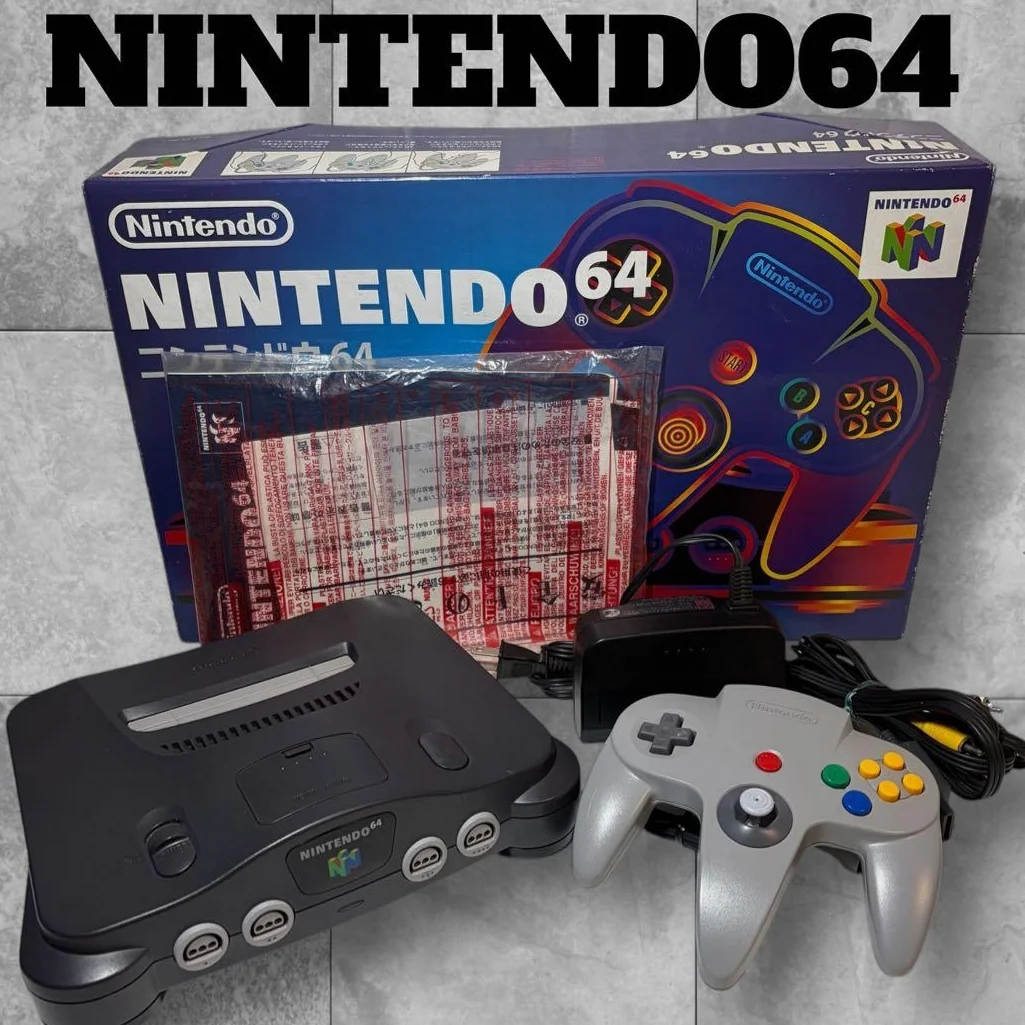
Has your N64 "gone blind"? That familiar red indicator light won't turn on at startup, or flashes abnormally? The LED status light may be small, but it's the N64's "heartbeat indicator." When it's off, you don't know if the console is powered; when it flashes abnormally, it might indicate power issues. Don't underestimate this little light—replacing it can make your N64 "open its eyes" again!
Required Tools
- Phillips screwdriver, 4.5mm console specific
- Plastic spudger, to avoid scratching shell
- Soldering iron and solder, 25-40W recommended
- Desoldering pump or solder wick, for removing old LED
- Multimeter, for circuit continuity testing
- Tweezers, for handling small components
- Magnifying glass or head-mounted magnifier
- Anti-static wrist strap (optional)
Repair Steps
1. Diagnose LED Problem
- Power-on test: Observe if LED doesn't light at all
- Brightness test: If dimmed or flashing
- Color test: If color changed (normal should be red)
- Circuit test: Measure voltage across LED with multimeter
- Important: Confirm it's LED damage, not circuit issue
2. Disassemble Console to Access LED
- Remove 6 bottom screws (2 under rubber feet)
- Separate top and bottom shells, note clips
- Find LED location: Front right of top cover
- Disconnect LED cable: Gently unplug from mainboard
- Remove top cover, expose LED assembly
3. Remove Old LED
- Observe LED mounting method: Through-hole or SMD
- Through-hole LED: Typically has two pins
- Heat solder joints with soldering iron, remove LED with tweezers
- Clean solder holes with desoldering pump
- Note Polarity: Remember LED positive/negative orientation
4. Prepare New LED
- Specification Match: 3mm red LED, voltage 2.0-2.2V
- Brightness Selection: Standard brightness, avoid too bright
- Test new LED: Test with 3V battery to see if it lights
- Confirm polarity: Long pin positive, short pin negative
- Trim pin length appropriately
5. Solder New LED
- Insert LED: Ensure correct polarity
- Solder one pin first for fixation
- Check position: LED aligned with light guide
- Solder other pin
- Check solder joints: Should be smooth and full, no dry joints
- Clean flux residue
6. Testing and Assembly
- Connect cable, don't install screws yet
- Power-on test: LED should light normally
- Brightness test: Moderate, not glaring
- Stability test: Power cycle several times
- Complete assembly: Reinstall shell, tighten screws
Parts and Price Reference
| Required Part | Reference Price | Purchase Channel | Player Comments |
|---|---|---|---|
| 3mm Red LED | $0.15-0.75 USD each | Electronics store | Buy multiple for backup |
| LED Set | $1.5-3 USD | Online stores | Various colors and sizes |
| Soldering Iron Set | $8-15 USD | Hardware store | 25-40W most suitable |
| Solder Wire | $1.5-3 USD | Electronics store | 0.8mm rosin-core |
| Desoldering Pump | $2-4 USD | Tool store | Manual type sufficient |
| Magnifier Lamp | $12-25 USD | Stationery store | Essential for small component soldering |
Veteran Player Experience Library
🎮 Significance of LED Status Light
- Power Indicator: Tells you console is powered
- Working Status: Constant light indicates normal operation
- Fault Indication: Flashing might indicate problems
- Nostalgia Element: Red light is N64 signature
🔧 Common LED Failure Causes
- Natural Aging: LED lifespan about 50,000-100,000 hours
- Overcurrent Damage: Circuit issues causing excessive current
- Physical Damage: Impact or compression causing failure
- Solder Joint Failure: Long-term thermal expansion/contraction
- Circuit Board Issues: Current limiting resistor damage
💡 LED Customization Modifications
- Color Modification: Change to blue, green, white
- Brightness Adjustment: Replace current limiting resistor for brightness control
- Breathing Light Effect: Add circuit for breathing effect
- Dual-color LED: Different colors for different states
- RGB LED: Programmable color changing effects
Repair Difficulty: ★★☆☆☆
Estimated Time: 1-2 hours (including soldering practice time)
Success Probability: 90% (soldering requires some practice)
📚 Trivia: N64 LED "Design Philosophy"
- Red Choice: Red indicator lights common in 90s electronics
- Brightness Control: Controlled via current limiting resistor, protects LED
- Position Design: Upper right corner, ergonomic consideration
- Light Guide Design: Plastic light guide for even, soft illumination
🎯 LED Repair Detail Points
- Polarity Most Important: LED won't light if reversed, usually doesn't damage
- Temperature Control: Soldering time under 3 seconds, avoid thermal damage
- Moderate Brightness: Too bright glaring, too dim hard to see
- Accurate Color: Maintain original red for nostalgia
- Reliability First: Solder joints must be secure, avoid future failure
🔍 How to Determine if LED Needs Replacement
- Completely Off: Most common, direct replacement
- Dimmed: Aging sign, recommended replacement
- Flashing: Could be LED issue or circuit problem
- Color Change: Red to orange or dark red, needs replacement
- Intermittent Lighting: Poor contact, needs resoldering
🌟 LED Upgrade Modification Options
- Ultra-bright LED: Improve visibility, but may be glaring
- Low-power LED: Reduce heat, extend lifespan
- Slow-flash LED: Slow flashing when idle, cool effect
- Dual LED: Add second LED, more noticeable
- Remote Color Change: Change color via remote control
⚠️ Safety Precautions
- Power Off Operation: Always disconnect power when soldering
- Static Protection: Sensitive components, note ESD protection
- Good Ventilation: Soldering fumes harmful, maintain ventilation
- Tool Safety: Soldering iron high temperature, avoid burns
- Keep Away from Children: Small parts prevent accidental swallowing
Player's Voice: The N64's red light may be only rice grain sized, but it's the entire console's "window to the soul." Every time it lights up at startup, you know adventure is about to begin. Replacing the LED is like performing "eye surgery" on an old friend—though the operation is delicate, seeing that familiar red glow light up again after success feels like hearing Super Mario 64's opening music: "It's-a me, Mario!" Some lights are worth keeping lit forever.