PSP Go Analog Joystick Replacement Complete Guide
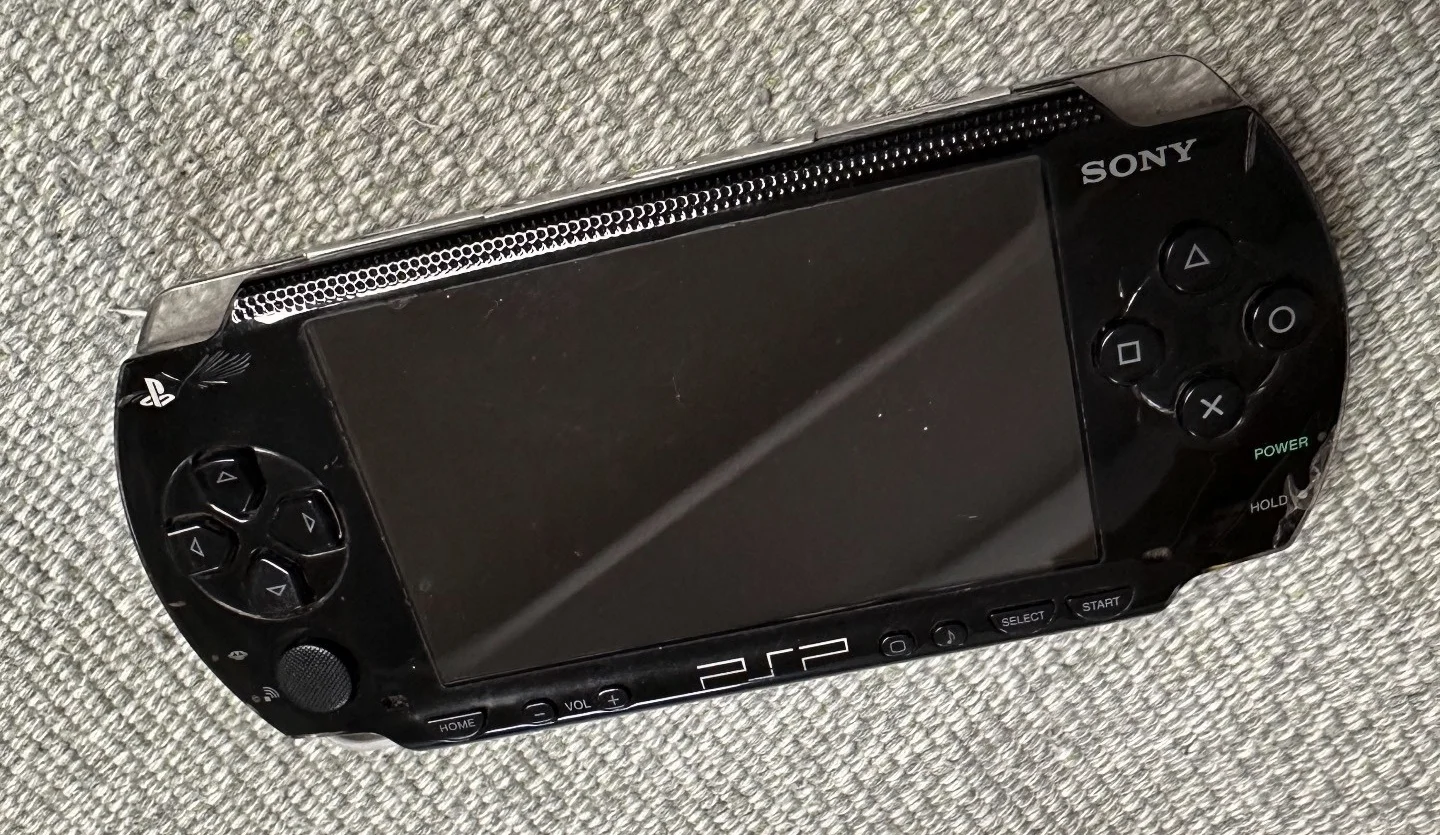
PSP 1000 Black Console
Overview
Help! My PSP Go joystick is drifting again! Just when I'm in the middle of a crucial Monster Hunter quest, my character suddenly runs off a cliff by itself; playing God of War and Kratos starts spinning in circles for no reason; even simple rhythm games like Patapon become unplayable! This damn joystick drift is driving me insane! What's worse, this isn't the first time—I fixed it just three months ago, and now it's back! Am I doomed to live with "joystick drift anxiety" forever? No way! Today I'm going to permanently solve this stubborn problem and give my PSP Go a new lease on life!
Required Tools
- Phillips screwdriver (PH00)
- Plastic spudger
- Tweezers
- Anti-static wrist strap (recommended)
- New PSP Go analog joystick module
Safety Precautions
- Power off: Ensure PSP Go is completely powered off and all power disconnected
- Static protection: Use anti-static wrist strap or touch metal surface to discharge static
- Parts organization: Arrange removed screws in order to avoid loss
- Ribbon care: All ribbon connectors are fragile—handle gently
Step-by-Step Procedure
Step 1: Remove Rear Cover
- Place PSP Go face down
- Remove 4 screws from rear cover with Phillips screwdriver
- Gently pry open rear cover edges with plastic spudger
- Carefully remove rear cover, avoid pulling internal ribbons
Step 2: Disconnect Battery
- Locate battery connector
- Gently lift battery connector with plastic spudger or fingernail
- Ensure battery completely disconnected
Step 3: Remove Motherboard Mounting Screws
- Remove 6 screws securing motherboard
- Note different screw lengths, record each position
- Carefully lift motherboard, don't remove completely
Step 4: Disconnect Analog Joystick Ribbon
- Locate analog joystick ribbon connector
- Gently lift ribbon lock with tweezers
- Carefully remove analog joystick ribbon
Step 5: Replace Analog Joystick
- Remove 2 screws securing analog joystick
- Remove old analog joystick module
- Install new analog joystick module
- Tighten mounting screws
Step 6: Reconnect Ribbon
- Insert analog joystick ribbon into connector
- Press ribbon lock to ensure secure connection
- Check ribbon fully inserted
Step 7: Reassemble
- Return motherboard to original position
- Tighten all screws in original order
- Reconnect battery ribbon
- Replace rear cover and tighten screws
Testing and Calibration
- Power on, enter system settings
- Test analog joystick response in all directions
- If drift detected, calibrate in system settings
- Test joystick function in games
Common Issues and Solutions
Issue 1: Joystick unresponsive
- Possible cause: Ribbon not connected properly or damaged
- Solution: Reconnect ribbon, check for damage
Issue 2: Joystick drift
- Possible cause: New joystick needs calibration or improper installation
- Solution: Perform system calibration, check joystick installation flatness
Issue 3: Button conflict
- Possible cause: Joystick module pressing against other components
- Solution: Reinstall, ensure sufficient space
Maintenance Recommendations
- Regular cleaning: Use compressed air to clean dust around joystick
- Avoid excessive force: Don't press joystick too hard during gaming
- Use protective case: Use case when traveling to prevent dust entry
- Regular inspection: Check joystick response monthly
Professional Tips
- Purchase OEM parts: Ensure OEM or high-quality compatible parts
- Save old parts: Keep removed old parts for potential future use
- Photograph process: Take photos during disassembly for reassembly reference
- Patience: PSP Go internal structure is precise—requires patience and care
Summary
Replacing PSP Go analog joystick is a medium-difficulty repair requiring some hands-on ability and patience. Following this guide, most users can successfully complete replacement. If difficulties arise, seek professional repair assistance.
Note: This guide is for reference only. Damage during repair is not the author's responsibility. If unsure of repair ability, seek professional help.