PlayStation Vita Action Buttons Replacement Complete Guide
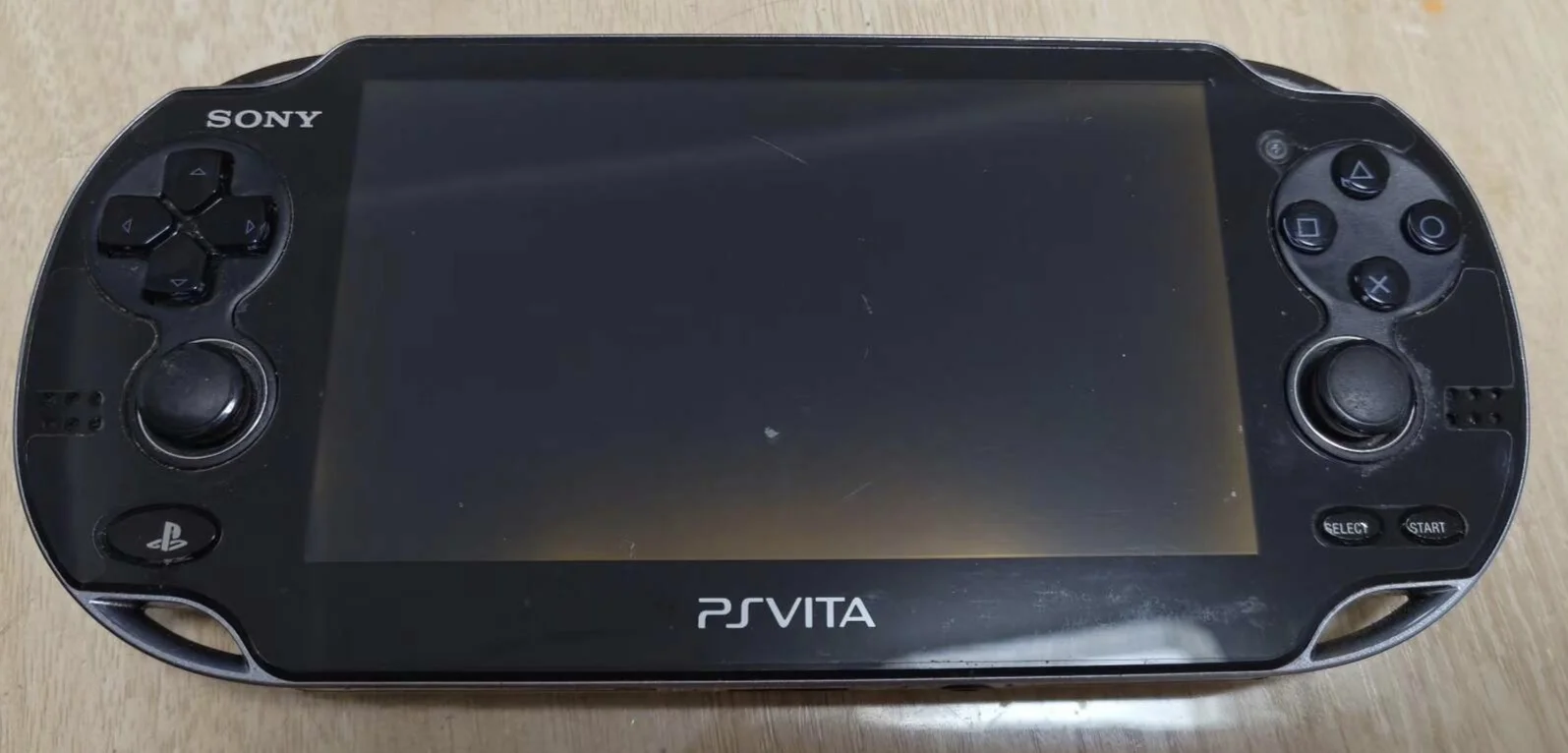
Overview
Furious! My PSV action buttons all dead! Playing Uncharted want to press × to jump, but Drake just stands there taking hits; playing Killzone want to press ○ for melee, character just stands still! Now △○×□ four buttons hard as rocks, won't spring back after pressing, have to dig them out with fingernails! What's worse, sometimes they auto-fire continuously, character twitches like having a seizure! Should I glue them shut? No way! Today I must give my PSV 'sensitive four buttons' and restore precise control!
Required Tools
- Cross-head screwdriver (PH00)
- Plastic spudger
- Tweezers
- New PS Vita action button set (△○×□)
- Anti-static wrist strap (recommended)
Safety Precautions
- Power off completely: Ensure PS Vita is fully powered down
- Static protection: Discharge static electricity before operation
- Ribbon cable care: Button circuit board ribbon cables are fragile
- Silicone pad protection: Handle rebound-providing silicone pads carefully
Detailed Steps
Step 1: Remove Back Panel
- Remove back panel according to your model
- Carefully detach back panel
Step 2: Complete Power Disconnection
- Locate battery connector
- Disconnect battery
- Ensure device is completely powered off
Step 3: Access Action Buttons
- Action buttons located on right side of device
- May require partial frame disassembly
- Expose action button area
Step 4: Remove Old Buttons
- Locate button circuit board ribbon cable connector
- Use tweezers to gently lift ribbon cable latch
- Remove button ribbon cable
- Remove screws securing button frame
- Remove old button frame and buttons
Step 5: Install New Buttons
- Install new silicone pads
- Place new △○×□ buttons into corresponding positions
- Note button orientation: △ top, ○ right, × bottom, □ left
- Install button frame
- Tighten securing screws
- Connect button ribbon cable
Step 6: Testing and Reassembly
- Temporarily connect battery to test each button function
- Test button tactile feel and rebound
- Reassemble all components
- Install back panel
Function Testing
- Individual button test: Test each △, ○, ×, □ button
- Combination button test: Test common game combinations
- Rapid pressing test: Test response speed
- Game test: Test in actual gameplay
Repair Difficulty: ★★☆☆☆ (Moderate)
Time Required: 35-50 minutes