Wii Disc Drive Repair Complete Guide
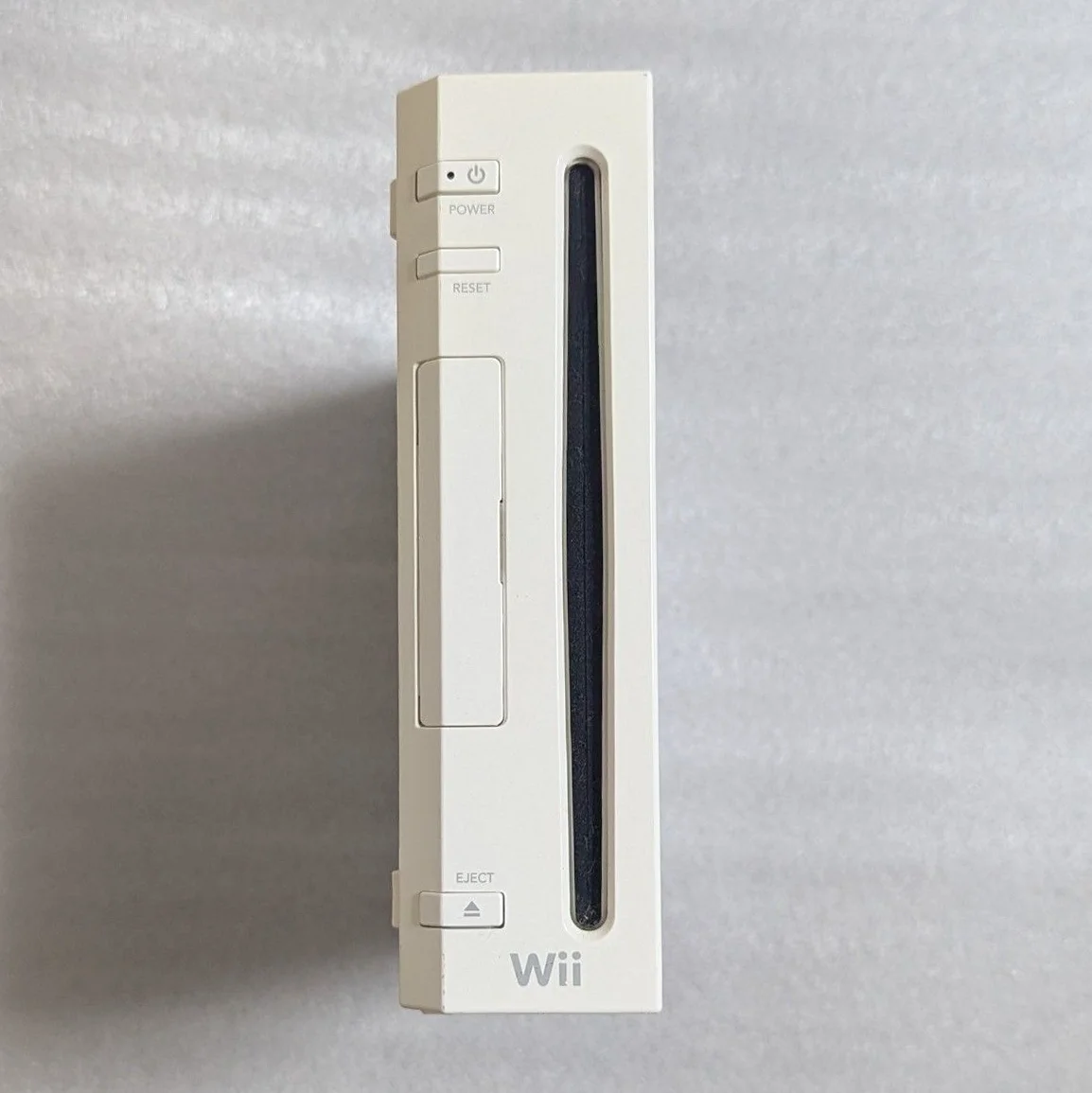
Your Wii suddenly won't read discs, or makes loud grinding noises—most frustrating is that "Disc cannot be read" error popping up during Wii Sports! The Wii's disc drive is relatively durable, but laser aging, rail wear, and belt slack are common issues. Don't rush to buy a new console—most disc drive problems can be fixed!
Required Tools
- Phillips screwdrivers, PH0 and PH00 sizes
- Tri-wing screwdriver (Y-type), Wii-specific
- Precision tweezers
- Isopropyl alcohol and ultra-fine cotton swabs
- Laser power adjustment screwdriver (ultra-small)
- Bright flashlight
- Lubricating grease (white silicone)
- Multimeter (for motor testing)
- Anti-static gloves
Repair Steps
1. Safe Disassembly, Remove Disc Drive
- Disconnect all cables, note sensor bar and power cable positions
- Remove all bottom screws (hidden screws under rubber feet)
- Open case, careful with WiFi and Bluetooth antennas
- Locate disc drive assembly—large module on right side
- Disconnect drive ribbon cable from motherboard
- Remove drive mounting screws, extract drive assembly
2. Disc Drive Visual Inspection
- Laser assembly check: Check lens cleanliness and scratches
- Rail check: Check laser movement rail smoothness
- Belt check: Check tray belts for aging and slack
- Gear check: Check all drive gears for wear
- Motor check: Check spindle and feed motors
3. Cleaning and Basic Maintenance
Laser assembly cleaning:
- Use air blower to remove surface dust
- Ultra-fine cotton swab with minimal alcohol
- Gently dab lens—Wii lasers are tougher than GameCube but still delicate
- Check laser rails, apply minimal lubricant
Mechanical maintenance:
- Clean all gears and racks
- Check belt tension, replace if necessary
- Lubricate all moving parts
- Check disc tray rails
4. Laser Power Adjustment (Caution!)
If still no disc reading after cleaning:
- Locate adjustment potentiometer on laser side
- Use ultra-small screwdriver to clockwise adjust 15-20 degrees
- Reassemble and test, adjust another 10 degrees if needed
- Warning: Wii laser adjustment range is larger than GameCube, but don't exceed 45 degrees
- Record adjustment amount for future reference
5. Motor Testing and Replacement
Spindle motor test:
- Measure motor resistance, normal ~10-20Ω
- Directly connect 3V power to test rotation
- Check motor shaft smoothness
Feed motor test:
- Measure motor resistance, normal ~50-100Ω
- Test motor-driven laser movement
- Check limit switches
Motor replacement:
If motor is damaged: 1. Purchase same specification motor 2. Note motor rotation direction and voltage 3. Control soldering temperature and time
6. Belt Replacement Guide
Wii disc drive common belt specifications: - Tray belt: ~24mm diameter, 1.5mm cross-section - Recommendation: Buy OEM or high-quality replacements
Replacement steps: 1. Remove old belt 2. Clean pulley wheels 3. Install new belt, check tension 4. Test tray movement smoothness
7. Assembly and Testing
- Clean drive interior, remove dust
- Reinstall in console, connect all cables
- Test without case: Observe drive operation
- Test disc reading: Use genuine Wii game
- Test burned discs: If you use backup discs
- Run continuously for 1 hour, test stability
Parts and Price Reference
| Required Part | Reference Price | Purchase Source | Player Advice |
|---|---|---|---|
| Wii disc drive assembly | ¥80-150 | Xianyu/Taobao | Easiest solution |
| Wii laser assembly | ¥40-70 | Electronics market | Buy with bracket, no adjustment needed |
| Tray belt | ¥5-15 | Repair tool shops | Buy variety pack |
| Lubricating grease | ¥10-20 | Hardware stores | White silicone, not grease |
| Tri-wing screwdriver | ¥25-35 | Repair tool shops | Wii-specific, essential |
Wii Disc Drive Technical Details
🎮 Drive Model Identification
- D2C: Early model, more durable laser
- D2E: Mid-era model, most common
- D3-2: Late model, shorter laser lifespan
- D4: Final model, best compatibility
💿 Supported Disc Types
- Wii game discs: Proprietary 8cm small discs
- GameCube games: If console supports (early models)
- DVD video: Requires softmod or hardmod
- Music CDs: Requires softmod
🔧 Different Problem Symptoms
- No disc reading: Laser or motherboard issue
- Slow reading: Laser aging or rail resistance
- Loud reading noise: Mechanical parts need lubrication
- Occasional read failures: Laser power needs adjustment
- Disc won't eject: Belt or motor problem
Repair Tips and Precautions
⚠️ Safety Precautions
- Static protection: Wii motherboard is static-sensitive
- Laser protection: Never touch laser lens
- Adjust carefully: Power adjustment step-by-step
- Test sequence: Test before full assembly
🔧 Professional Tips
- Laser aging diagnosis: Difficulty reading burned discs but reads originals
- Rail lubrication: Use dedicated rail lubricant
- Belt tension: Not too tight, not too loose
- Motor testing: Test with adjustable power supply
Repair Difficulty: ★★★☆☆
Estimated Time: 2-3 hours
Success Probability: 80% (cleaning), 70% (laser replacement)
🎯 Alternative: USB Loader
If drive is beyond repair, consider: 1. Softmod: Install Homebrew Channel and USB Loader 2. Hardmod: Install WiiKey or similar modchip 3. Advantages: Read games from USB, protect drive 4. Disadvantages: Requires learning modding
📊 Disc Drive Lifespan Reference
- OEM drive: Normal use 5-8 years
- Laser lifespan: ~3000-5000 hours
- Belt lifespan: 3-5 years (shorter in hot environments)
- Best practices: Regular cleaning, avoid continuous operation
Player insight: The Wii's disc drive design improved significantly from GameCube, but still ages. Repairing the drive and successfully loading Wii Sports or The Legend of Zelda: Twilight Princess brings great satisfaction. Wii's motion-controlled games offer unique experiences worth preserving.
Final advice: If adjustment fails and laser replacement is too expensive, consider softmod + USB Loader. Wii modding is now mature and reliable. Take care of your Wii—it can still provide years of enjoyment!
🔍 Advanced Diagnosis: Oscilloscope Testing
If you have an oscilloscope: 1. Check RF signal: Eye pattern during disc reading 2. Check focus error: Focus servo signal 3. Check tracking error: Tracking servo signal 4. Check spindle speed: Disc rotation stability
🛠️ Post-Repair Maintenance
- Regular cleaning: Clean laser every 3 months
- Dust prevention: Keep console area clean
- Proper placement: Horizontal position, avoid vibration
- Disc care: Store discs in cases after use