Wii Bluetooth/WiFi Module Repair Complete Guide
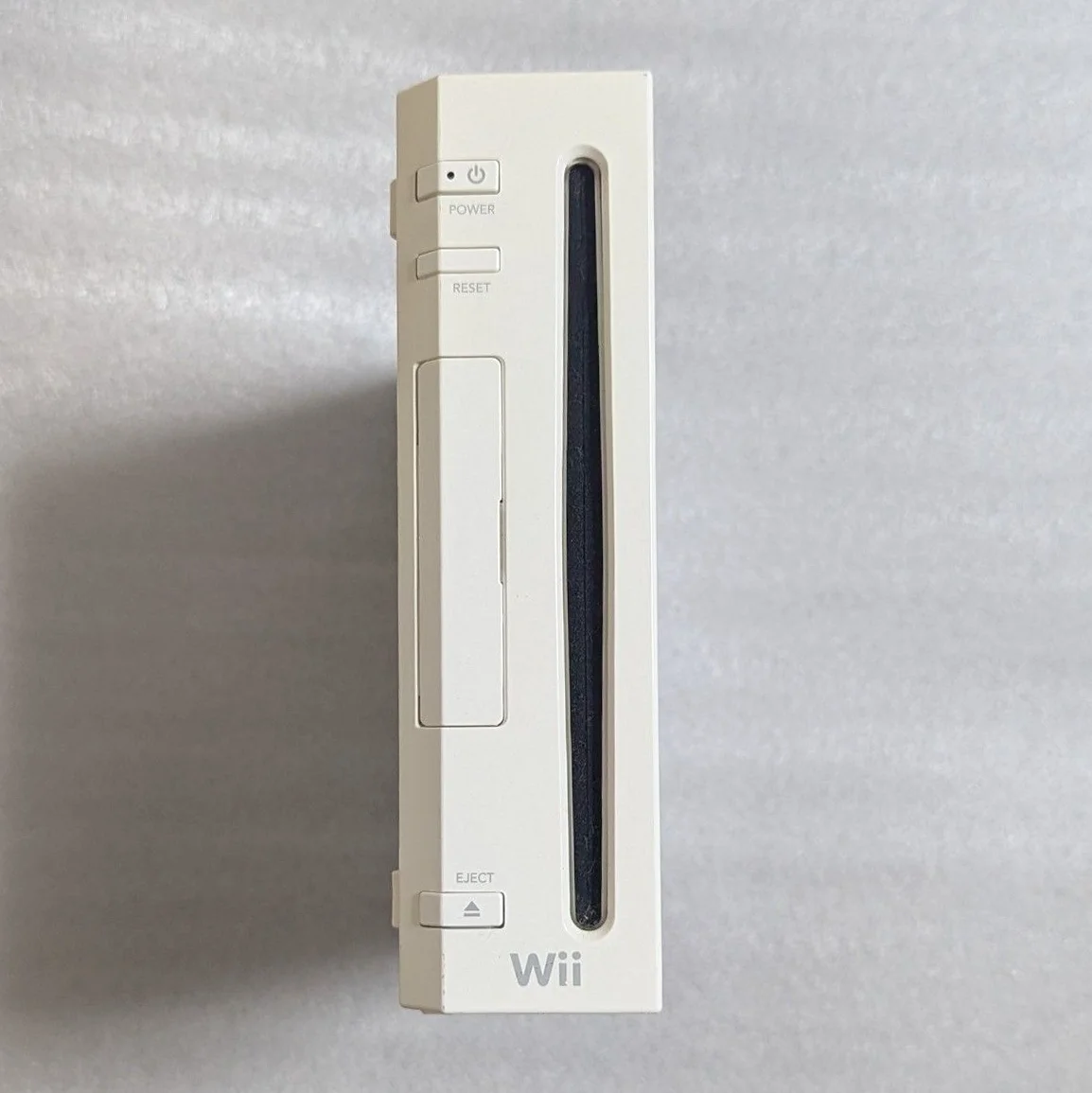
Your Wii controllers frequently disconnect, or you can't find them at all, and WiFi won't connect! Most frustrating is when controllers fail mid-game in "Wii Sports." Wii's wireless module design is unique—Bluetooth for controller connections, WiFi for network functions. Don't worry, most wireless issues can be repaired.
Required Tools
- Phillips screwdrivers, PH0 and PH00 sizes
- Tri-wing screwdriver (Y-type), Wii-specific
- Precision tweezers
- Multimeter with frequency testing capability
- Hot air station (needed for chip repair)
- Soldering iron and fine solder
- Isopropyl alcohol and cotton swabs
- Anti-static gloves and work mat
- Bluetooth testing equipment (optional)
- WiFi signal tester (optional)
Repair Steps
1. Safe Disassembly, Locate Wireless Modules
- Unplug all cables, note sensor bar position
- Remove all bottom screws (note hidden screws under rubber feet)
- Open shell, be especially careful with WiFi and Bluetooth antennas
- Locate wireless modules—two small modules on motherboard:
- Bluetooth Module: Usually marked BT or Bluetooth icon
- WiFi Module: Usually marked WiFi or wireless icon
- Note antenna connections—don't pull forcefully
2. Wireless Module Architecture Analysis
Wii wireless system includes: 1. Bluetooth Module: Broadcom BCM2042, handles controller connections 2. WiFi Module: Broadcom BCM4318, handles network connections 3. Antenna System: Two separate antennas for Bluetooth and WiFi 4. RF Circuitry: Filtering, amplification, matching circuits
3. System Diagnostic Process
Step 1: Basic Inspection
- Antenna Check: Verify antenna connections are secure
- Module Check: Inspect module appearance for damage
- Interface Check: Check module-to-motherboard connections
- Power Check: Measure module power supply voltage
Step 2: Bluetooth Problem Diagnosis
Common Bluetooth issues: 1. Controllers Completely Undetectable: Bluetooth module or power issues 2. Controllers Frequently Disconnect: Antenna or signal issues 3. Only Some Controllers Connect: Module or software issues 4. Short Connection Range: Antenna or power issues
Step 3: WiFi Problem Diagnosis
Common WiFi issues: 1. Completely No Network Detection: WiFi module or power issues 2. Weak Signal: Antenna or module issues 3. Frequent Disconnections: Module stability issues 4. Slow Connection Speed: Module or configuration issues
4. Antenna System Repair
Antenna Inspection:
- Bluetooth Antenna: Usually PCB antenna or wire antenna
- WiFi Antenna: Usually wire antenna with IPX connector
- Antenna Connectors: Check for oxidation, looseness
Antenna Repair:
- Clean Connectors: Clean antenna connectors with electronic cleaner
- Check Cables: Check antenna cables for breaks
- Replace Antenna: If damaged, purchase same-spec antenna
- Resolder: If PCB antenna, check solder joints
5. Module Power Supply Testing
Bluetooth Module Power:
- Supply Voltage: Typically 3.3V
- Current: Approximately 50-100mA during normal operation
- Test Points: Locate module VCC and GND pins
WiFi Module Power:
- Supply Voltage: Typically 3.3V
- Current: Approximately 100-200mA during normal operation
- Test Points: Locate module VCC and GND pins
Testing Method:
- Measure supply voltage with multimeter
- Check power filter capacitors
- Check power lines for breaks
- Check power management chip
6. Module Replacement Guide
If module is confirmed damaged:
Bluetooth Module Replacement:
- Purchase New Module: Broadcom BCM2042 or compatible model
- Remove Old Module: Carefully remove with hot air station
- Clean Pads: Remove residual solder
- Install New Module: Align position, solder securely
- Test Function: Test immediately after installation
WiFi Module Replacement:
- Purchase New Module: Broadcom BCM4318 or compatible model
- Remove Old Module: Carefully remove with hot air station
- Clean Pads: Remove residual solder
- Install New Module: Align position, solder securely
- Test Function: Test immediately after installation
7. Software Issue Troubleshooting
Sometimes issues are software, not hardware:
Bluetooth Software Issues:
- Sync Problems: Re-sync controllers
- Interference Issues: Check surrounding wireless devices
- Firmware Issues: Update Wii system version
- Configuration Issues: Check Bluetooth settings
WiFi Software Issues:
- Configuration Issues: Check WiFi settings
- Channel Issues: Try different WiFi channels
- Encryption Issues: Check encryption compatibility
- DNS Issues: Try manual DNS settings
Parts and Price Reference
| Required Part | Reference Price | Purchase Channel | Player Advice |
|---|---|---|---|
| Wii Bluetooth Module | ¥40-80 | Xianyu/Taobao | Buy used parts, ensure compatibility |
| Wii WiFi Module | ¥50-90 | Electronics market | Note model matching |
| Bluetooth Antenna | ¥15-30 | Repair tool shop | Original antenna works best |
| WiFi Antenna | ¥20-40 | Taobao | With IPX connector |
| Hot Air Station | ¥200-500 | Taobao | Needed for module replacement |
Wii Wireless Technical Details
🎮 Bluetooth Specifications
- Version: Bluetooth 2.0+EDR
- Frequency: 2.4GHz
- Connections: Up to 4 controllers simultaneously
- Power Consumption: Low-power design
- Range: Theoretical 10m, actual 5-8m
📶 WiFi Specifications
- Standard: 802.11b/g
- Frequency: 2.4GHz
- Encryption: WEP, WPA, WPA2
- Speed: 54Mbps theoretical, actual lower
- Function: Supports WiFi connection and WiiConnect24
🔧 Different Model Differences
- RVL-001: Full wireless functionality
- RVL-101: Simplified version, but same wireless functions
- Wii Mini: No WiFi function, Bluetooth only
Repair Tips and Precautions
⚠️ Safety Precautions
- ESD Protection: Wireless modules sensitive to static
- Antenna Safety: Don't bend or pull antennas
- Soldering Skills: BGA modules require professional equipment
- Testing Order: Test power first, then function
🔧 Professional Tips
- Signal Testing: Use phone app to test surrounding 2.4GHz signals
- Interference Check: Turn off other 2.4GHz devices for testing
- Module Heating: Apply localized heat to suspicious modules
- Substitution Test: Test with known-good module
Repair Difficulty: ★★★★☆
Estimated Time: 2-3 hours
Success Probability: 70% (antenna issues), 50% (module issues)
🎯 Wireless Enhancement Options
After repair, consider enhancements: 1. External Antenna: Modify with external antenna for stronger signal 2. WiFi Upgrade: Theoretically upgrade to 802.11n (requires hardware mod) 3. Bluetooth Enhancement: Add signal amplifier 4. Interference Avoidance: Use 5GHz WiFi to reduce interference
📊 Wireless Module Lifespan
- Bluetooth Module: Normal use 8-10 years
- WiFi Module: Normal use 7-9 years
- Antenna Lifespan: Almost permanent, unless physically damaged
- Common Failures: Connection issues start at 3-5 years
Player Insight: Wii's wireless technology was quite advanced for its time—Bluetooth controllers, WiFi networking, WiiConnect24 background downloads. Repairing wireless functions, reconnecting Wiimote controllers, experiencing wireless freedom—that feeling is great. Wii's motion games require stable wireless connections, worth careful maintenance.
Final Advice: If issues persist after module replacement, it might be motherboard problems. Wii wireless modules rarely fail alone—usually antenna or power issues. Troubleshoot patiently, your Wii can still serve for many years!
🔍 Advanced Diagnosis: Spectrum Analyzer
If you have professional equipment: 1. Spectrum Analysis: Check 2.4GHz band interference 2. Signal Strength: Measure Bluetooth/WiFi signal strength 3. Frequency Accuracy: Check module frequency accuracy 4. Modulation Quality: Check signal modulation quality
🛠️ Alternative Wireless Solutions
If original wireless can't be repaired: 1. USB Bluetooth Adapter: Requires softmod support 2. USB WiFi Adapter: Requires softmod support 3. Wired Controllers: Use Classic Controller or GameCube controller 4. Advantages: Plug-and-play, good compatibility 5. Disadvantages: Lose authentic experience