Nintendo DS Battery Replacement Complete Guide
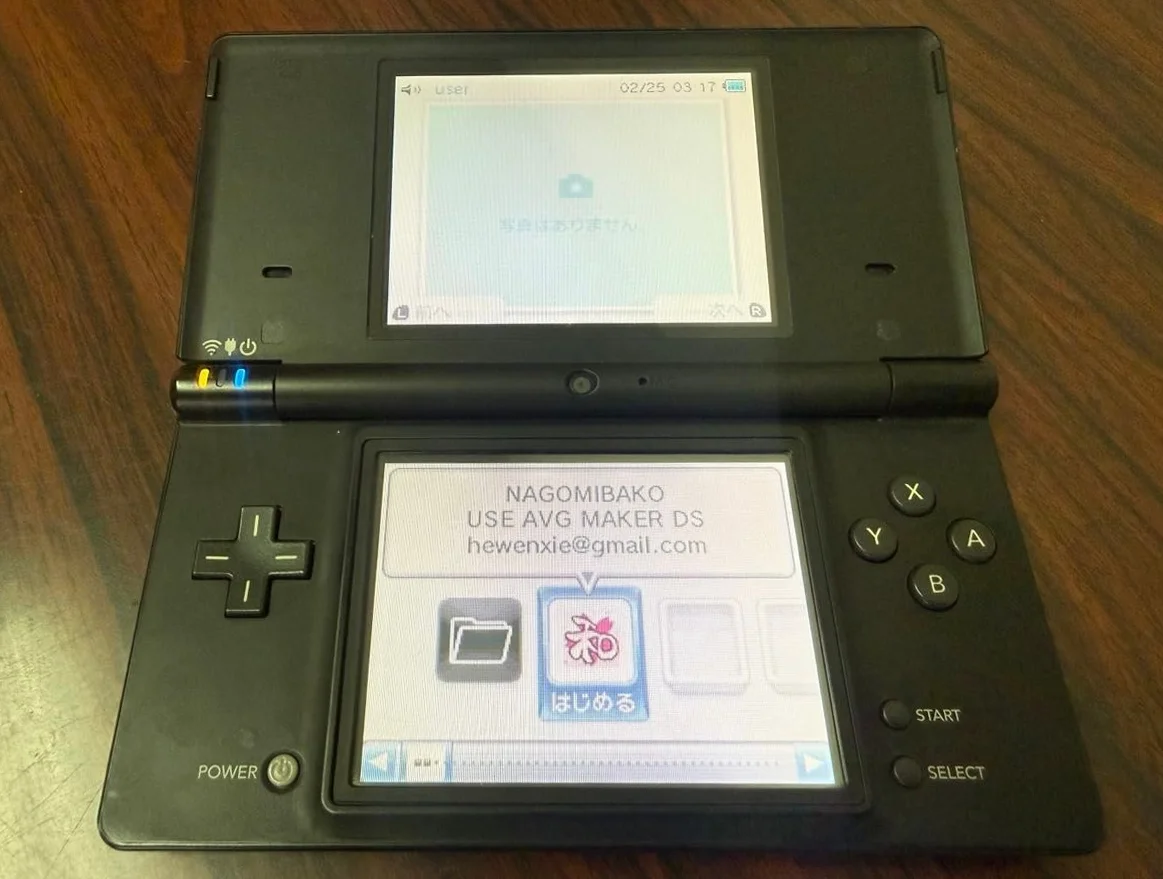
From a 20-year veteran technician in Akihabara
Your Nintendo DS battery is aging, lasts only an hour, takes forever to charge, and worst case—it's swollen, pushing the back cover open. That feeling when your Pokémon game shuts down suddenly, losing hours of progress? I get it.
Required Tools
Here's the standard setup from Akihabara repair shops:
- Precision screwdriver set: Japanese-made YATO YT-6991, needs Phillips screwdriver (PH00 size)
- Plastic spudger: For gently prying open the back cover
- Tweezers: For removing old battery
- Isopropyl alcohol: 99% purity, for cleaning battery contacts
- Cotton swabs: For cleaning small areas
- New Nintendo DS battery: OEM or compatible battery
- Multimeter: For measuring battery voltage
- Battery tester: For testing battery capacity (optional)
- Anti-static gloves: Safe operation
- Battery storage case: Safe storage for old battery
Detailed Repair Steps
I've been repairing Nintendo handhelds in Akihabara for 20 years. Follow this method, take your time.
Step 1: Safety Preparation
Battery repair has risks, safety first:
- Power off:
- Ensure Nintendo DS is completely powered down
-
Remove game cartridge
-
Remove old battery:
- Open battery compartment cover
- Remove old battery
-
Be extra careful if battery is swollen
-
Discharge handling:
- If battery still has charge, discharge slowly with resistor
- Or let battery discharge naturally for a few days
Step 2: Open Back Cover
Nintendo DS battery is inside the back cover:
- Remove back cover screws:
- Remove 6 Phillips screws from back cover
- Screws may have different lengths, mark them
-
Use PH00 size screwdriver
-
Separate back cover:
- Gently pry open edges with plastic spudger
- Note clip positions, don't use brute force
-
If there's adhesive, use heat gun on low temperature
-
Locate battery:
- Battery visible after opening back cover
- Battery connects to motherboard via connector
Step 3: Remove Old Battery
Handle carefully, avoid short circuits:
- Disconnect battery:
- Use plastic tool or fingernail to disconnect battery connector
-
Don't use metal tools, risk of short circuit
-
Remove old battery:
- Battery usually secured with adhesive
- Gently pry up with plastic spudger
-
If adhesive is strong, soften with isopropyl alcohol
-
Check battery condition:
- Check if battery is swollen
- Check for leakage
- Check if contacts are oxidized
Step 4: Cleaning and Preparation
Thorough cleaning before installing new battery:
- Clean battery compartment:
- Clean compartment with cotton swabs and isopropyl alcohol
- Clean battery contacts
-
Check for corrosion
-
Check connector:
- Check if battery connector is intact
- Check if pins are bent
-
Repair if needed
-
Prepare new battery:
- Check new battery voltage (should be around 3.7V)
- Check battery capacity (OEM 850mAh)
- Check manufacturing date
Step 5: Install New Battery
Proper installation is crucial:
- Connect battery:
- Insert new battery connector into motherboard
- Should hear click when properly connected
-
Don't use excessive force
-
Secure battery:
- Battery compartment usually has slots
- Place battery in correct position
-
Use adhesive if needed
-
Preliminary testing:
- Don't install back cover yet
- Power on to test if battery works
- Check if charging works normally
Step 6: Charging Test
New battery needs proper charging:
- Initial charge:
- Use original charger
- Charge for 8-12 hours
-
Don't use fast charging
-
Battery calibration:
- After full charge, completely discharge
- Charge fully again
-
Repeat 2-3 times to calibrate battery gauge
-
Performance test:
- Test battery life
- Normal use should be 4-6 hours
- If shorter, may be battery issue
Step 7: Final Assembly
Complete assembly after testing passes:
- Install back cover:
- Align all clips
-
Press gently into place
-
Install screws:
- Install screws in original positions
-
Don't overtighten
-
Final testing:
- Power on test
- Charging test
- Game running test
- Battery life test (1 hour)
Key Parameter Comparison Table
| Parameter | OEM Specification | Alternative Options | Japanese Market Price (Feb 2026) |
|---|---|---|---|
| OEM Battery | Nintendo original | Used parts | ¥2,000-3,500 |
| Compatible Battery | Chinese made | Various capacities | ¥1,000-2,000 |
| High-Capacity Battery | 1200mAh | Third-party brands | ¥1,500-2,500 |
| Battery Capacity | 850mAh | 1000-1200mAh | - |
| Battery Life | 4-6 hours | 5-8 hours (high capacity) | - |
| Complete Replacement | Includes battery and labor | Akihabara shops | ¥3,000-4,500 |
Veteran Technician's Advice
Running a shop in Akihabara for 20 years, customers often ask these questions. Let me answer them one by one.
Why Do Nintendo DS Batteries Age So Easily?
Three main reasons. First is time—20-year-old lithium batteries should have been replaced long ago. Second is usage habits—frequent deep discharges. Third is chargers—using non-OEM chargers can damage batteries.
What's the Difference Between OEM and Compatible Batteries?
OEM batteries: - Stable quality, high safety - Accurate capacity, no false labeling - Complete protection circuits - But expensive, may be hard to find
Compatible batteries: - Cheaper price - Easier to purchase - But quality varies - May have safety risks - Capacity may be falsely labeled
What to Do with a Swollen Battery?
Stop using immediately! Swollen batteries are dangerous, may catch fire or explode. Carefully remove battery, place in safe location. Don't puncture or squeeze. Take to specialized battery recycling point.
How to Extend New Battery Life?
I recommend avoiding deep discharges—charge when below 20%. Don't store at full charge for long periods. Use original charger. Avoid high temperature environments. Perform full charge-discharge cycle monthly to calibrate battery.
Repair Difficulty
Technical difficulty: two stars, relatively simple. Tool requirements: one star, basic tools suffice. Time cost: about 30-60 minutes. Success rate: very high, 95%+.
My Ultimate Advice
After 20 years in Akihabara, I've summarized these experiences:
- Safety first, be careful with battery operations
- Buy good batteries, poor quality batteries may damage the device
- Install correctly, align connectors properly
- Test thoroughly, both charging and discharging
- Replace regularly, lithium battery lifespan is 3-5 years
A few final words from the heart. The battery is the Nintendo DS's heart. Without reliable battery, even the best games can't be played for long. Many customers bring their DS for battery replacement because it has special meaning—maybe a gift from a first love, maybe a prize from a competition.
Remember, you're not just replacing a battery—you're restoring the power to keep playing. Take your time, you can do this.
References iFixit Replacing Nintendo DS Battery: https://zh.ifixit.com/Guide/Replacing+Nintendo+DS+Battery/1297 Japanese Nintendo Repair Community Akihabara Used Console Repair Shop Technical Sharing Lithium Battery Safety Usage Guide