PlayStation Vita Rear Panel Replacement Complete Guide
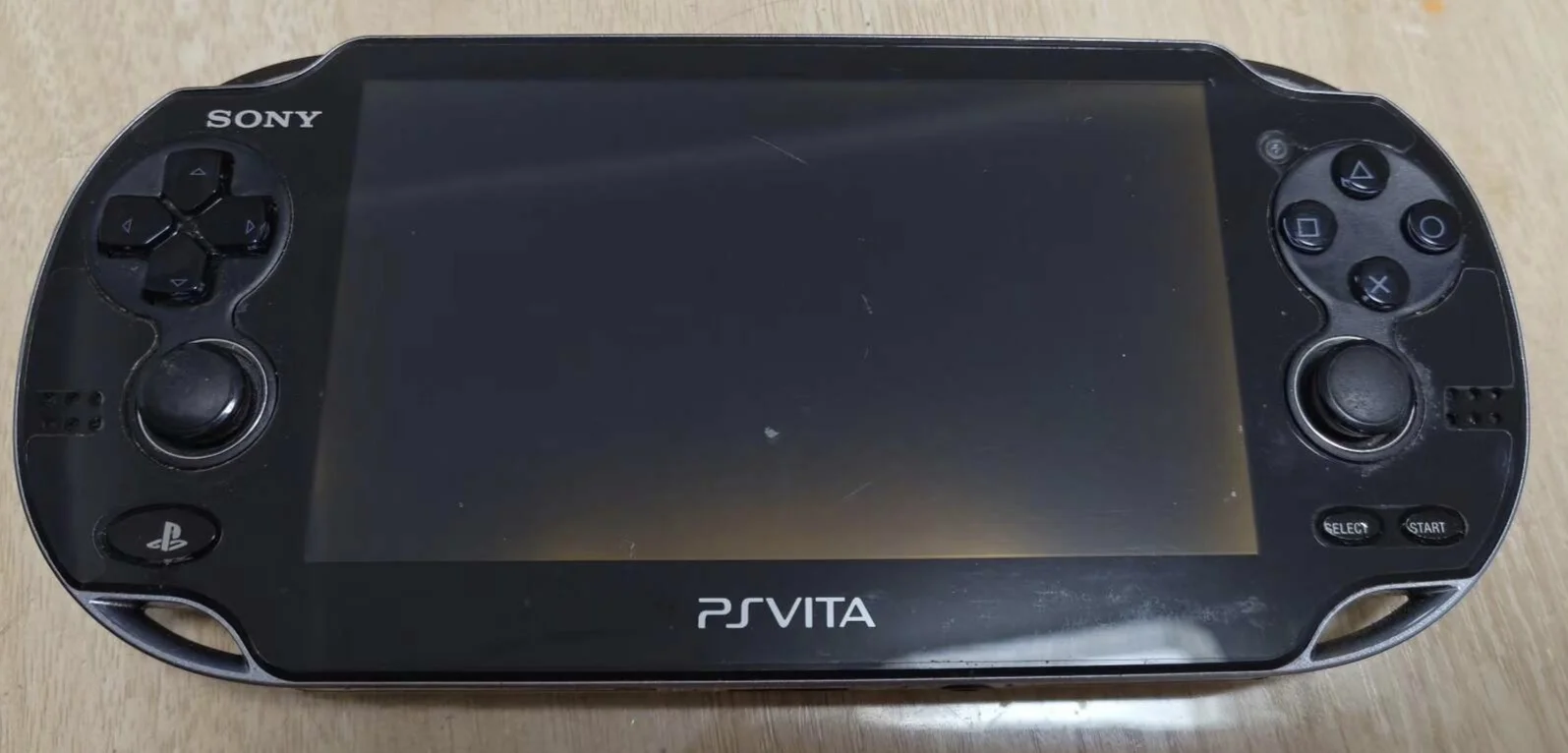
Overview
Oh no! My PSV rear panel cracked! Accidentally dropped from table yesterday, "crack" sound broke my heart! Now that狰狞 crack on rear panel mocks my carelessness. What's worse, crack right at clip位置, rear panel loose and wobbly, feels随时会掉下来! Every time holding it担心,生怕内部零件掉出来. How to game安心? Should I tape it up like破烂? No way! Today I must give my PSV 'new clothes' and restore its shine!
Required Tools
- Phillips screwdriver (PH00)
- Plastic spudger
- New PS Vita rear panel
- Anti-static wrist strap (recommended)
Safety Precautions
- Power Off: Ensure PS Vita is completely powered down
- ESD Protection: Be mindful of static electricity in dry environments
- Clip Care: The rear panel has multiple plastic clips—handle gently
- Touchpad Protection: 1000 series rear panels have touch functionality—handle with extra care
Step-by-Step Instructions
Step 1: Preparation
- Completely power down the PS Vita
- Remove all external accessories
- Lay a soft cloth on your work surface
Step 2: Remove Old Rear Panel
PS Vita 1000 Series
- Locate the seam along the rear panel edge
- Use plastic spudger to start prying from a corner
- Slowly work along the edge, releasing all clips
- Once all clips are released, gently remove the rear panel
- Important: The rear panel has a ribbon cable connected to the motherboard—don't pull forcefully
PS Vita 2000 Series
- Remove screws from the rear panel
- Use plastic spudger to gently pry open the rear panel
- Note clip positions to avoid damage
- Carefully remove the rear panel
Step 3: Disconnect Cable (1000 Series)
- Locate the rear panel ribbon cable connector
- Use plastic spudger to gently lift the cable lock
- Carefully remove the rear panel ribbon cable
- Completely remove the old rear panel
Step 4: Install New Rear Panel
PS Vita 1000 Series
- Connect the new rear panel ribbon cable
- Align the new rear panel with the console body
- Start alignment from the top, ensuring all clip positions are correct
- Gently press until you hear a "click" indicating clips are engaged
- Apply even pressure along the edges to ensure all clips are secured
PS Vita 2000 Series
- Align the new rear panel with the console body
- Gently press to ensure all clips are engaged
- Replace and tighten screws
- Avoid over-tightening screws
Step 5: Function Testing
1000 Series Testing
- Power on and test rear touchpad functionality
- Test multi-touch capability
- Test touch accuracy
General Testing
- Check for gaps between rear panel and console body
- Verify all clips are fully engaged
- Check for smooth, even appearance
Repair Difficulty: ★☆☆☆☆ (Easy) Time Required: 15-30 minutes Success Probability: 95%+