PlayStation Vita Speaker Replacement Complete Guide
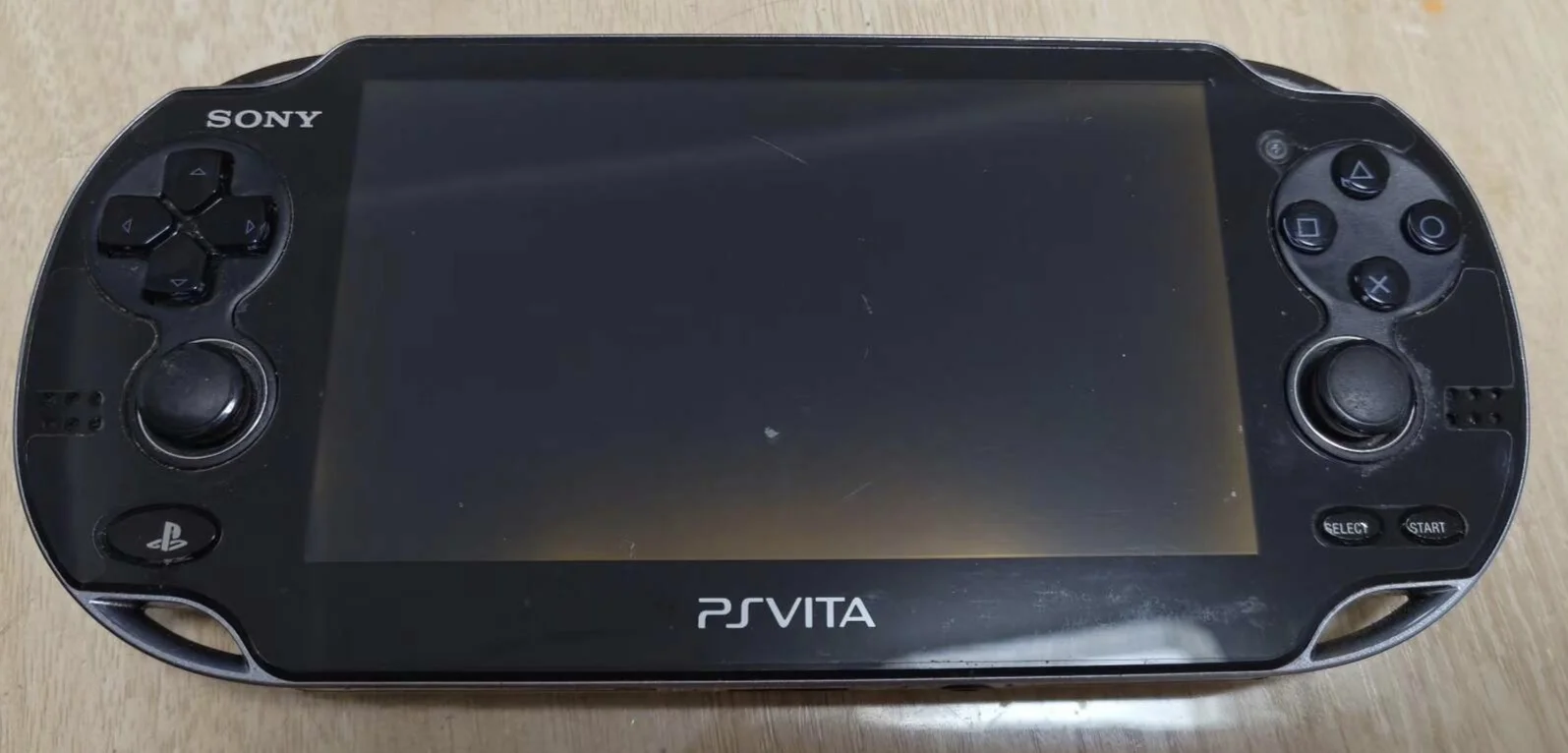
Overview
Deaf! My PSV speakers are mute! Playing Uncharted can't hear Drake's classic lines, watching anime no character voices, completely 'silent film era'! What's worse, left channel completely silent, right channel screeches like broken cymbals! Now gaming全靠 guessing, videos全靠 subtitles, will my PSV be 'voiceless' forever? No way! Today I must give my PSV 'heavenly voice' and restore its sound!
Required Tools
- Phillips screwdriver (PH00)
- Plastic spudger
- Tweezers
- New PS Vita speaker module
- Anti-static wrist strap (recommended)
Safety Precautions
- Power off: Ensure PS Vita is completely powered down
- Static protection: Discharge static electricity before handling
- Careful with flex cables: Speaker flex cables are fragile—handle gently
- Dust protection: Prevent dust from entering speaker openings
Step-by-Step Instructions
Step 1: Remove Back Panel
- Remove back panel according to model
- Carefully remove back panel
Step 2: Complete Power Disconnect
- Locate battery connector
- Disconnect battery
- Ensure device is completely powered down
Step 3: Access Speakers
- Speakers are located on both sides of device
- Left and right speakers are typically independent
- May need to remove some framework
- Expose speaker modules
Step 4: Remove Old Speakers
- Locate speaker flex cable connectors
- Use tweezers to gently lift flex cable latches
- Carefully remove speaker flex cables
- Remove screws or clips securing speakers
- Remove old speaker modules
Step 5: Install New Speakers
- Place new speakers into installation positions
- Note orientation (usually marked)
- Secure speaker modules
- Connect speaker flex cables
- Ensure cables are fully inserted and latches locked
Step 6: Testing & Reassembly
- Temporarily connect battery to test speaker function
- Test left/right channel balance
- Test different volume levels
- Reassemble all components
- Install back panel
Functional Testing
- Mono testing: Test left and right speakers individually
- Stereo testing: Test stereo effect
- Volume testing: Test all volume levels
- Sound quality testing: Test high, mid, and low frequency performance
- Game testing: Test audio in actual gameplay
Repair Difficulty: ★★☆☆☆ (Medium) Required Time: 30-45 minutes