Nintendo Entertainment System Power Supply Repair Complete Guide
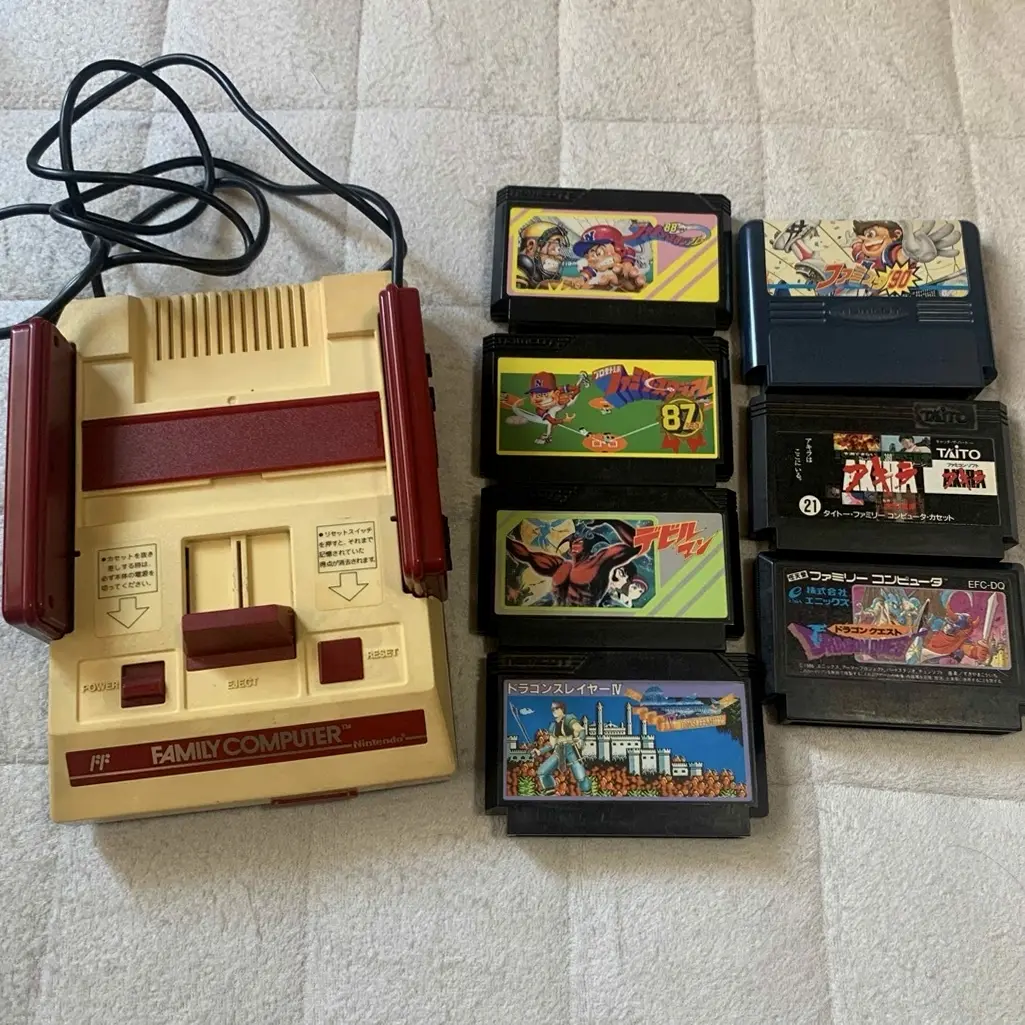
20-year veteran technician from Akihabara shares his expertise
Your NES won't turn on, the power light doesn't light up, or there's interference in the picture. It suddenly shuts down in the middle of a game, losing all your progress. Worst of all, power supply failure can damage the motherboard - I understand that risk.
Tools Required
This is the standard setup in Akihabara repair shops:
- Multimeter: For measuring voltage, current, resistance
- Soldering iron: Hakko FX-888D, set to 350°C
- Solder: Senju lead-free solder, 0.8mm thickness
- Desoldering pump/braid: For cleaning pads
- Capacitor kit: Various electrolytic capacitor sizes
- Diodes and rectifier bridge: Power rectification components
- 7805 voltage regulator: 5V regulator IC
- Fuse: 250V 1A slow-blow fuse
- Isopropyl alcohol: 99% purity for cleaning boards
- Magnifying lamp: For reading component markings
- Anti-static gloves: For safe operation
- Variable power supply: For testing output (optional)
- Oscilloscope: For checking ripple (professional equipment)
Detailed Repair Steps
After 20 years of repairing Nintendo consoles in Akihabara, I've perfected this method. Follow along, take your time.
Step 1: Safety Preparation
Power supply repair involves high voltage - safety first:
- Complete power down and discharge:
- Unplug power cord
- Press power switch multiple times to discharge residual charge
-
Wait 10 minutes for capacitors to discharge
-
Open NES shell:
- Remove 6 screws from bottom
- Gently lift top cover
-
Place on anti-static mat
-
Locate power board:
- NES power supply is on right side of motherboard
- Separate power board
- Connected to motherboard via connector
Step 2: Power Supply Diagnosis
First determine problem type:
- Visual inspection:
- Check if fuse is blown
- Check capacitors for bulging/leaking
-
Look for burn marks on components
-
Voltage testing:
- Test power input: AC 100V (Japan)
- Test rectified voltage: DC ~12V
-
Test regulated voltage: DC 5V
-
Problem type determination:
- No output at all: Fuse, rectifier bridge, transformer failure
- Low voltage: Capacitor aging, regulator chip failure
- Unstable voltage: Filter capacitor failure
- Interference: Poor filtering, grounding issues
Step 3: Fuse Replacement
If fuse is blown:
- Remove old fuse:
- NES uses 250V 1A slow-blow fuse
- Remove with soldering iron
-
Clean pads
-
Check for short circuit:
- Blown fuse usually indicates short circuit
- Check if rectifier bridge is shorted
-
Check if capacitors are shorted
-
Install new fuse:
- Use same specification fuse
- Note fuse orientation
- Solder securely
Step 4: Capacitor Replacement
Capacitor aging is most common issue:
- Identify key capacitors:
- C1, C2: Input filter capacitors, 100μF/16V
- C3, C4: Rectifier filter capacitors, 470μF/16V
-
C5, C6: Output filter capacitors, 100μF/10V
-
Capacitor testing:
- Measure capacitance with multimeter
- Test ESR (Equivalent Series Resistance)
-
Check for leakage
-
Replacement steps:
- Remove old capacitors with soldering iron
- Clean pads
- Solder new capacitors, note polarity
Step 5: Rectifier Bridge Repair
If rectifier bridge is damaged:
- Rectifier bridge inspection:
- NES uses 4 diodes forming rectifier bridge
- Or uses integrated bridge rectifier
-
Test forward voltage drop of each diode
-
Diode replacement:
- Use 1N4007 or equivalent
- Note diode orientation
-
Solder securely
-
Integrated bridge replacement:
- Use KBU bridge rectifier
- Note pin correspondence
- Ensure adequate heat dissipation
Step 6: 7805 Voltage Regulator
5V regulation is critical:
- 7805 chip inspection:
- Input pin: ~12V
- Output pin: 5V±0.25V
-
Ground pin: 0V
-
Chip testing:
- Test input/output voltage
- Test chip temperature (shouldn't be hot)
-
Test load regulation
-
Chip replacement:
- Use TO-220 package 7805
- Note pin order: Input, Ground, Output
- May need heat sink
Step 7: Transformer Check
If above are normal, check transformer:
- Transformer testing:
- Test primary coil resistance: ~tens of ohms
- Test secondary coil resistance: ~few ohms
-
Test insulation between coils
-
Transformer replacement:
- NES transformer spec: 100V→9V AC
- Power: ~10W
-
Note pin correspondence
-
Safety isolation:
- Transformer provides safety isolation
- Ensure insulation is intact
- Avoid high voltage hazards
Step 8: Assembly Testing
- Preliminary testing:
- Test without connecting motherboard first
- Test no-load voltage
-
Test load capability
-
Connection testing:
- Connect motherboard and test
- Test power-on function
-
Test game operation
-
Stability testing:
- Continuous operation for 3 hours
- Test temperature is normal
- Test voltage stability
Key Parameter Comparison Table
| Parameter | Genuine Spec | Alternative | Japan Market Price (Feb 2026) |
|---|---|---|---|
| Fuse | 250V 1A slow-blow | Same spec | ¥100-200 each |
| Filter Capacitors | 470μF/16V | Nichicon or Rubycon | ¥200-400 each |
| Rectifier Diodes | 1N4007 | 1N4001-1N4007 | ¥50-100 each |
| 7805 Regulator | LM7805 | MC7805 or other brands | ¥300-500 each |
| Transformer | 100V→9V 10W | Custom or compatible | ¥2,000-3,500 |
| Complete Repair | Includes all components | Akihabara shops | ¥3,000-5,000 |
Veteran Technician's Advice
After 20 years in Akihabara, customers always ask these questions. Let me answer them one by one.
Why do NES power supplies fail so often?
Three main reasons. First is capacitor aging - 40-year-old electrolytic capacitors should have been replaced long ago. Second is simple design - no overvoltage/overcurrent protection. Third is usage environment - humidity and dust accelerate damage.
Can I use modern switching power supply?
Yes, but not recommended. Modern switching supplies are efficient but may introduce high-frequency interference. Original linear supplies, while less efficient, have lower ripple and are more console-friendly. If modifying, ensure clean output.
Can power supply failure damage motherboard?
Possibly. If regulation fails, high voltage may enter motherboard, damaging chips. If filtering is poor, ripple may interfere with video signal. Timely repair is important.
How to prevent power supply failure?
I recommend using voltage-regulated outlet. Avoid frequent power cycling. Regularly clean ventilation holes. Don't use continuously for long periods. Check power cord condition.
Repair Difficulty
Technical difficulty: ★★★★☆ (Requires electronics knowledge)
Tool requirements: ★★★★☆ (Professional tools needed)
Time cost: Approximately 2-3 hours
Success rate: High, over 90%
My Ultimate Advice
After 20 years in Akihabara, I've learned these lessons:
- Safety first - be careful with high voltage operation
- Diagnose before acting - use multimeter for thorough check
- Replace all capacitors - 40-year-old capacitors aren't worth keeping
- Test comprehensively - both no-load and loaded testing
- Prevention is key - proper use extends lifespan
Let me share some final thoughts. The power supply is the lifeline of the NES. Without stable power, even the best games can't be played. Many customers bring their NES for power repair because it has special meaning. Maybe inherited from father, maybe a childhood companion.
Remember, you're not just repairing a power supply - you're restoring the game's power. Take your time, you can do it.
References
Japanese Nintendo Repair Community
Akihabara Used Console Repair Shop Technical Sharing
Linear Power Supply Principles and Repair
7805 Voltage Regulator Datasheet