PSP Go Trigger Buttons Replacement Complete Guide
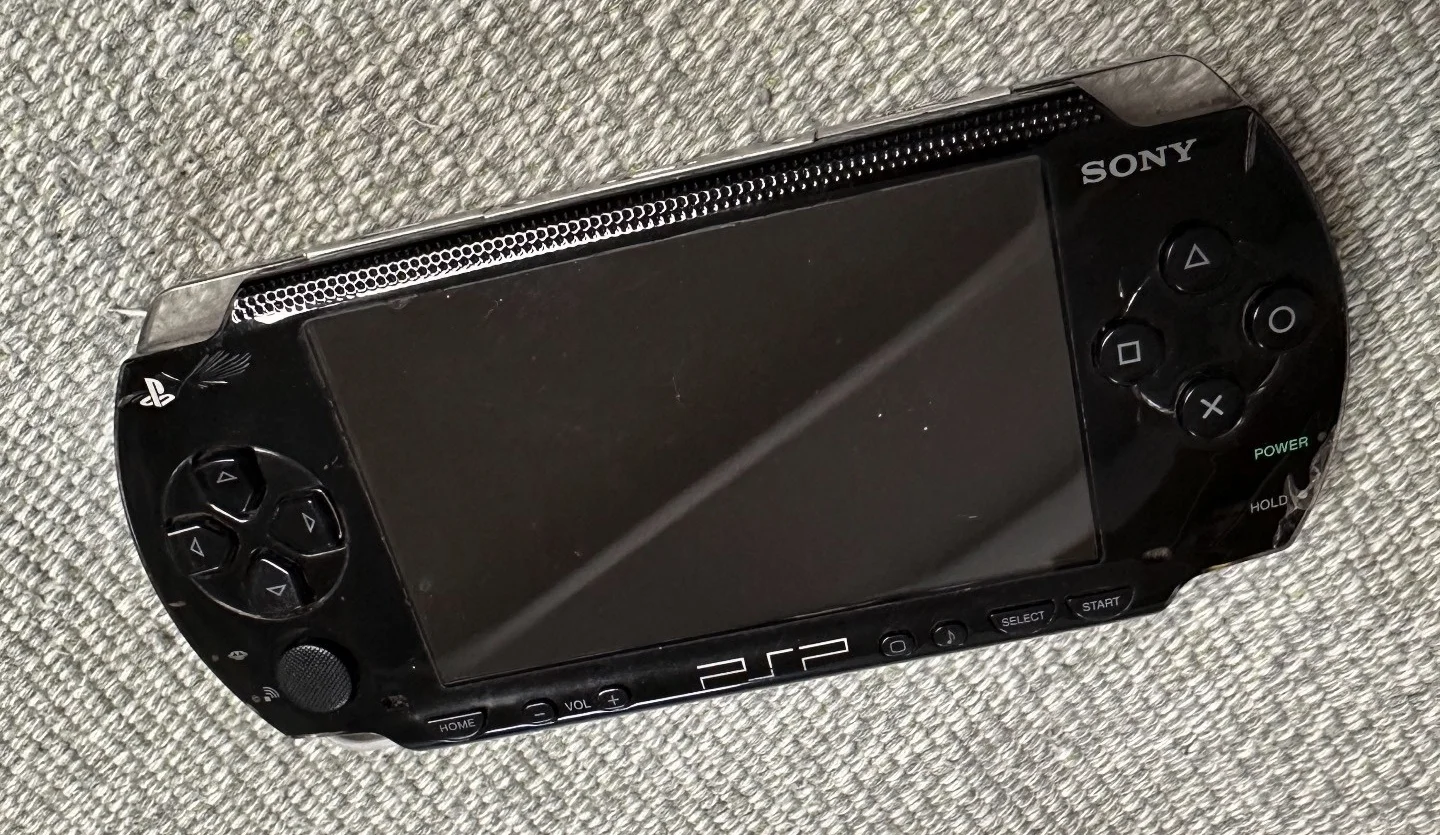
PSP 1000 Black Console
Overview
Fuming! PSP Go trigger buttons are stuck! Playing God of War, press L to block but Kratos just stupidly takes damage; playing Ridge Racer, press R for nitro boost but car crawls like a snail! Now trigger buttons won't spring back after pressing, have to dig them out with fingernails! What's worse, sometimes they auto-fire continuously, character twitches like having a seizure! Should I glue them shut? No way! Today I must give my PSP Go 'sensitive triggers' and restore its shooting thrill!
Required Tools
- Phillips screwdriver (PH00)
- Plastic spudger
- Tweezers
- New PSP Go trigger button set (L and R buttons)
- Anti-static wrist strap (recommended)
Safety Precautions
- Power off: Ensure PSP Go is completely powered off
- Static protection: Discharge static before operation
- Spring caution: Trigger buttons contain springs—prevent spring loss during disassembly
- Ribbon care: Note ribbons connected to trigger buttons
Trigger Button Structure Analysis
Physical Structure
- Button cap: User-pressed part
- Spring: Provides rebound force
- Microswitch: Detects button press
- Mounting bracket: Fixes button position
- Ribbon: Connects to motherboard
Button Functions
- L button: Left trigger, commonly used for aiming, braking, etc.
- R button: Right trigger, commonly used for shooting, acceleration, etc.
Step-by-Step Procedure
Step 1: Remove Rear Cover
- Place PSP Go face down
- Remove 4 screws from rear cover
- Gently pry open rear cover with plastic spudger
- Carefully remove rear cover
Step 2: Disconnect Battery
- Locate battery connector
- Disconnect battery with plastic spudger
- Ensure device completely powered off
Step 3: Partially Remove Motherboard
- Remove screws securing motherboard
- Gently lift motherboard, don't remove completely
- Expose trigger button connection area
- Avoid pulling ribbons
Step 4: Access Trigger Buttons
Method A: Access from Top Cover Side
- If needed, remove part of top cover
- Expose trigger button installation position
- Note springs may pop out—have container ready
Method B: Access from Inside
- Remove relevant internal framework
- Expose trigger button mechanism
- Operate carefully to avoid damaging other components
Step 5: Remove Old Trigger Buttons
L Button Removal
- Locate L button mounting screws or clips
- Remove mounting components
- Spring caution: Slowly release spring pressure
- Remove L button assembly
- Disconnect L button ribbon (if present)
R Button Removal
- Locate R button mounting screws or clips
- Remove mounting components
- Spring caution: Slowly release spring pressure
- Remove R button assembly
- Disconnect R button ribbon (if present)
Step 6: Clean Installation Area
- Clean button installation area with cotton swabs
- Check microswitch condition
- Clean springs and tracks
- Ensure installation area clean
Step 7: Install New Trigger Buttons
L Button Installation
- Connect L button ribbon (if present)
- Install spring to correct position
- Place L button in installation position
- Secure L button assembly
- Test spring rebound
R Button Installation
- Connect R button ribbon (if present)
- Install spring to correct position
- Place R button in installation position
- Secure R button assembly
- Test spring rebound
Step 8: Preliminary Testing
- Temporarily connect battery
- Power on, test L and R button functions
- Test button feel and rebound
- Check for sticking
Step 9: Reassemble
- Install all internal framework
- Install motherboard, connect all ribbons
- Connect battery
- Install rear cover
- Tighten all screws
Functional Testing
Individual Button Testing
- L button test: Press test response, rebound, and travel
- R button test: Press test response, rebound, and travel
Simultaneous Press Testing
- L+R simultaneous: Test both trigger buttons pressed together
- Rapid alternation: Test rapid alternating L and R presses
Game-Specific Testing
- Shooting games: Test aiming (L) and shooting (R) functions
- Racing games: Test braking (L) and acceleration (R) functions
- Action games: Test combination button functions
- Long press: Test functions requiring long press in games
Feel Testing
- Travel test: Test button press travel consistency
- Force test: Test required pressing force
- Rebound test: Test rebound speed after release
- Sound test: Test button sound normalcy
Common Issues and Solutions
Issue 1: Button unresponsive
- Possible cause: Microswitch damage or ribbon issues
- Solution: Check microswitch, check ribbon connections
Issue 2: Weak rebound
- Possible cause: Spring fatigue or improper installation
- Solution: Replace spring, reinstall
Issue 3: Button sticking
- Possible cause: Button cap wrong size or track obstruction
- Solution: Check button cap size, clean tracks
Issue 4: Inconsistent feel
- Possible cause: Different spring strength between L/R or installation differences
- Solution: Use same specification springs, ensure consistent installation
Trigger Button Maintenance
Daily Maintenance
- Regular cleaning: Use compressed air to clean around buttons
- Avoid liquids: Prevent liquid entry into button mechanism
- Proper use: Don't press with excessive force
- Dust protection: Use protective case to prevent dust entry
Performance Optimization
- Spring maintenance: Regularly check spring condition
- Track lubrication: Use minimal PTFE lubricant if needed
- Microswitch inspection: Regularly check microswitch function
Parts Selection
OEM Parts Characteristics
- Precise molding: Perfect fit for PSP Go
- Quality springs: Moderate rebound force, long lifespan
- Reliable microswitches: Quality microswitches
Compatible Parts Selection
- Set purchase: Recommend buying L+R button set
- Spring quality: Check spring material and strength
- Microswitches: Ensure microswitch quality reliable
Professional Repair Techniques
Spring Handling Techniques
- Disassembly technique: Disassemble in enclosed space to prevent spring loss
- Installation technique: Use tweezers to assist spring installation
- Testing technique: Test spring condition with multiple presses after installation
Microswitch Handling
- Soldering technique: If replacing microswitch, control soldering temperature and time
- Testing technique: Test microswitch function with multimeter
- Replacement technique: Choose microswitches with same specifications
Different Game Type Requirements
Shooting Games
- Requirements: Quick response, precise triggering
- Maintenance: Good microswitch condition needed
Racing Games
- Requirements: Linear control, long presses
- Maintenance: Good spring and track condition needed
Action Games
- Requirements: Combination buttons, rapid presses
- Maintenance: Comprehensive button function needed
Sports Games
- Requirements: Rhythm control, timely presses
- Maintenance: Consistent feel needed
Fault Diagnosis Process
Step 1: Symptom Analysis
- Determine specific problem (which button fails, what symptoms)
- Analyze possible causes
- Develop repair plan
Step 2: Preliminary Check
- External button condition check
- Test each trigger button function
- Determine if internal repair needed
Step 3: Deep Repair
- Follow this guide for repair
- Replace damaged components
- Comprehensive function testing
Cost-Benefit Analysis
Repair Costs
- OEM trigger button set: ¥60-120
- Compatible trigger button set: ¥30-80
- Individual microswitch: ¥10-30 each
- Individual spring: ¥5-15 each
- Repair time: 40-70 minutes
Repair Value
- Gaming experience: Restore important gaming control functions
- Device function: Maintain complete device function
- Usage comfort: Improve button feel
- Problem prevention: Prevent minor issues affecting other components
Summary
Replacing PSP Go trigger buttons is a technically demanding repair task, mainly challenging due to spring handling and precise installation. Correct replacement restores important gaming control functions, significantly improving gaming experience. Follow this guide's steps, pay special attention to spring safety handling, and experienced users can successfully complete replacement.
Repair difficulty: ★★★☆☆ (Moderately difficult)
Time required: 40-70 minutes
Success probability: 85%+
Note: Trigger button repair involves springs and precision mechanisms. If lacking experience or concerned about spring handling, seek professional help. Improper disassembly may cause spring loss or damage, increasing repair difficulty.
Spring safety reminder: When disassembling trigger buttons, operate in relatively enclosed space or have container ready to catch potentially popping springs. Lost springs are difficult to replace.