PlayStation Vita SIM Card Replacement Complete Guide
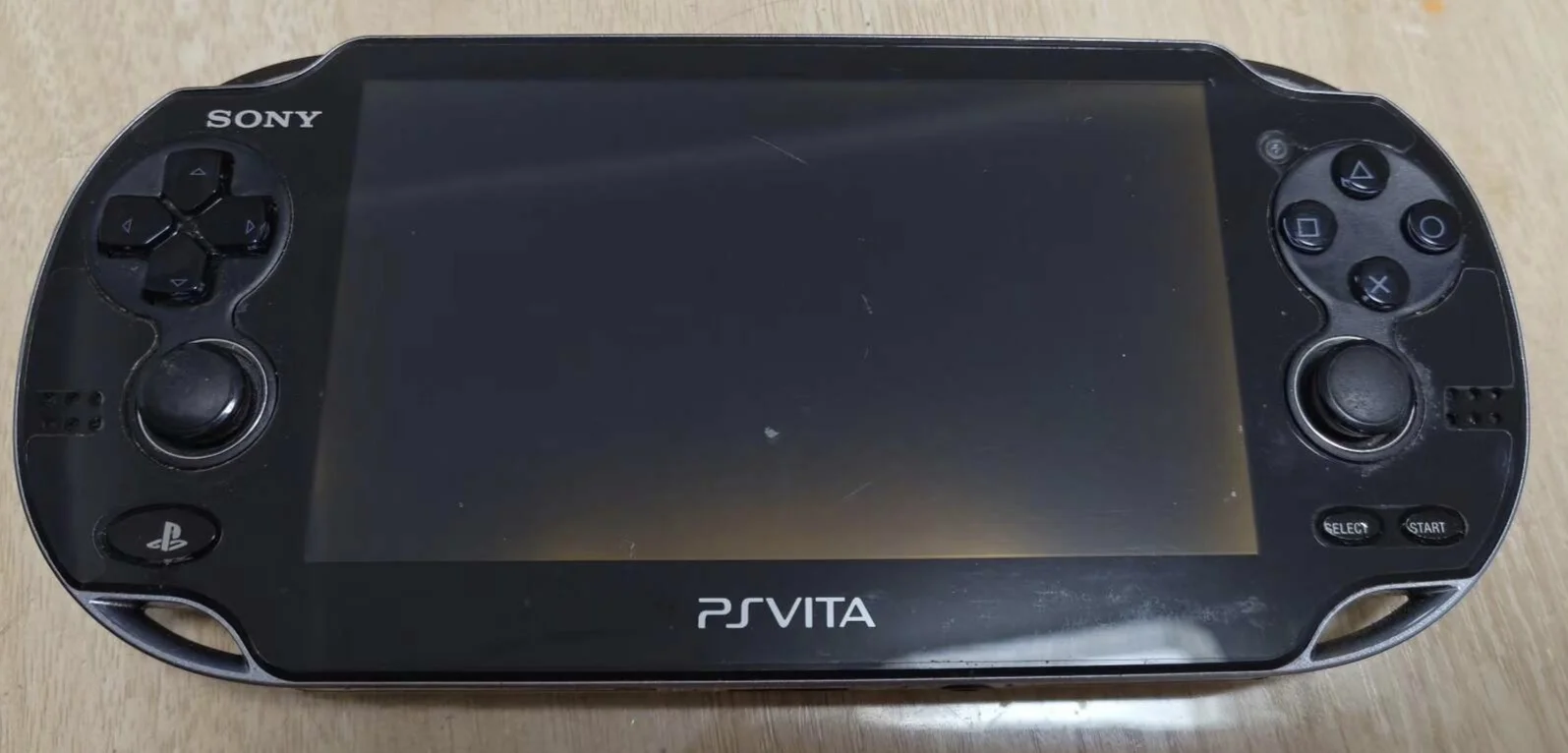
Overview
Crash! My PSV SIM card broken! Out and about want to use 3G network, but PSV shows "SIM card error", even though it's newly issued card! Tried restarting, reinserting, changing slots, still won't recognize! Now 3G function completely dead, only works as WiFi version, wasted money on 3G model! What's worse, old card contacts all lost, new card unusable! Should my 3G PSV be decoration forever? No way! Today I must give my PSV 'new SIM card' and restore mobile network capability!
Required Tools
- SIM card eject tool or paperclip
- New standard SIM card
- Carrier activation information (if needed)
Safety Precautions
- Power off operation: Recommended to power off before SIM card replacement
- ESD protection: SIM cards are sensitive to static electricity
- Correct orientation: Pay attention to SIM card insertion direction
- No force: If insertion is difficult, don't force it
SIM Card Specifications
Supported Types
- Card type: Standard SIM card (25×15mm)
- Not supported: Micro SIM, Nano SIM
- Adapters: Can use adapters but may cause poor contact
Carrier Support
- 3G networks: Supports UMTS/HSPA networks
- Carriers: Supports most carrier 3G networks
- Unlocking: May need unlocking for other carriers
- International roaming: Supports international roaming (may require setup)
Detailed Steps
Step 1: Preparation
- Completely power down PS Vita (recommended but not mandatory)
- Prepare new standard SIM card
- Ensure SIM card is activated (if needed)
- Prepare SIM card eject tool or paperclip
Step 2: Locate SIM Card Slot
PS Vita 1000 Series (3G Models)
- SIM card slot located at top of device
- Small hole for ejection
- May have "SIM" marking nearby
PS Vita 2000 Series (Wi-Fi Only Models)
- Note: Wi-Fi models have no SIM card slot
- Only 3G models support SIM cards
- Confirm device is 3G model
Step 3: Eject Old SIM Card
- Insert eject tool or paperclip into small hole
- Press gently until SIM card tray ejects
- Carefully pull out SIM card tray
- Remove old SIM card
Step 4: Install New SIM Card
- Place new SIM card into tray
- Note orientation: SIM card notch should match tray notch
- Ensure SIM card lies flat in tray
- Don't force it, should sit naturally
Step 5: Reinsert Tray
- Align tray with slot
- Gently push in until it clicks
- Ensure tray flush with device body
- Don't use excessive force
Step 6: Power On and Test
- Power on and enter system
- System will automatically detect SIM card
- May need to enter PIN (if set)
- Wait for network registration
Function Testing
Basic Testing
- SIM card recognition: Check if system recognizes SIM card
- Network registration: Check if registered to mobile network
- Signal strength: Check signal strength indicator
- Carrier display: Check if correct carrier displayed
Network Testing
- Data connection: Test mobile data connection
- Web browsing: Test web page access
- Online functions: Test PSN and other online services
- Speed test: Test network speed
Calls and SMS (If Supported)
- Note: PS Vita does not support voice calls or SMS
- Data only: Only mobile data services supported
- Special apps: May support VoIP applications
Common Issues & Solutions
Issue 1: SIM Card Not Recognized
- Possible cause: SIM card wrong orientation or damaged
- Solution: Reinsert, check SIM card
Issue 2: No Network Signal
- Possible cause: SIM card not activated or no coverage
- Solution: Contact carrier, check coverage
Issue 3: Need Unlocking
- Possible cause: Device locked to specific carrier
- Solution: Contact original carrier for unlocking
Issue 4: Network Settings
- Possible cause: Need to configure APN settings
- Solution: Manually configure APN (if needed)
Maintenance Recommendations
SIM Card Care
- Avoid bending: SIM cards are fragile, don't bend
- Clean contacts: Regularly clean SIM card metal contacts
- ESD protection: Be mindful of static electricity in dry environments
- Backup data: SIM cards may store contacts (but PS Vita doesn't read them)
Usage Recommendations
- International travel: Confirm roaming settings before traveling abroad
- Plan selection: Choose appropriate data plan
- Signal optimization: Use in areas with good signal
- Battery management: 3G connection consumes more power, monitor battery
Summary
Replacing the PlayStation Vita SIM card is a simple operation, but requires attention to SIM card orientation and device network settings. Proper replacement allows you to enjoy network services on the go, play online games, and access PSN Store.
Operation Difficulty: ★☆☆☆☆ (Very Easy) Required Time: 5-10 minutes Success Rate: 95%+
Note: Only PlayStation Vita 3G models support SIM cards. Wi-Fi models have no SIM card slot. Recommended to backup important data before SIM card replacement (though PS Vita doesn't store data on SIM card).
Compatible Models: PlayStation Vita 3G models (PCH-1101, PCH-1102, PCH-1103)